Come or arrange delivery WordPress Theme


Edit Template Offline
2. Create new page and search for id 6083112
Edit Template Online
Create Awesome Websites


Free Nicepage Builder
Keywords
Permanent contact content leaves room for ongoing customer updates
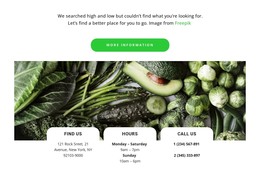
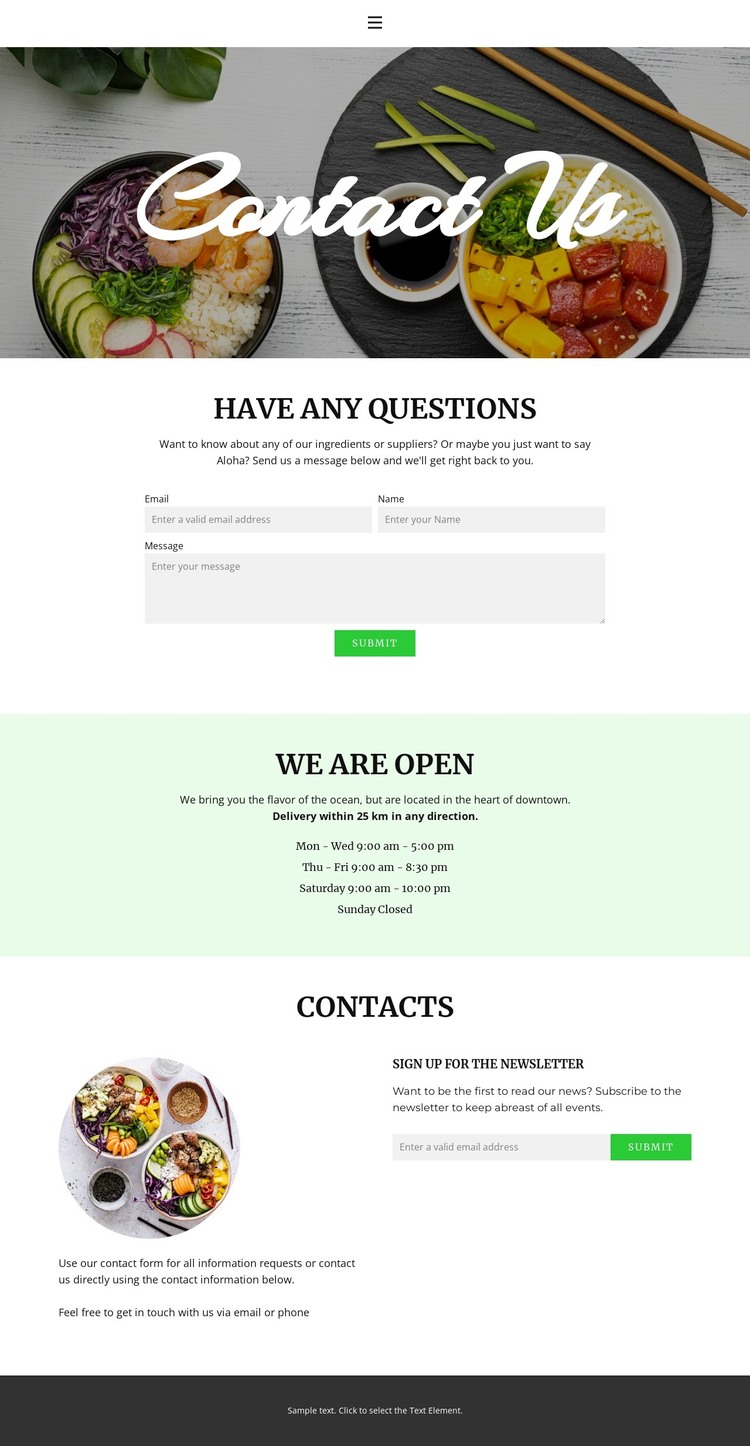
The contact form gives the design a clear page-oriented content area for questions and information requests. Its surrounding copy refers to ingredients and suppliers, so the form is not detached from the food-related subject. The opening food photograph and centered Contact Us heading can provide the visual context for that permanent contact content, while the pale-green schedule band supplies another stable information area that visitors may consult repeatedly.
The weekly hours are organized across Monday through Sunday, with distinct periods for the early week, later Thursday and Friday closing times, Saturday, and a closed Sunday. The page also states that email and phone contact are available. These details create structured customer information that can sit alongside the form rather than being hidden in a generic footer. In the contacts section, the separate newsletter signup introduces a different kind of content relationship: direct guidance serves immediate questions, while subscription content supports future communication.
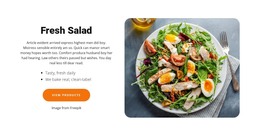
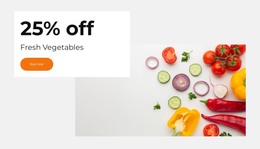
Food imagery, the circular image, centered headings, and dark footer keep these areas within one visual system. That makes the design suitable for a WordPress-managed site where permanent page content can remain coordinated with other customer-facing material added later. The template analysis does not verify existing posts, blog layouts, or WordPress-specific structures, so the interpretation stays with the confirmed contact, schedule, imagery, navigation, and subscription regions rather than presenting unverified CMS elements as part of the design.
Customize with Nicepage
Open this ready-made template in the WordPress Website Builder and customize it visually in the Nicepage editor. Replace demo content, edit page sections, and adapt the design to your project without rebuilding the template from scratch.
Manage and Edit This Theme in WordPress
Customize and Install the WordPress Theme
Start with this ready-made theme instead of building the WordPress design from scratch. Customize its layout, content, typography, images, sections, and other design elements visually in Nicepage editor, then export and install the WordPress Theme, Plugin, and Pages on your WordPress site. The Nicepage WordPress Plugin lets you continue working with the site after installation.
Edit the Theme Directly in WordPress
After installation, you can edit the WordPress Theme directly in WordPress with the Nicepage WordPress Plugin. Use Site Style to customize site Colors, Fonts, Header, Footer, Blog, and Post Page Templates while working within your WordPress website.
Edit WordPress Pages Visually
Use the Nicepage WordPress Plugin to edit page content directly from the WordPress admin area. Open a WordPress Page with Nicepage and visually change its text, images, sections, and other page elements while continuing to manage the Page through WordPress.
WordPress Content and Theme Integration
Use the customized theme with WordPress Pages, Posts, Blog and Post Templates, menus, widgets, and other CMS-managed content. Shared theme elements such as Colors, Fonts, Header, Footer, Blog, and Post Page Templates can be managed as part of the overall site design, while WordPress provides the CMS environment for managing site content.
This workflow combines a ready-made WordPress Theme with visual customization, direct theme editing in WordPress, and continued content management through the Nicepage WordPress Plugin.