We make homemade breads WordPress Theme



Edit Template Offline
2. Create new page and search for id 4878228
Edit Template Online
Create Awesome Websites


Free Nicepage Builder
Keywords
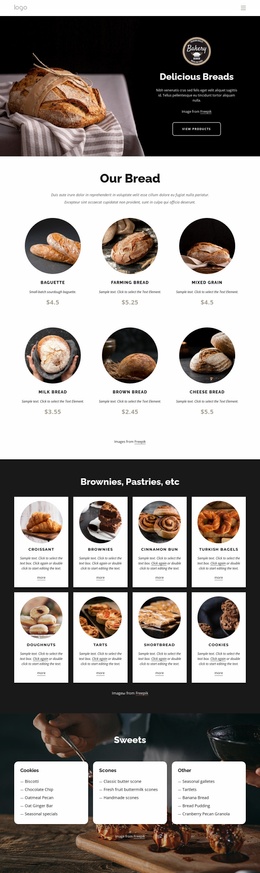
Story content and recurring bakery sections fit a managed theme structure
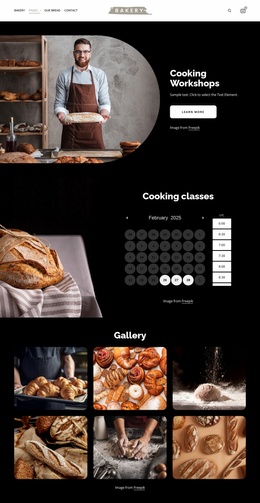
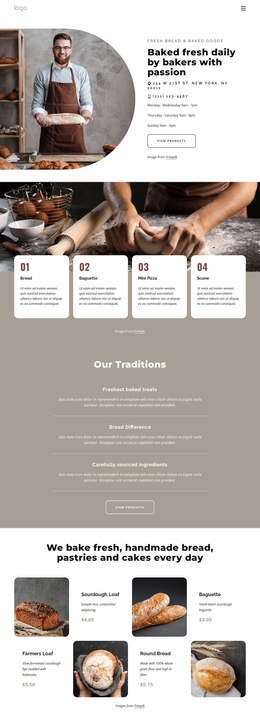
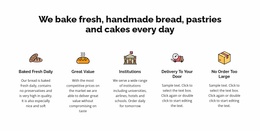
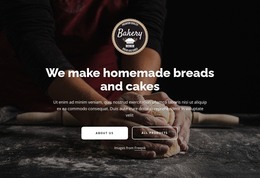
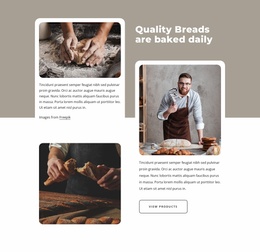
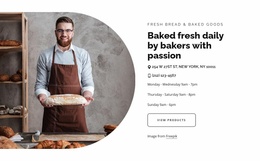
The page separates permanent bakery information into recognizable areas that can remain part of a WordPress-oriented content structure. The hero establishes the bakery message, while the two introduction cards distinguish “Our story” from “Our bread.” The identity panel and the four statements for Mission, Principles, Values, and History add editorial content that explains the business beyond the product names. This gives the design a useful balance between page information and offering-related content.
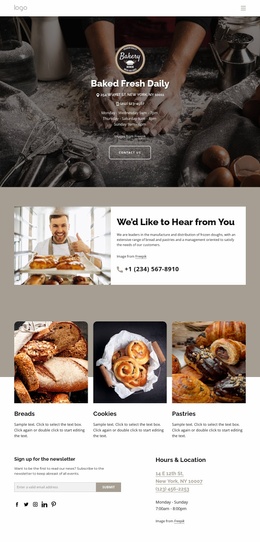
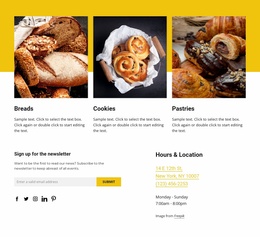
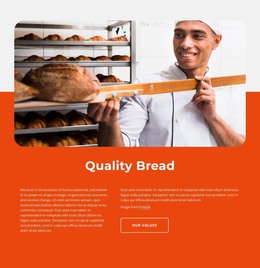
The product-focused sections provide a second content relationship. Quality messaging, the fresh-baked promise, and the category cards for Breads, Cookies, and Pastries move from brand explanation toward product discovery. If the project later publishes related bakery content, these areas can remain visually connected to the main page without changing the core character of the design. The analysis confirms the presence of a newsletter signup and social links, but it does not establish a blog or existing post structure, so those should not be presented as current template components.
The footer and contact region reinforce the theme’s shared-site potential through Quick Links, Help, Get In Touch, Subscribe, social links, hours, and the displayed location. In a WordPress project, these recurring areas can support navigation between page-based bakery information and future managed content. The sample address, hours, phone numbers, email, and prices should be replaced or verified before publication; their role here is to demonstrate the intended contact structure.
Customize with Nicepage
Open this ready-made template in the WordPress Website Builder and customize it visually in the Nicepage editor. Replace demo content, edit page sections, and adapt the design to your project without rebuilding the template from scratch.
Manage and Edit This Theme in WordPress
Customize and Install the WordPress Theme
Start with this ready-made theme instead of building the WordPress design from scratch. Customize its layout, content, typography, images, sections, and other design elements visually in Nicepage editor, then export and install the WordPress Theme, Plugin, and Pages on your WordPress site. The Nicepage WordPress Plugin lets you continue working with the site after installation.
Edit the Theme Directly in WordPress
After installation, you can edit the WordPress Theme directly in WordPress with the Nicepage WordPress Plugin. Use Site Style to customize site Colors, Fonts, Header, Footer, Blog, and Post Page Templates while working within your WordPress website.
Edit WordPress Pages Visually
Use the Nicepage WordPress Plugin to edit page content directly from the WordPress admin area. Open a WordPress Page with Nicepage and visually change its text, images, sections, and other page elements while continuing to manage the Page through WordPress.
WordPress Content and Theme Integration
Use the customized theme with WordPress Pages, Posts, Blog and Post Templates, menus, widgets, and other CMS-managed content. Shared theme elements such as Colors, Fonts, Header, Footer, Blog, and Post Page Templates can be managed as part of the overall site design, while WordPress provides the CMS environment for managing site content.
This workflow combines a ready-made WordPress Theme with visual customization, direct theme editing in WordPress, and continued content management through the Nicepage WordPress Plugin.