About us and work WordPress Theme


Stable Coaching Content With Four Publishable Counter Units
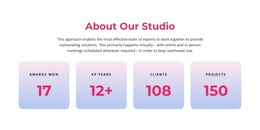
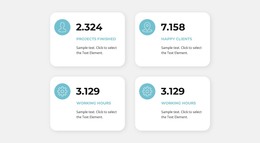
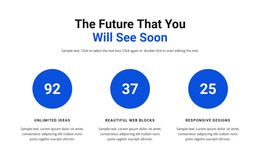
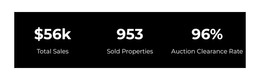
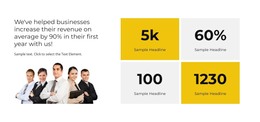
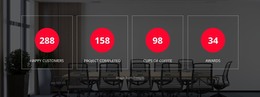
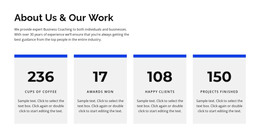
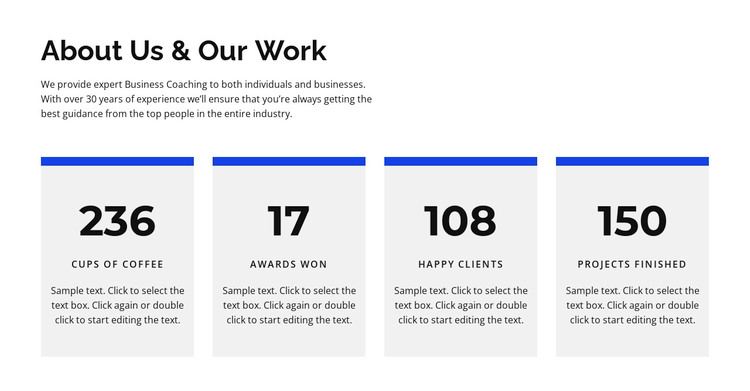
The heading and supporting paragraph give this block a durable page-content role: they introduce business coaching for individuals and businesses before presenting a compact overview of activity. The four repeated cards then separate Cups of coffee, awards won, happy clients, and projects finished into clearly identifiable units. Their shared blue top rule, large value, label, and description make the content easy to preserve as one visual section when the surrounding page is maintained through WordPress.
This interpretation differs from a blog-oriented content area. The block reads as relatively stable informational material rather than a sequence of dated posts, so it could fit a services, about, or work-overview page in a WordPress-managed site. Other content can surround it, while this section continues to provide the same coaching context and statistics pattern. The sample figures and labels remain editable presentation content and should be replaced or reviewed for the actual project.
The visual structure also supports consistent page maintenance. The left-aligned introduction gives editors a clear opening area, and the repeated cards keep related values grouped beneath it. White space, black typography, gray card surfaces, and blue rules provide a defined style reference for adjacent page sections, but the block itself remains one content region within the wider WordPress theme and site.
Customize with Nicepage
Open this ready-made template in the WordPress Website Builder and customize it visually in the Nicepage editor. Replace demo content, edit page sections, and adapt the design to your project without rebuilding the template from scratch.
Edit Template Offline
2. Create a new page or select existing
3. Click Add new block, search for id 458281 and click enter
Edit Template Online
Create Awesome Websites


Free Nicepage Builder
Keywords
Manage and Edit This Theme in WordPress
Customize and Install the WordPress Theme
Start with this ready-made theme instead of building the WordPress design from scratch. Customize its layout, content, typography, images, sections, and other design elements visually in Nicepage editor, then export and install the WordPress Theme, Plugin, and Pages on your WordPress site. The Nicepage WordPress Plugin lets you continue working with the site after installation.
Edit the Theme Directly in WordPress
After installation, you can edit the WordPress Theme directly in WordPress with the Nicepage WordPress Plugin. Use Site Style to customize site Colors, Fonts, Header, Footer, Blog, and Post Page Templates while working within your WordPress website.
Edit WordPress Pages Visually
Use the Nicepage WordPress Plugin to edit page content directly from the WordPress admin area. Open a WordPress Page with Nicepage and visually change its text, images, sections, and other page elements while continuing to manage the Page through WordPress.
WordPress Content and Theme Integration
Use the customized theme with WordPress Pages, Posts, Blog and Post Templates, menus, widgets, and other CMS-managed content. Shared theme elements such as Colors, Fonts, Header, Footer, Blog, and Post Page Templates can be managed as part of the overall site design, while WordPress provides the CMS environment for managing site content.
This workflow combines a ready-made WordPress Theme with visual customization, direct theme editing in WordPress, and continued content management through the Nicepage WordPress Plugin.