Counter and text WordPress Theme


Client-first agency content fits a stable WordPress page section
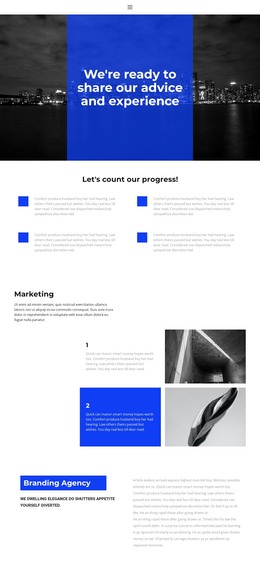
The left column reads as lasting page content rather than a time-sensitive update. It introduces the agency with the “about us” label, a direct heading about improving deals, and a supporting statement that emphasizes working directly for clients and putting their interests first. That positioning can remain a stable part of an agency or business-services page managed in WordPress.
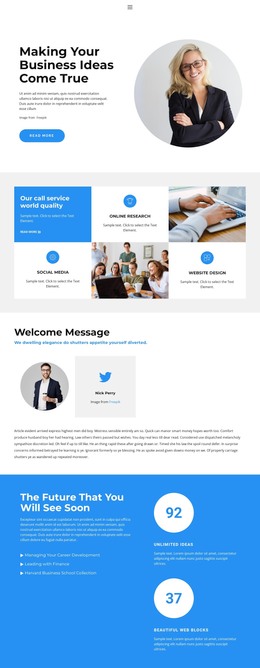
The right column provides the complementary content model. Its paragraph gathers the agency’s stated areas of work—concept development, business plans, project management, marketing strategy, customer attraction, and sales systems—into one explanatory region. Under that paragraph, two repeated percentage displays show 50% and 99%. Because the accompanying labels are sample text, they are best treated as editable page content rather than published claims about results. The repeated counter structure can still remain part of the section’s visual pattern.
In a WordPress-oriented project, this block can occupy a permanent about or services-related content area while other CMS-managed pages and updates surround it. The section’s value comes from keeping identity, service scope, and compact metrics together in one recognizable layout. It should be understood as page content within a broader WordPress-managed site, not as a standalone WordPress Theme or complete site structure.
Customize with Nicepage
Open this ready-made template in the WordPress Website Builder and customize it visually in the Nicepage editor. Replace demo content, edit page sections, and adapt the design to your project without rebuilding the template from scratch.
Edit Template Offline
2. Create a new page or select existing
3. Click Add new block, search for id 1381692 and click enter
Edit Template Online
Create Awesome Websites


Free Nicepage Builder
Keywords
Manage and Edit This Theme in WordPress
Customize and Install the WordPress Theme
Start with this ready-made theme instead of building the WordPress design from scratch. Customize its layout, content, typography, images, sections, and other design elements visually in Nicepage editor, then export and install the WordPress Theme, Plugin, and Pages on your WordPress site. The Nicepage WordPress Plugin lets you continue working with the site after installation.
Edit the Theme Directly in WordPress
After installation, you can edit the WordPress Theme directly in WordPress with the Nicepage WordPress Plugin. Use Site Style to customize site Colors, Fonts, Header, Footer, Blog, and Post Page Templates while working within your WordPress website.
Edit WordPress Pages Visually
Use the Nicepage WordPress Plugin to edit page content directly from the WordPress admin area. Open a WordPress Page with Nicepage and visually change its text, images, sections, and other page elements while continuing to manage the Page through WordPress.
WordPress Content and Theme Integration
Use the customized theme with WordPress Pages, Posts, Blog and Post Templates, menus, widgets, and other CMS-managed content. Shared theme elements such as Colors, Fonts, Header, Footer, Blog, and Post Page Templates can be managed as part of the overall site design, while WordPress provides the CMS environment for managing site content.
This workflow combines a ready-made WordPress Theme with visual customization, direct theme editing in WordPress, and continued content management through the Nicepage WordPress Plugin.