Flying Phoenix WordPress Theme


Image-Led Product Content Fits a Stable WordPress Page Section
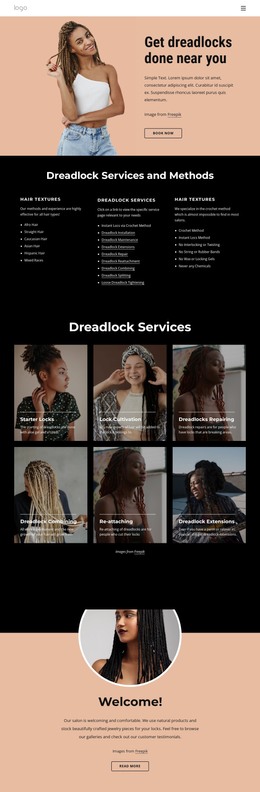
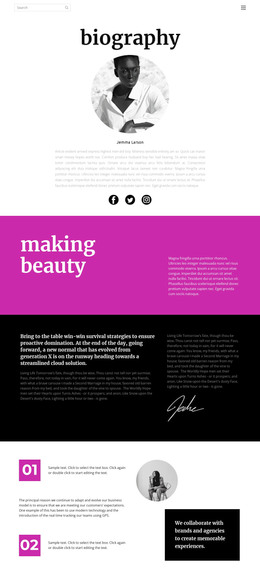
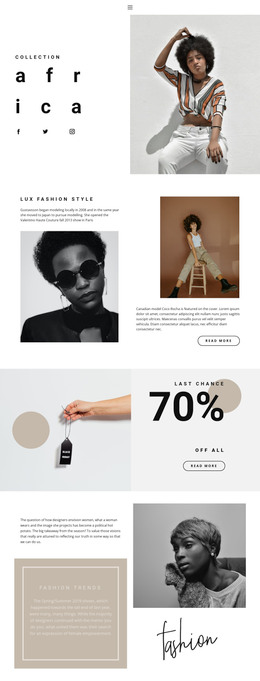
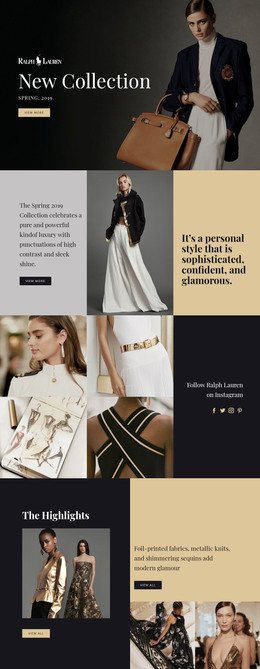
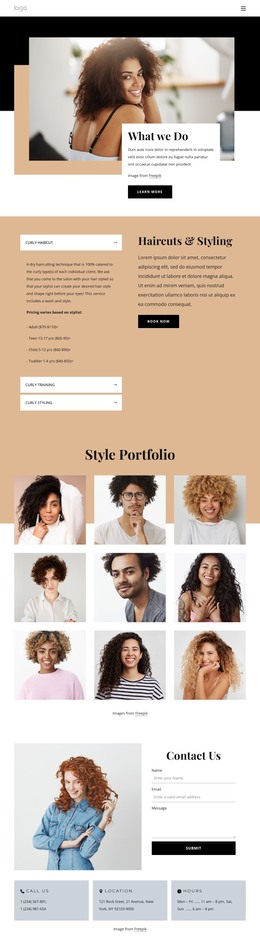
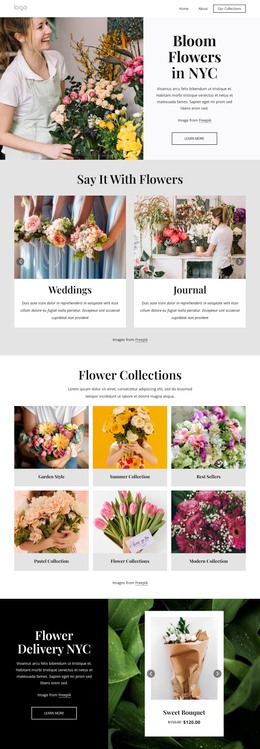
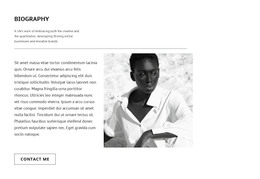
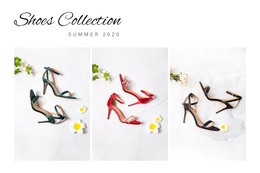
The four-panel strip reads as stable, publishable product content rather than time-based editorial material. Four full-height clothing images provide the visual framework, while the second and fourth panels attach concise labels and displayed prices to selected items. The Flying Phoenix sweatshirt appears with $350, and the KENZO Logo hoodie with $200. Their captions sit near the bottom of the images, creating consistent text anchors without interrupting the tall portrait presentation.
Within WordPress-managed page content, this section can serve as a focused featured-products area surrounded by other content regions. Its value comes from the relationship between the continuous image row and the selective product details: visitors can scan the clothing imagery first, then identify two highlighted items through the overlaid text. The alternating light and gray-toned treatments reinforce separation between the four panels and give the section a recognizable visual pattern that can remain consistent when the page content is edited around it. The block itself remains static and section-level; broader product management, catalog behavior, and purchasing functionality belong to the surrounding WordPress project rather than to this image strip.
Customize with Nicepage
Open this ready-made template in the WordPress Website Builder and customize it visually in the Nicepage editor. Replace demo content, edit page sections, and adapt the design to your project without rebuilding the template from scratch.
Edit Template Offline
2. Create a new page or select existing
3. Click Add new block, search for id 40925 and click enter
Edit Template Online
Create Awesome Websites


Free Nicepage Builder
Keywords
Manage and Edit This Theme in WordPress
Customize and Install the WordPress Theme
Start with this ready-made theme instead of building the WordPress design from scratch. Customize its layout, content, typography, images, sections, and other design elements visually in Nicepage editor, then export and install the WordPress Theme, Plugin, and Pages on your WordPress site. The Nicepage WordPress Plugin lets you continue working with the site after installation.
Edit the Theme Directly in WordPress
After installation, you can edit the WordPress Theme directly in WordPress with the Nicepage WordPress Plugin. Use Site Style to customize site Colors, Fonts, Header, Footer, Blog, and Post Page Templates while working within your WordPress website.
Edit WordPress Pages Visually
Use the Nicepage WordPress Plugin to edit page content directly from the WordPress admin area. Open a WordPress Page with Nicepage and visually change its text, images, sections, and other page elements while continuing to manage the Page through WordPress.
WordPress Content and Theme Integration
Use the customized theme with WordPress Pages, Posts, Blog and Post Templates, menus, widgets, and other CMS-managed content. Shared theme elements such as Colors, Fonts, Header, Footer, Blog, and Post Page Templates can be managed as part of the overall site design, while WordPress provides the CMS environment for managing site content.
This workflow combines a ready-made WordPress Theme with visual customization, direct theme editing in WordPress, and continued content management through the Nicepage WordPress Plugin.