Find your healthy way of life WordPress Theme



Edit Template Offline
2. Create new page and search for id 6138034
Edit Template Online
Create Awesome Websites


Free Nicepage Builder
Keywords
Class Cards and Service Areas Give the Theme Clear WordPress Content Roles
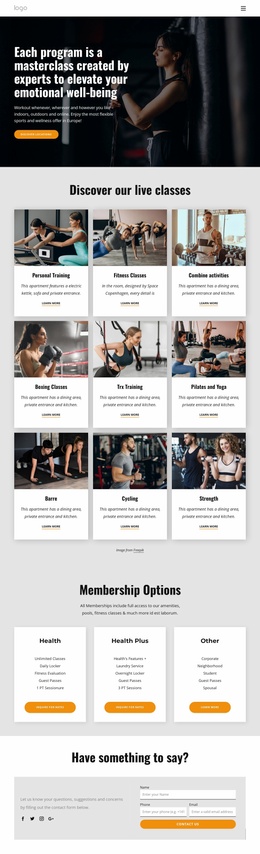
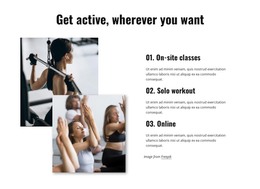
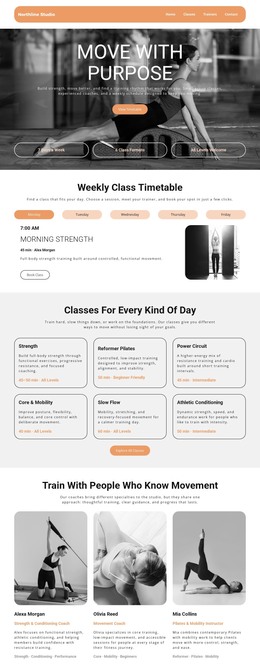
The page divides the club’s message into durable content areas that can be represented through a WordPress-oriented site structure. The opening hero introduces the fitness subject while linking visitors toward membership selection and the class schedule. Five circular benefit badges then summarize signature classes, expert personal training, personalized Pilates, dedicated spaces, and home workouts. This creates a clear page-level introduction before the activity collage adds visual context to the club’s broader offering.
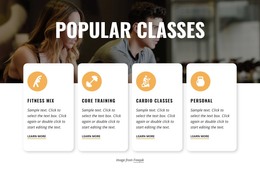
The Services section provides a second content layer with Personal Training, Weight Loss, Cardiovascular and Interval Training, Sport Specific work, Body Building, and Toning or Body Sculpting. Four peer cards for Fitness Mix, Core Training, Cardio Classes, and Personal options make the class content easier to separate, review, and expand. In a WordPress project, these areas can remain coordinated as permanent page content while additional editorial material or announcements are introduced later without changing the core visual direction.
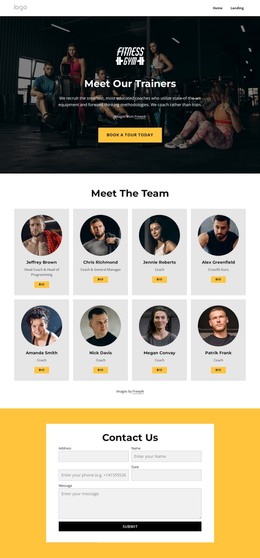
The final sections support the site’s ongoing communication needs. A fitness-journey message leads into phone, location, and email details, followed by social links and a compact form for questions and suggestions. The sample contact values are structural placeholders rather than verified business information. Together, the page content, repeated class cards, shared navigation, and contact areas give a WordPress theme a practical framework for presenting both established club information and future updates.
Customize with Nicepage
Open this ready-made template in the WordPress Website Builder and customize it visually in the Nicepage editor. Replace demo content, edit page sections, and adapt the design to your project without rebuilding the template from scratch.
Manage and Edit This Theme in WordPress
Customize and Install the WordPress Theme
Start with this ready-made theme instead of building the WordPress design from scratch. Customize its layout, content, typography, images, sections, and other design elements visually in Nicepage editor, then export and install the WordPress Theme, Plugin, and Pages on your WordPress site. The Nicepage WordPress Plugin lets you continue working with the site after installation.
Edit the Theme Directly in WordPress
After installation, you can edit the WordPress Theme directly in WordPress with the Nicepage WordPress Plugin. Use Site Style to customize site Colors, Fonts, Header, Footer, Blog, and Post Page Templates while working within your WordPress website.
Edit WordPress Pages Visually
Use the Nicepage WordPress Plugin to edit page content directly from the WordPress admin area. Open a WordPress Page with Nicepage and visually change its text, images, sections, and other page elements while continuing to manage the Page through WordPress.
WordPress Content and Theme Integration
Use the customized theme with WordPress Pages, Posts, Blog and Post Templates, menus, widgets, and other CMS-managed content. Shared theme elements such as Colors, Fonts, Header, Footer, Blog, and Post Page Templates can be managed as part of the overall site design, while WordPress provides the CMS environment for managing site content.
This workflow combines a ready-made WordPress Theme with visual customization, direct theme editing in WordPress, and continued content management through the Nicepage WordPress Plugin.