Elegance in the interior WordPress Theme


Nautical Material Advice Works as Stable WordPress Page Content
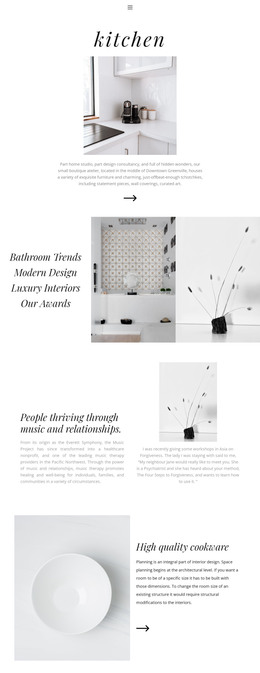
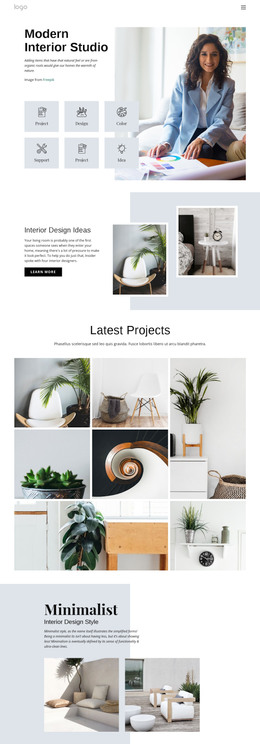
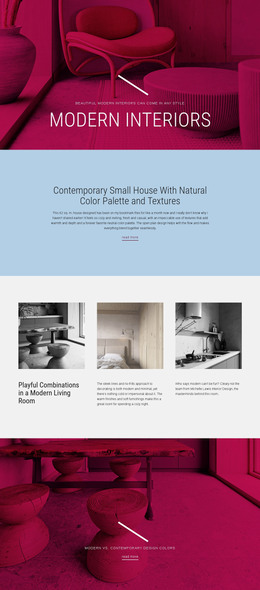
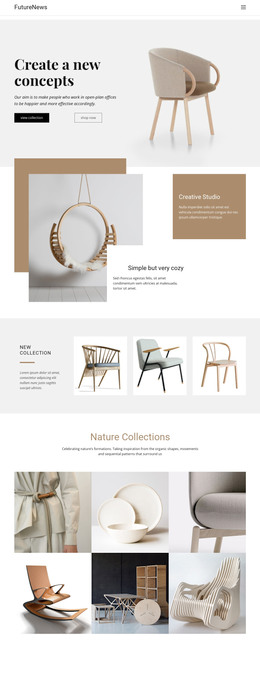
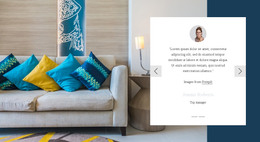
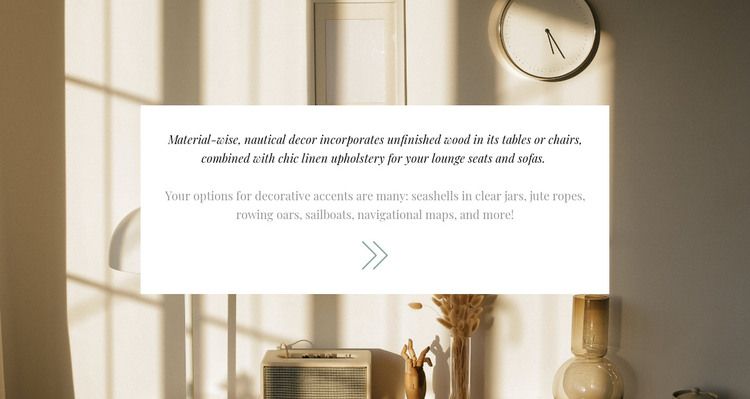
The section reads as durable informational content rather than a time-sensitive announcement. Its first paragraph explains the role of unfinished wood in tables or chairs and chic linen upholstery in lounge seats and sofas. The following paragraph names seashells, jute ropes, rowing oars, sailboats, and navigational maps, giving the style a set of concrete visual references. This makes the block suitable for a WordPress-managed page that needs a concise decor explanation with a clear relationship between material choices and finishing accents.
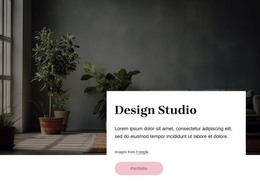
The content is held inside a centered white card placed over a full-width interior image. That arrangement keeps the text visually independent from the warm beige and cream photograph, so the section can remain recognizable even when it is coordinated with other page content. Italic serif typography establishes emphasis for the primary paragraph, muted gray supporting text creates a quieter secondary level, and generous whitespace prevents the two ideas from competing. The decorative arrow contributes a small visual marker without changing the block's static behavior.
Within a broader WordPress site, this can serve as a reusable services, editorial, or inspiration-style content area while other page sections handle navigation, product detail, galleries, or inquiries. The block contributes a self-contained visual and textual unit that can be maintained as page content without being mistaken for a complete WordPress theme.
Customize with Nicepage
Open this ready-made template in the WordPress Website Builder and customize it visually in the Nicepage editor. Replace demo content, edit page sections, and adapt the design to your project without rebuilding the template from scratch.
Edit Template Offline
2. Create a new page or select existing
3. Click Add new block, search for id 241813 and click enter
Edit Template Online
Create Awesome Websites


Free Nicepage Builder
Keywords
Manage and Edit This Theme in WordPress
Customize and Install the WordPress Theme
Start with this ready-made theme instead of building the WordPress design from scratch. Customize its layout, content, typography, images, sections, and other design elements visually in Nicepage editor, then export and install the WordPress Theme, Plugin, and Pages on your WordPress site. The Nicepage WordPress Plugin lets you continue working with the site after installation.
Edit the Theme Directly in WordPress
After installation, you can edit the WordPress Theme directly in WordPress with the Nicepage WordPress Plugin. Use Site Style to customize site Colors, Fonts, Header, Footer, Blog, and Post Page Templates while working within your WordPress website.
Edit WordPress Pages Visually
Use the Nicepage WordPress Plugin to edit page content directly from the WordPress admin area. Open a WordPress Page with Nicepage and visually change its text, images, sections, and other page elements while continuing to manage the Page through WordPress.
WordPress Content and Theme Integration
Use the customized theme with WordPress Pages, Posts, Blog and Post Templates, menus, widgets, and other CMS-managed content. Shared theme elements such as Colors, Fonts, Header, Footer, Blog, and Post Page Templates can be managed as part of the overall site design, while WordPress provides the CMS environment for managing site content.
This workflow combines a ready-made WordPress Theme with visual customization, direct theme editing in WordPress, and continued content management through the Nicepage WordPress Plugin.