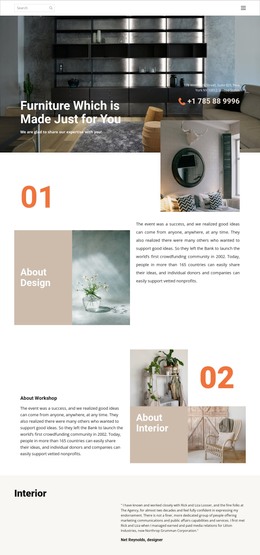
Interior brands WordPress Theme


Edit Template Offline
2. Create new page and search for id 162417
Edit Template Online
Create Awesome Websites


Free Nicepage Builder
Keywords
Editorial sections give interior content a coherent WordPress theme setting
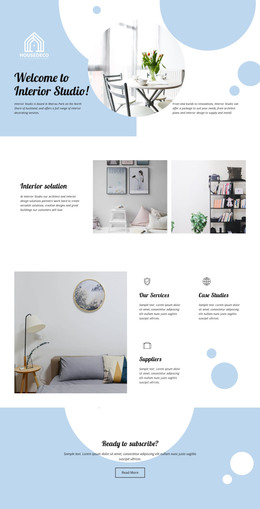
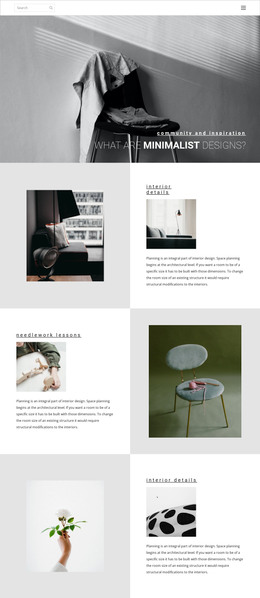
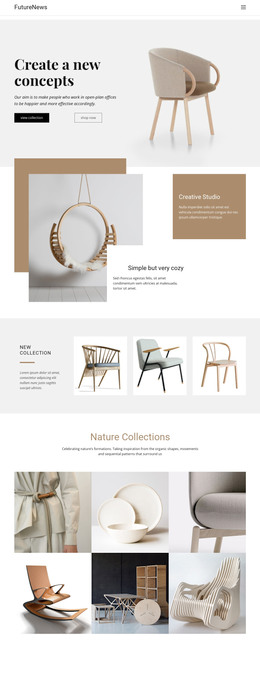
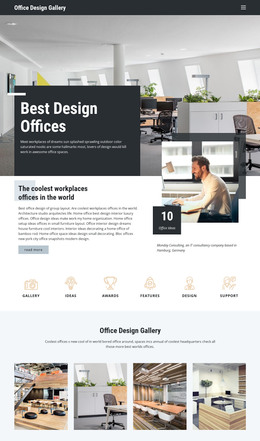
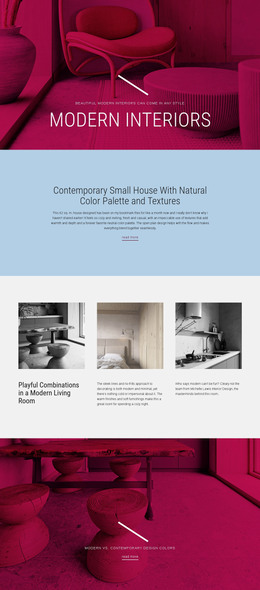
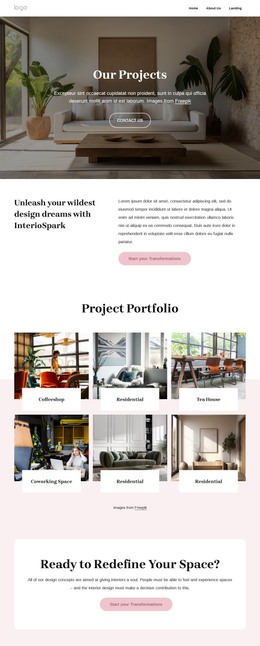
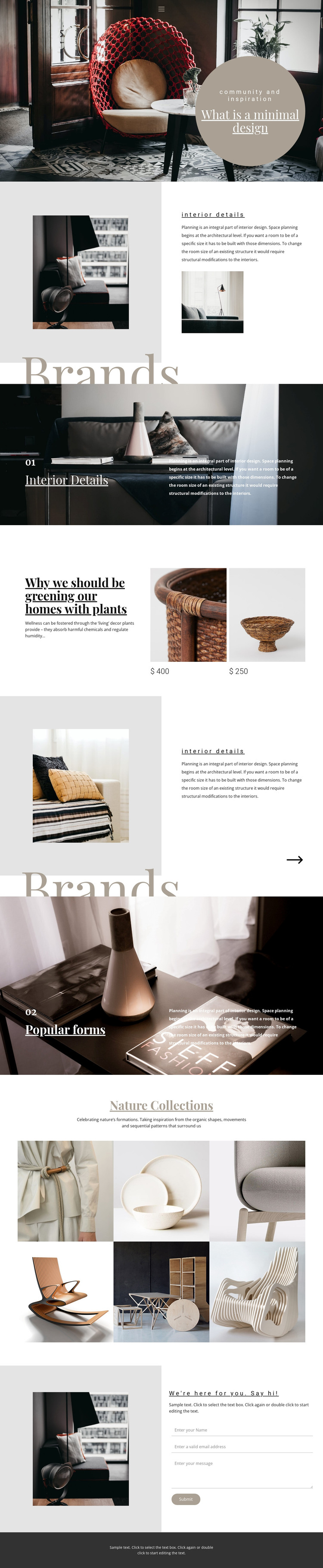
The design separates permanent interior content into recognizable page areas rather than presenting one uninterrupted article. The hero establishes the visual direction with a large room photograph and circular text panel, while the two Interior Details sections connect planning explanations with supporting images. This pairing is useful for page-oriented content because each area can carry a distinct idea while retaining the same editorial treatment across the theme.
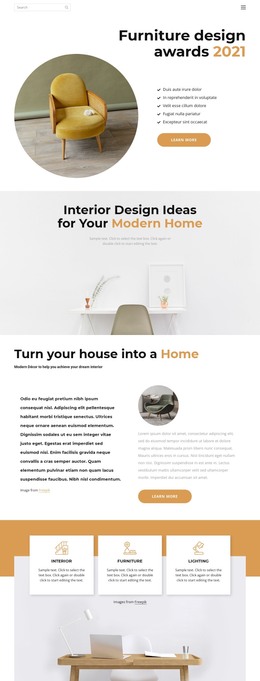
The numbered Brands features create two further content markers: Interior Details and Popular forms. Their large image backgrounds and dark overlays make the topics easy to distinguish, while the plant-focused decor feature introduces two repeated image-and-price items that could represent a separate product or collection context. The six-image Nature Collections gallery adds a visual archive-like region, giving image-led material a different role from the explanatory split sections. These relationships support a theme structure in which permanent information and recurring visual content can share one design language.
At the end, the contact section combines an interior image with introductory text, name, email, and message inputs, and a submit action. The top navigation link and responsive off-canvas alternative provide the initial route through the page, and the dark footer closes the shared frame. In a WordPress project, these concrete regions offer a stable visual setting for interior pages and content updates without asserting that blog posts or other CMS-specific items already exist.
Customize with Nicepage
Open this ready-made template in the WordPress Website Builder and customize it visually in the Nicepage editor. Replace demo content, edit page sections, and adapt the design to your project without rebuilding the template from scratch.
Manage and Edit This Theme in WordPress
Customize and Install the WordPress Theme
Start with this ready-made theme instead of building the WordPress design from scratch. Customize its layout, content, typography, images, sections, and other design elements visually in Nicepage editor, then export and install the WordPress Theme, Plugin, and Pages on your WordPress site. The Nicepage WordPress Plugin lets you continue working with the site after installation.
Edit the Theme Directly in WordPress
After installation, you can edit the WordPress Theme directly in WordPress with the Nicepage WordPress Plugin. Use Site Style to customize site Colors, Fonts, Header, Footer, Blog, and Post Page Templates while working within your WordPress website.
Edit WordPress Pages Visually
Use the Nicepage WordPress Plugin to edit page content directly from the WordPress admin area. Open a WordPress Page with Nicepage and visually change its text, images, sections, and other page elements while continuing to manage the Page through WordPress.
WordPress Content and Theme Integration
Use the customized theme with WordPress Pages, Posts, Blog and Post Templates, menus, widgets, and other CMS-managed content. Shared theme elements such as Colors, Fonts, Header, Footer, Blog, and Post Page Templates can be managed as part of the overall site design, while WordPress provides the CMS environment for managing site content.
This workflow combines a ready-made WordPress Theme with visual customization, direct theme editing in WordPress, and continued content management through the Nicepage WordPress Plugin.