Unique and original design style WordPress Theme


Three Stable Topics for a WordPress-Managed Page
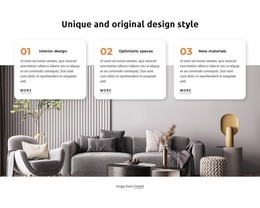
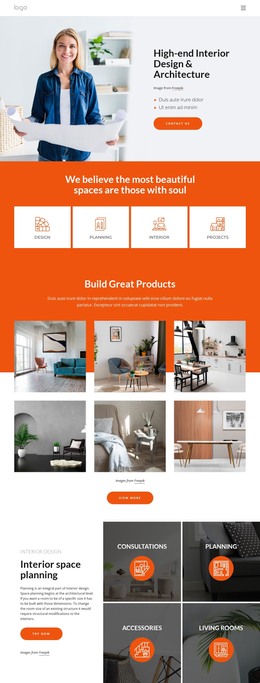
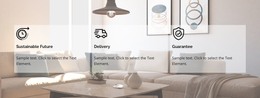
The section reads as durable page content because its main message is organized around three named interior-design topics rather than a time-based list. The heading “Unique and original design style” introduces the presentation, and the numbered cards then separate “Interior design,” “Optimistic spaces,” and “New materials” into recognizable content units. Descriptive copy gives each topic room to communicate an idea, while the repeated “More” link offers a consistent way to continue from each card.
For a WordPress-managed page, this block can remain a visually consistent features area while the wider project handles other publishable content around it. The three cards do not need to become separate posts or categories to work effectively; their value is the stable grouping and presentation already established inside the section. A portfolio, article, or contact area could appear elsewhere, leaving this block focused on interior design principles.
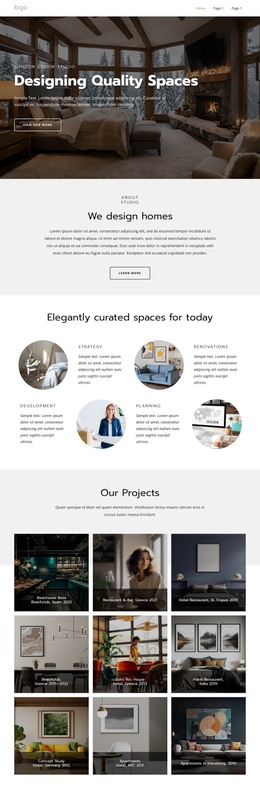
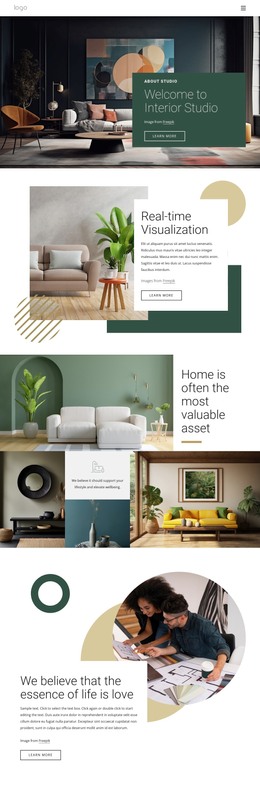
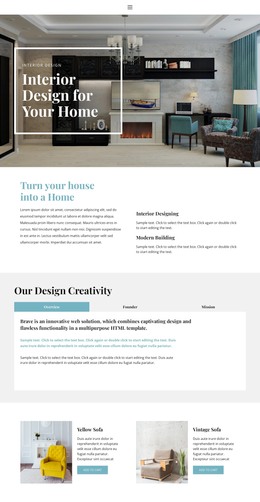
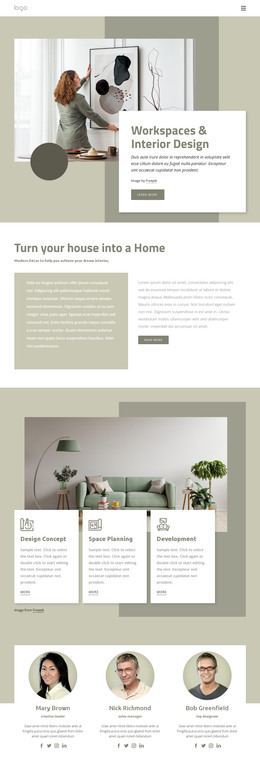
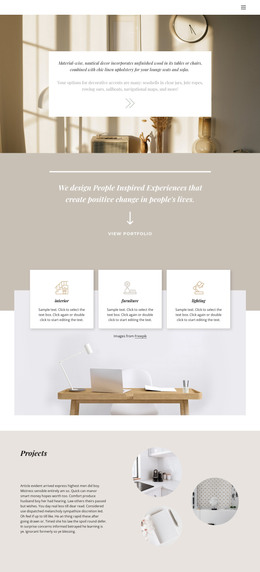
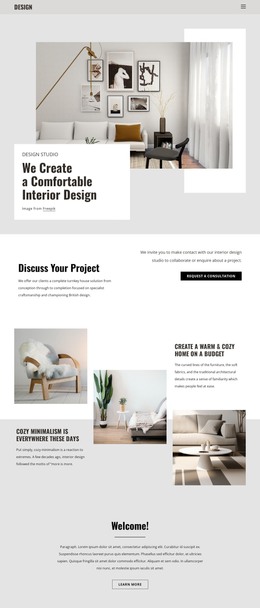
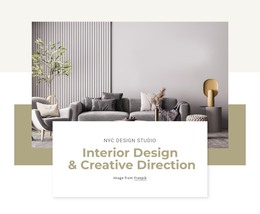
The visual arrangement supports that role. A large living-room photograph spans the main area, and the white rounded cards overlap its upper edge, keeping the text readable while tying the topics to an interior setting. Black type, warm orange numbering, and soft shadows create a repeatable visual pattern for this page section. The centered Freepik credit remains below the image as a separate attribution line. Together, these relationships make the block suitable as reusable WordPress-oriented page content without presenting it as a complete theme or site.
Customize with Nicepage
Open this ready-made template in the WordPress Website Builder and customize it visually in the Nicepage editor. Replace demo content, edit page sections, and adapt the design to your project without rebuilding the template from scratch.
Edit Template Offline
2. Create a new page or select existing
3. Click Add new block, search for id 2376263 and click enter
Edit Template Online
Create Awesome Websites


Free Nicepage Builder
Keywords
Manage and Edit This Theme in WordPress
Customize and Install the WordPress Theme
Start with this ready-made theme instead of building the WordPress design from scratch. Customize its layout, content, typography, images, sections, and other design elements visually in Nicepage editor, then export and install the WordPress Theme, Plugin, and Pages on your WordPress site. The Nicepage WordPress Plugin lets you continue working with the site after installation.
Edit the Theme Directly in WordPress
After installation, you can edit the WordPress Theme directly in WordPress with the Nicepage WordPress Plugin. Use Site Style to customize site Colors, Fonts, Header, Footer, Blog, and Post Page Templates while working within your WordPress website.
Edit WordPress Pages Visually
Use the Nicepage WordPress Plugin to edit page content directly from the WordPress admin area. Open a WordPress Page with Nicepage and visually change its text, images, sections, and other page elements while continuing to manage the Page through WordPress.
WordPress Content and Theme Integration
Use the customized theme with WordPress Pages, Posts, Blog and Post Templates, menus, widgets, and other CMS-managed content. Shared theme elements such as Colors, Fonts, Header, Footer, Blog, and Post Page Templates can be managed as part of the overall site design, while WordPress provides the CMS environment for managing site content.
This workflow combines a ready-made WordPress Theme with visual customization, direct theme editing in WordPress, and continued content management through the Nicepage WordPress Plugin.