Consulting services to transform your business WordPress Theme


Stable Services Content Across an About Us and Offering Layout
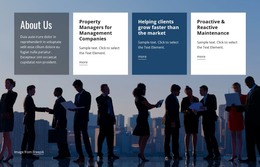
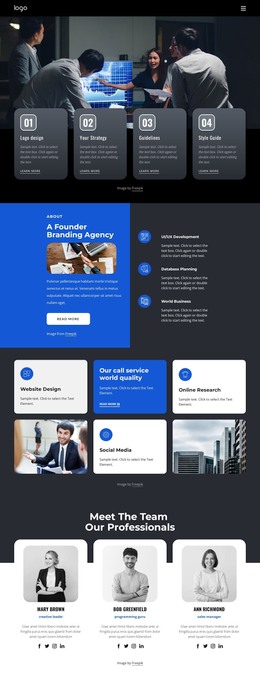
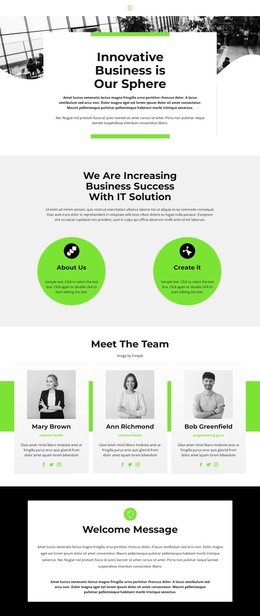
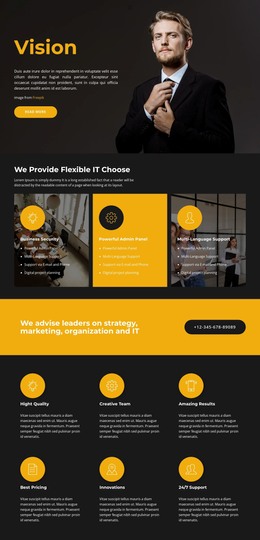
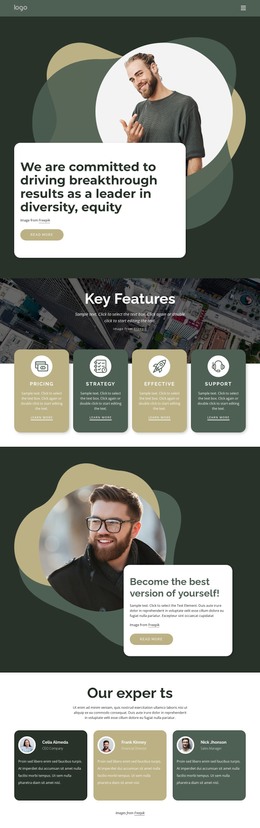
The About Us panel gives the section a page-oriented introduction, while the three neighboring cards organize the main service information into separate content units. Property Managers for Management Companies, Helping clients grow faster than the market, and Proactive & Reactive Maintenance each combine a heading, short description, and more link. This repeated structure suits stable services content that can remain recognizable even as the surrounding WordPress-managed page develops other areas.
The visual arrangement reinforces that content model. A business-meeting photograph spans the block as a full-width background, darkened enough to support the foreground panels. The first translucent dark card relates closely to the image, while the white and blue treatments distinguish the offering cards and create a measured horizontal rhythm. Alternating white and dark text keeps the information readable across the different surfaces.
In a WordPress-oriented project, the block can function as a permanent services section on a page while the wider site manages additional content around it. The more links provide natural points toward deeper service information, but they do not make the section a complete theme or site. The block's useful contribution is its repeatable relationship between an introductory panel, three linked offerings, and one supporting image.
Customize with Nicepage
Open this ready-made template in the WordPress Website Builder and customize it visually in the Nicepage editor. Replace demo content, edit page sections, and adapt the design to your project without rebuilding the template from scratch.
Edit Template Offline
2. Create a new page or select existing
3. Click Add new block, search for id 2375827 and click enter
Edit Template Online
Create Awesome Websites


Free Nicepage Builder
Keywords
Manage and Edit This Theme in WordPress
Customize and Install the WordPress Theme
Start with this ready-made theme instead of building the WordPress design from scratch. Customize its layout, content, typography, images, sections, and other design elements visually in Nicepage editor, then export and install the WordPress Theme, Plugin, and Pages on your WordPress site. The Nicepage WordPress Plugin lets you continue working with the site after installation.
Edit the Theme Directly in WordPress
After installation, you can edit the WordPress Theme directly in WordPress with the Nicepage WordPress Plugin. Use Site Style to customize site Colors, Fonts, Header, Footer, Blog, and Post Page Templates while working within your WordPress website.
Edit WordPress Pages Visually
Use the Nicepage WordPress Plugin to edit page content directly from the WordPress admin area. Open a WordPress Page with Nicepage and visually change its text, images, sections, and other page elements while continuing to manage the Page through WordPress.
WordPress Content and Theme Integration
Use the customized theme with WordPress Pages, Posts, Blog and Post Templates, menus, widgets, and other CMS-managed content. Shared theme elements such as Colors, Fonts, Header, Footer, Blog, and Post Page Templates can be managed as part of the overall site design, while WordPress provides the CMS environment for managing site content.
This workflow combines a ready-made WordPress Theme with visual customization, direct theme editing in WordPress, and continued content management through the Nicepage WordPress Plugin.