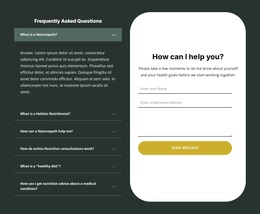
NYC running club contact form Template


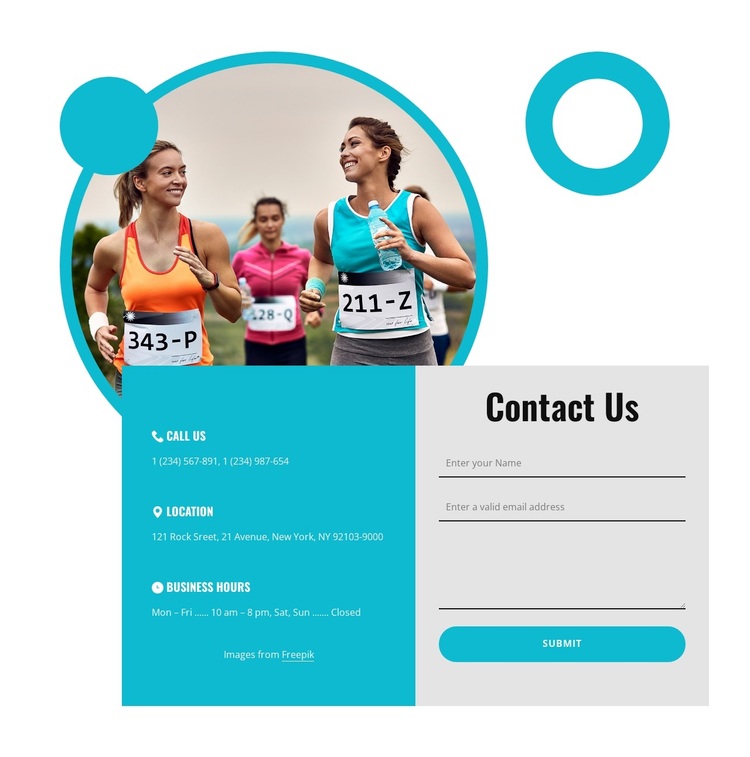
Runner Imagery and Split Panels Make This Contact Design Distinctive
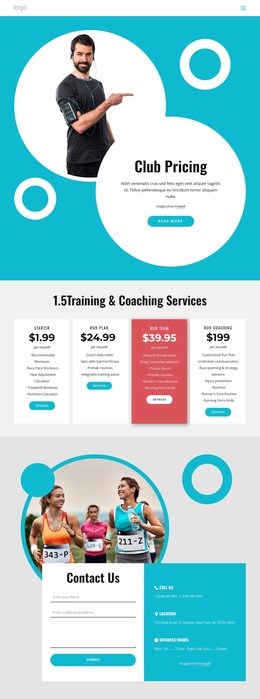
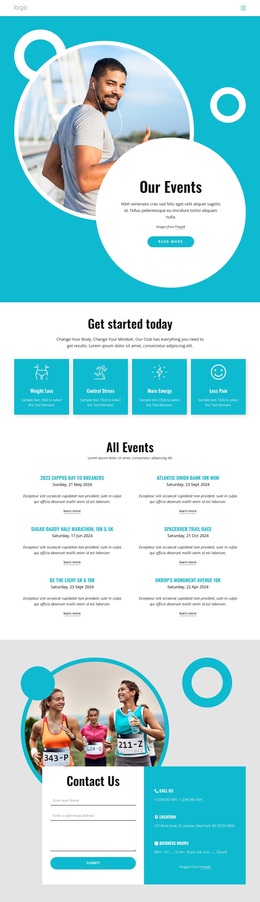
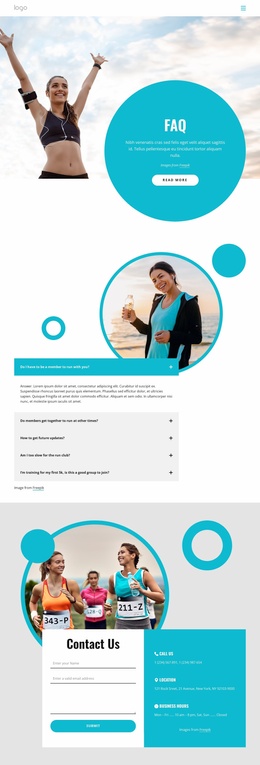
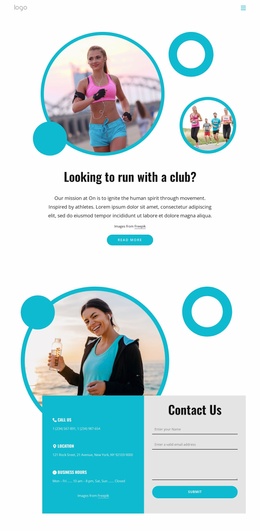
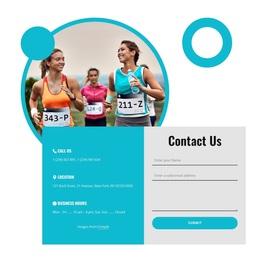
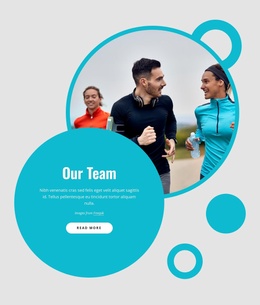
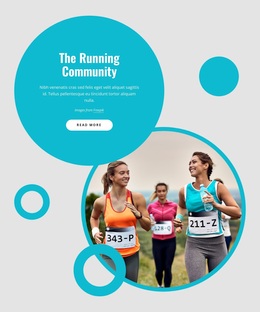
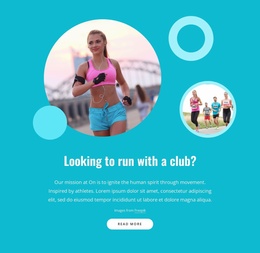
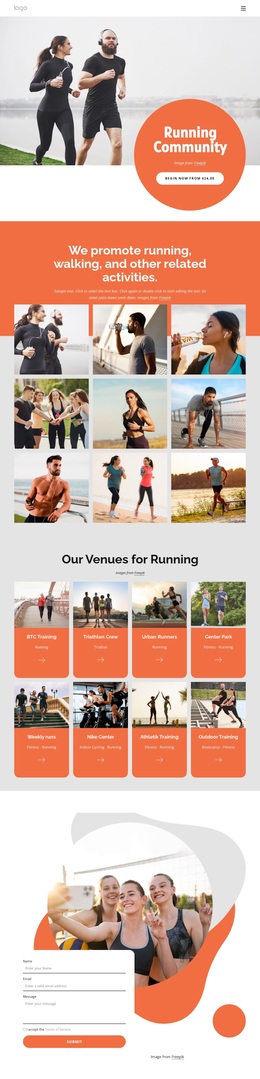
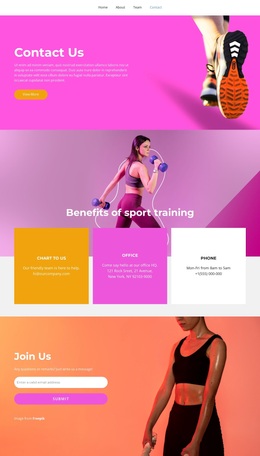
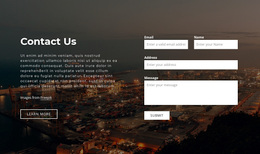
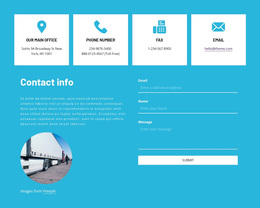
The section combines several concrete choices that separate it from a basic form-only layout. A circular photograph of runners provides the main visual focus, while three smaller geometric circles extend the overlapping composition. Below it, the contact content is divided into equal-width color-block panels rather than placed in one undifferentiated column.
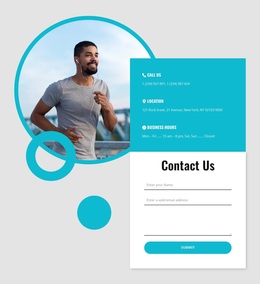
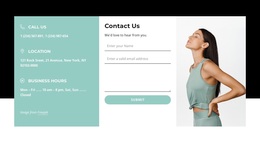
The turquoise panel carries three information items—Call Us, Location, and Business Hours—using icons, labels, and descriptions to create a compact reference area. The light-gray panel gives the inquiry form its own visual space, with name, email, and message fields leading to Submit. This arrangement makes the block useful when a page needs both reassurance about how to reach an organization and a direct way to send a message.
As a ready-made section choice, its strongest distinction is the relationship between athletic imagery, practical contact information, and a separated response area. The bold condensed “Contact Us” heading adds another recognizable visual cue without overwhelming the functional content. The block can be selected when a project needs a contact section with more visual presence than a simple form, while neighboring sections remain responsible for the rest of the page’s information and navigation.
Customize with Nicepage
Open this ready-made template in the Template Builder and customize it visually in the Nicepage editor. Replace demo content, edit page sections, and adapt the design to your project without rebuilding the template from scratch.
Edit Template Offline
2. Create a new page or select existing
3. Click Add new block, search for id 4662276 and click enter
Edit Template Online
Create Awesome Websites


Free Nicepage Builder
Keywords
Start With a Ready-Made Template
Choose a Design for a New Page
Use a ready-made template as a starting point instead of creating every page from a blank canvas. When adding a new page in Nicepage, browse available designs, compare different layouts, and choose an option that already fits the general purpose and visual direction of your project.
Browse Different Page Designs
Explore Page Designs using search, thematic categories, Design Sets, and full-page previews. The collection includes layouts for different subjects and page purposes, making it easier to compare alternatives before selecting a design to customize.
Customize the Selected Template
After choosing a design, create the page and continue editing it visually in Nicepage. Replace the demo content, adjust images, typography, colors, sections, and other elements, and adapt the ready-made layout to your own content instead of rebuilding the design from the beginning.
Explore More Design Directions
If the first option does not match your project closely enough, return to the design collection and compare other templates before committing to a layout. This makes the template library useful not only for faster page creation, but also for exploring different visual approaches and finding a suitable starting point for a new project.
This workflow gives you access to a broad collection of ready-made designs that can be selected, compared, and customized according to the needs of each new page or project.

Design Set (26)
-

-
-
-
-
-
-
-
-
-
-
-
Free Website Builder SoftwareDownload
-
-
-
-
-
-