Masters of the Court Template



Edit Template Offline
2. Create new page and search for id 6428945
Edit Template Online
Create Awesome Websites


Free Nicepage Builder
Keywords
Athletic Imagery Meets a Broad Membership Story
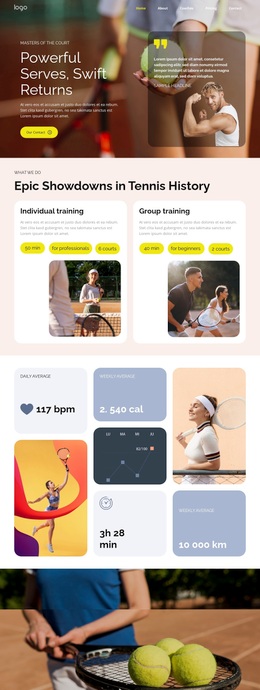
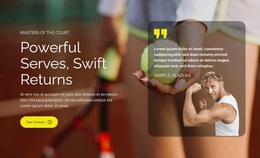
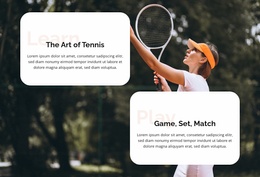
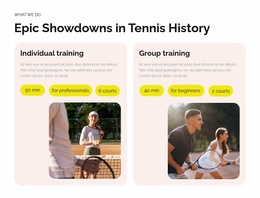
Large tennis photography carries the first impression, but the design becomes distinctive through the way that imagery is followed by varied membership content. The hero introduces energy and performance with “Powerful Serves, Swift Returns,” then two training cards make the offer specific by separating individual instruction from group training. This gives the page a practical starting point instead of leaving the sports theme at the level of atmosphere alone.
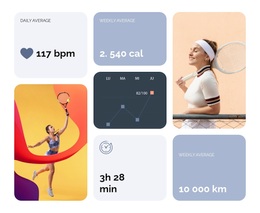
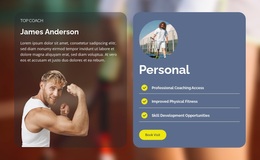
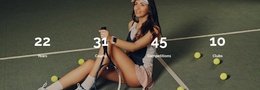
The six rounded benefit cards make the design useful for a club that needs to explain more than lessons. Professional Coaching Access and Skill Development Opportunities address improvement, while Improved Physical Fitness, Social Connection Benefits, Exclusive Member Events, and Year-Round Play broaden the membership story. Four performance figures add another visual layer, connecting the page to measurable activity without requiring the layout to become a dense information sheet.
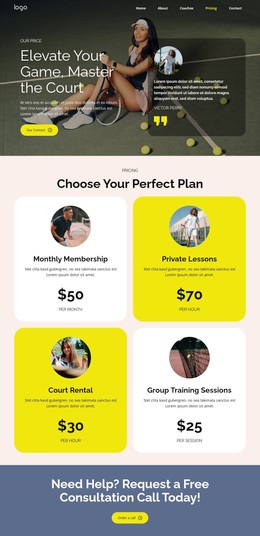
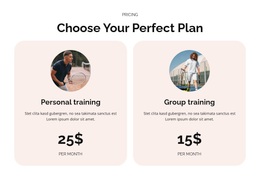
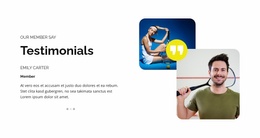
The closing sections make the option especially suitable for projects that need both persuasion and comparison. A testimonial area supplies member-oriented proof, and the two paid plans distinguish personal training from group training with visible pricing. The slate-blue Contact Us banner and earlier Register Now action create clear response points, while the compact footer keeps the ending restrained. Compared with a design centered only on services or only on a portfolio, this option combines athletic emotion, training choices, club benefits, member perspective, and plan selection in one ready-made direction.
Customize with Nicepage
Open this ready-made template in the Template Builder and customize it visually in the Nicepage editor. Replace demo content, edit page sections, and adapt the design to your project without rebuilding the template from scratch.
Start With a Ready-Made Template
Choose a Design for a New Page
Use a ready-made template as a starting point instead of creating every page from a blank canvas. When adding a new page in Nicepage, browse available designs, compare different layouts, and choose an option that already fits the general purpose and visual direction of your project.
Browse Different Page Designs
Explore Page Designs using search, thematic categories, Design Sets, and full-page previews. The collection includes layouts for different subjects and page purposes, making it easier to compare alternatives before selecting a design to customize.
Customize the Selected Template
After choosing a design, create the page and continue editing it visually in Nicepage. Replace the demo content, adjust images, typography, colors, sections, and other elements, and adapt the ready-made layout to your own content instead of rebuilding the design from the beginning.
Explore More Design Directions
If the first option does not match your project closely enough, return to the design collection and compare other templates before committing to a layout. This makes the template library useful not only for faster page creation, but also for exploring different visual approaches and finding a suitable starting point for a new project.
This workflow gives you access to a broad collection of ready-made designs that can be selected, compared, and customized according to the needs of each new page or project.