Running сlub Template


Edit Template Offline
2. Create new page and search for id 5777293
Edit Template Online
Create Awesome Websites


Free Nicepage Builder
Keywords
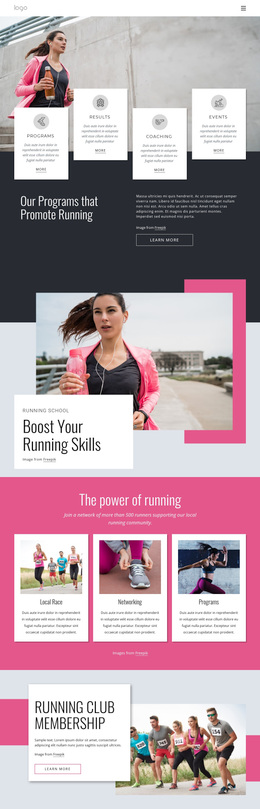
A Gallery-Led Choice for Running and Fitness Promotion
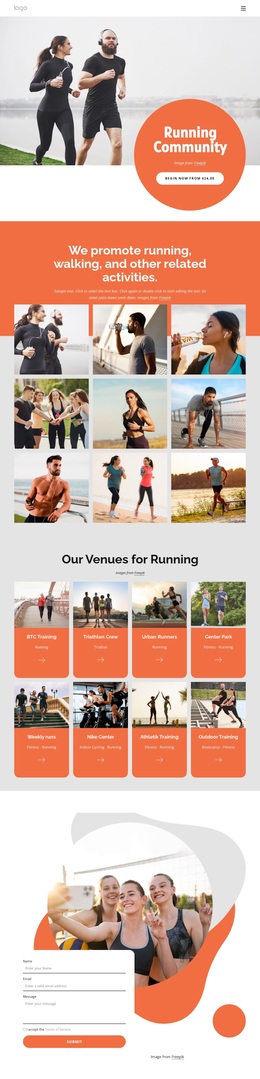
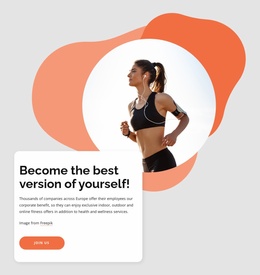
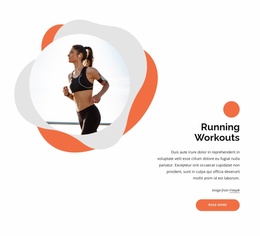
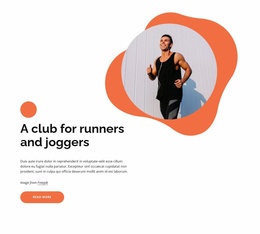
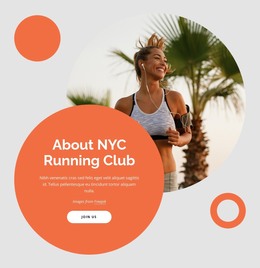
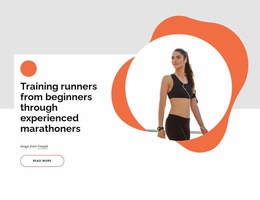
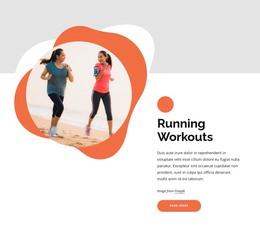
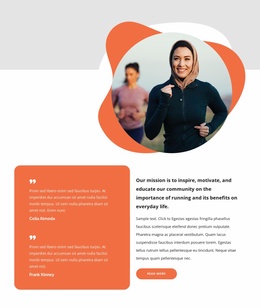
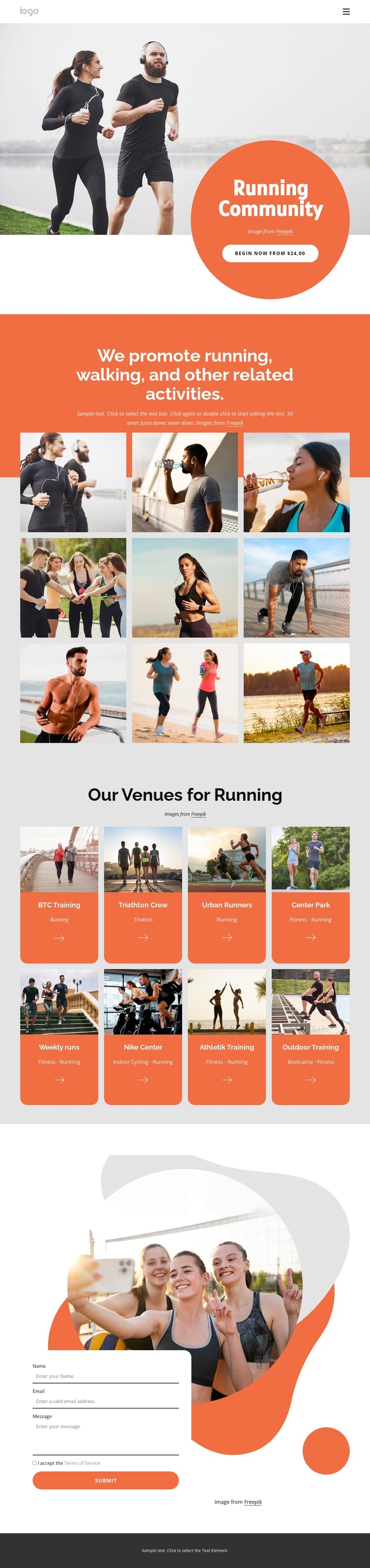
Large lifestyle photography carries the first impression of this design, making the running community immediately visible before visitors reach the detailed activity content. The coral circular panel and “Begin now” action add a strong focal point to that image, while the centered introduction below explains that the page covers running, walking, and related activities. This combination suits projects that need energy and visual context before presenting a longer list of options.
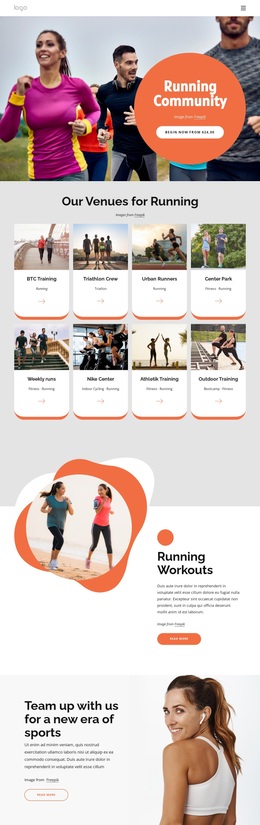
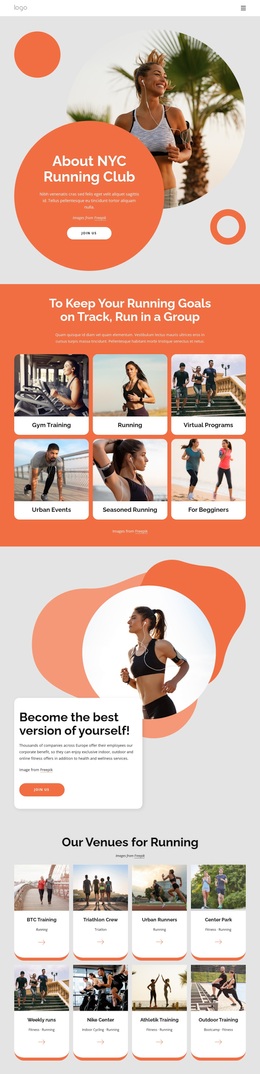
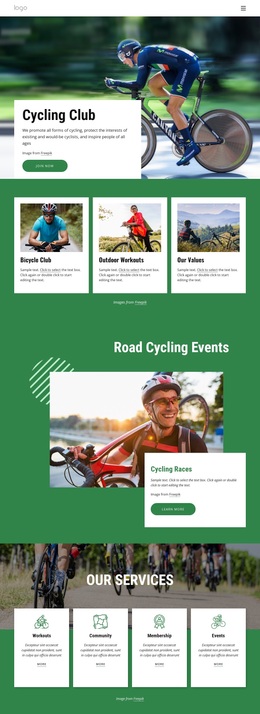
The nine-image gallery is the template’s most distinctive content choice. It gives the design a way to communicate the atmosphere of movement and participation through repeated imagery rather than relying only on descriptive text. The following venue section changes the emphasis from broad impression to practical choice. Eight cards identify named venues or activities, including BTC Training, Triathlon Crew, Urban Runners, Center Park, Nike Center, Athletik Training, and Outdoor Training. Their repeated image-and-label format makes the design useful for presenting several connected programs without losing visual order.
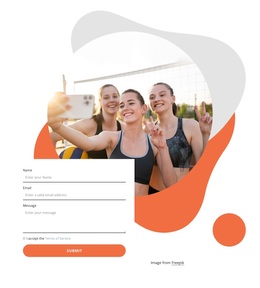
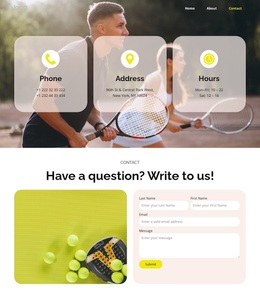
A contact form at the bottom completes the page as a choice for organizations that want both promotion and inquiry collection in one design. The page is therefore not centered only on a sports gallery or only on a form. It connects a strong community message, visual activity proof, a structured set of venue options, and a final communication point. That coverage makes it a focused option for running clubs, activity groups, or related fitness projects seeking an energetic starting direction.
Customize with Nicepage
Open this ready-made template in the Template Builder and customize it visually in the Nicepage editor. Replace demo content, edit page sections, and adapt the design to your project without rebuilding the template from scratch.
Start With a Ready-Made Template
Choose a Design for a New Page
Use a ready-made template as a starting point instead of creating every page from a blank canvas. When adding a new page in Nicepage, browse available designs, compare different layouts, and choose an option that already fits the general purpose and visual direction of your project.
Browse Different Page Designs
Explore Page Designs using search, thematic categories, Design Sets, and full-page previews. The collection includes layouts for different subjects and page purposes, making it easier to compare alternatives before selecting a design to customize.
Customize the Selected Template
After choosing a design, create the page and continue editing it visually in Nicepage. Replace the demo content, adjust images, typography, colors, sections, and other elements, and adapt the ready-made layout to your own content instead of rebuilding the design from the beginning.
Explore More Design Directions
If the first option does not match your project closely enough, return to the design collection and compare other templates before committing to a layout. This makes the template library useful not only for faster page creation, but also for exploring different visual approaches and finding a suitable starting point for a new project.
This workflow gives you access to a broad collection of ready-made designs that can be selected, compared, and customized according to the needs of each new page or project.