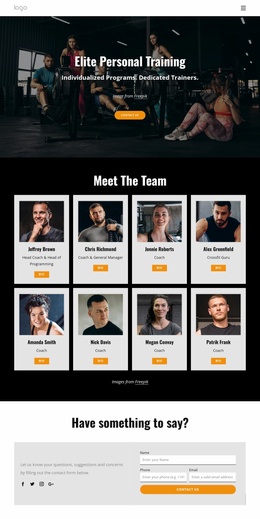
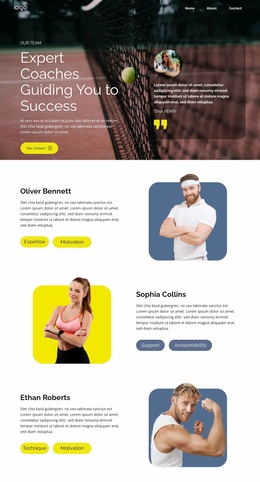
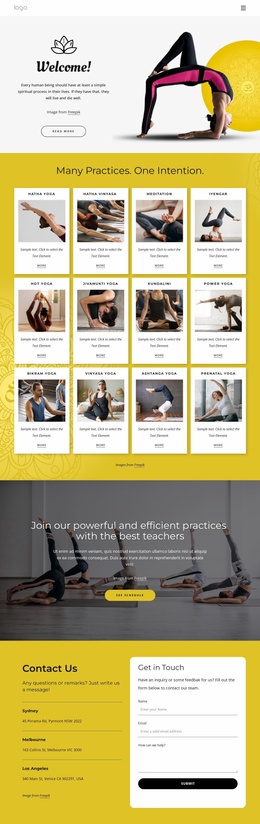
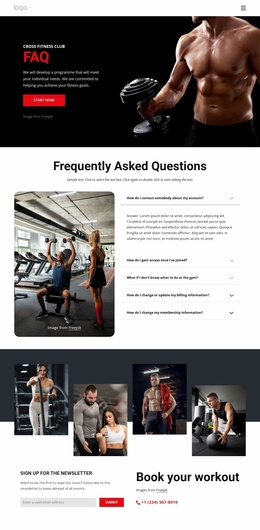
We offer running courses Website Template


Edit Template Offline
2. Create new page and search for id 6333705
Edit Template Online
Create Awesome Websites


Free Nicepage Builder
Keywords
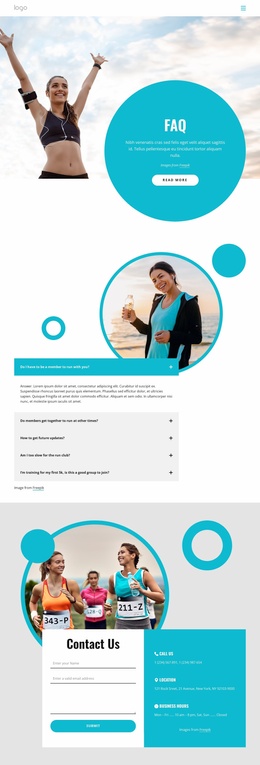
The FAQ-to-Contact Sequence Builds a Running Club Foundation
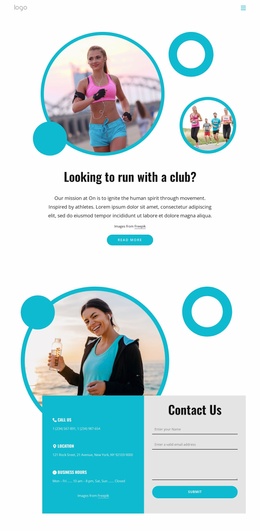
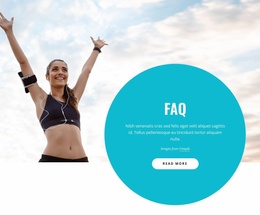
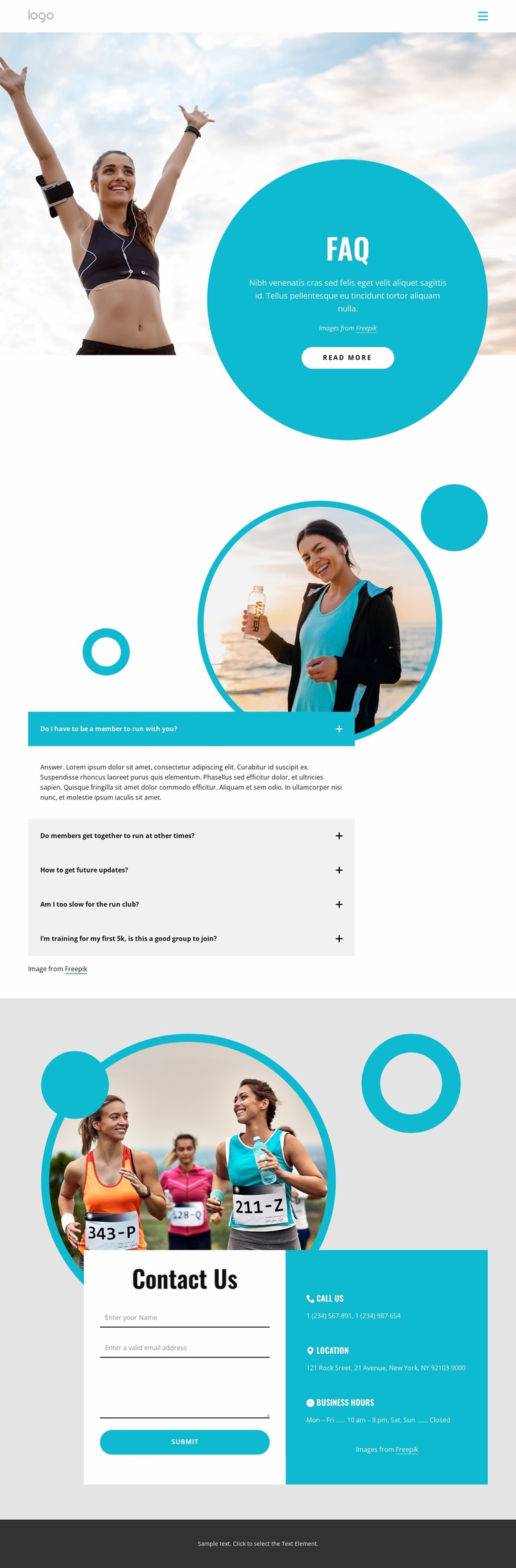
The design already defines several important content areas for a running-club website. A compact header establishes basic navigation, then the large runner photograph and turquoise circular FAQ panel introduce the subject through imagery and a concise information point. The five-question accordion adds a practical way to organize recurring explanations without making the opening section carry every detail.
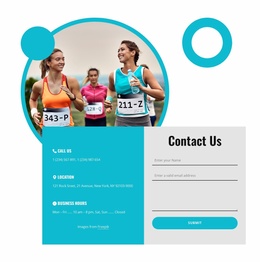
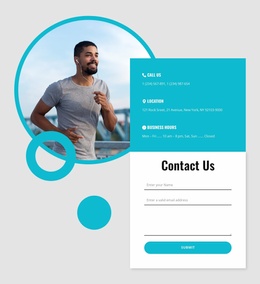
The lower Contact Us block gives the project a second clear content category. Its form occupies one side of the two-column layout, while phone, location, and business-hours information are stacked on the other. Together, these regions create a useful relationship between visitor questions and direct club communication: people can review the FAQ first, then move to an inquiry area when they need personal assistance or more information about group running activities.
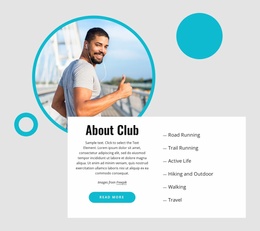
As a website foundation, the design is more specific than a generic sports landing screen because it already separates navigation, introductory imagery, answers, contact details, and a footer. The circular runner image and turquoise accents can provide a recognizable visual direction for related pages, while the spacious layout leaves room for additional club content if the project grows. The supplied phone number, address, hours, and sample answers are structural placeholders rather than verified club facts, so they should be replaced before publication. This combination gives a broader site a starting information architecture centered on questions, membership interest, and contact.
Customize with Nicepage
Open this ready-made template in the Website Template Builder and customize it visually in the Nicepage editor. Replace demo content, edit page sections, and adapt the design to your project without rebuilding the template from scratch.
Build a Complete Website From This Template
Customize the Website Visually
Use this ready-made website template as a starting point for your project and adapt its pages visually in Nicepage. Change content, images, typography, navigation, sections, and other design elements while keeping the website together as a single editable project.
Manage Website Pages in One Project
Use the Pages panel to open, add, duplicate, and manage the pages of your website. Work on individual pages while keeping navigation and the overall site structure accessible from the same project, making it easier to develop a complete website instead of managing separate page files.
Expand the Website With Matching Designs
When you need additional pages or sections, use Page Design Sets to find Page and Block Designs created in the same visual style. Design Sets group matching designs together, making it easier to expand the website with new content while maintaining a consistent look across its pages and sections.
Organize Larger Multi-Page Websites
As the website grows, use Page Folders to organize related pages and keep larger multi-page projects easier to navigate in the editor. This is especially useful for websites with separate service pages, company information, contacts, landing pages, and other content areas.
This workflow makes the template a practical foundation for building and expanding a complete website while managing its pages, content, and visual design within one Nicepage project.

Design Set (26)
-

-
-
-
-
-
-
-
-
-
-
-
Customize Any TemplateDownload
-
-
-
-
-
-