Running programs and trainings Website Template



Edit Template Offline
2. Create new page and search for id 4627090
Edit Template Online
Create Awesome Websites


Free Nicepage Builder
Keywords
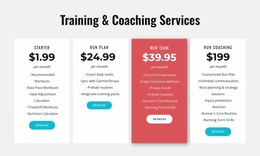
Six Program Entries Give the Club a Clear Website Foundation
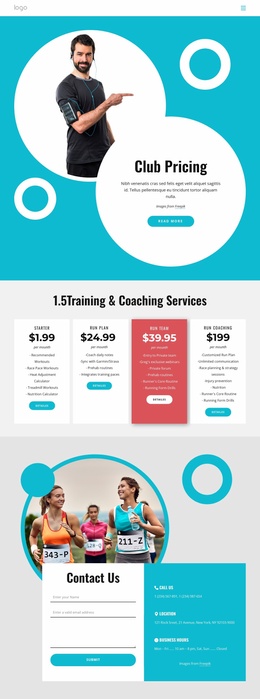
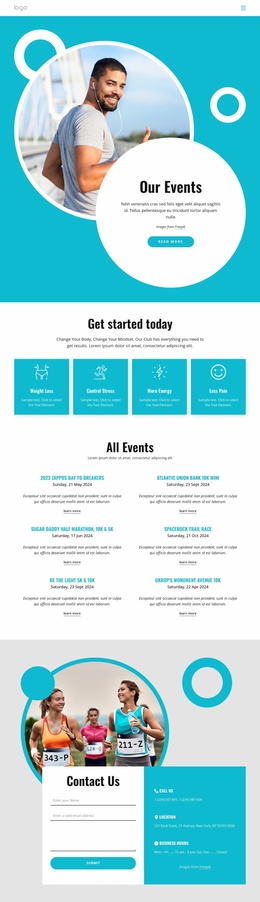
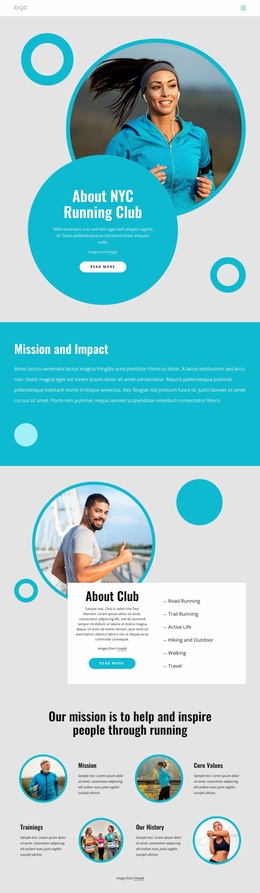
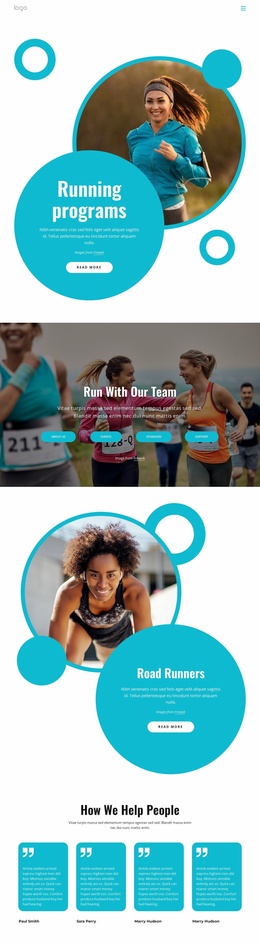
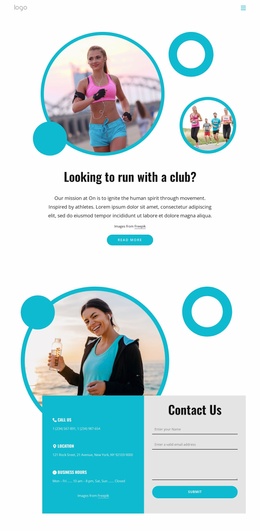
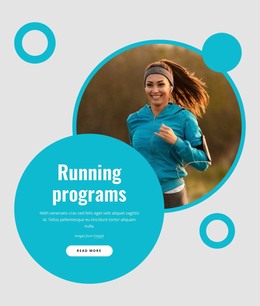
The six repeated program entries provide a strong central content category for a broader running-club website. They can act as the starting point for explaining different training offers while the surrounding sections add the context that a growing site would need: the hero introduces the running focus, the Road Runners feature reinforces the club identity, and the four links for About Us, Events, Sponsors, and Support suggest distinct directions for related content.
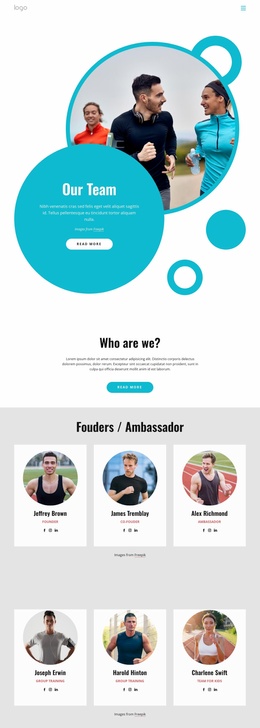
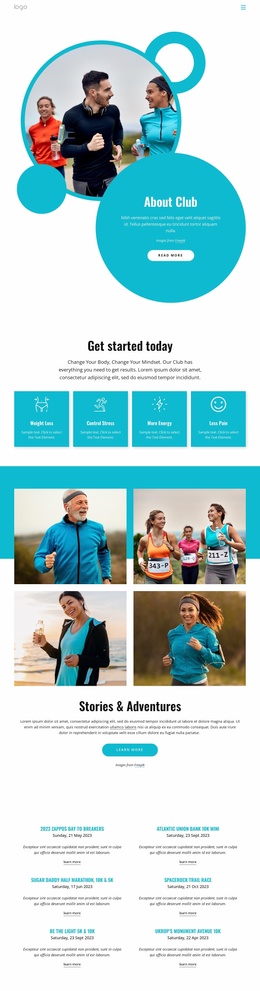
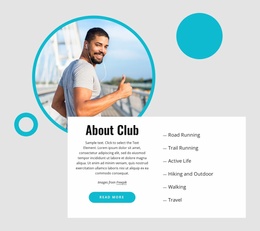
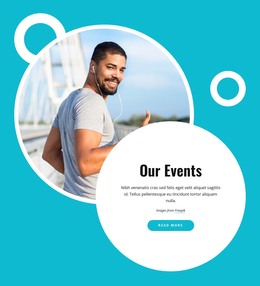
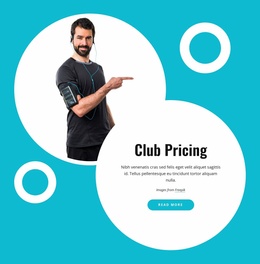
Three overlapping highlight cards add another useful layer by separating mission, training, and membership. Together with the four testimonial cards, they give the design more than a single promotional statement. The page can therefore serve as a visual and informational foundation for expanding club content, while remaining careful about what is actually present: the analysis confirms one underlying landing-page design, not a completed collection of multiple pages.
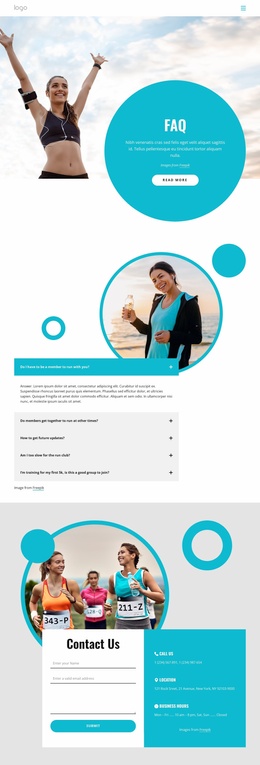
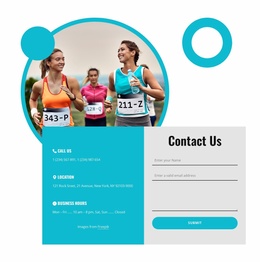
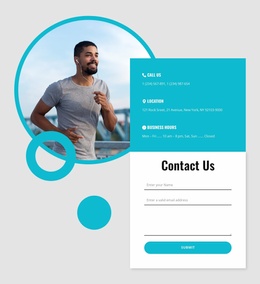
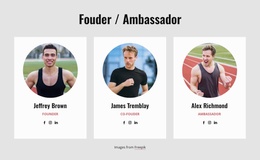
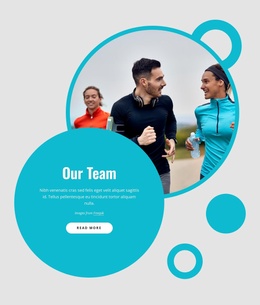
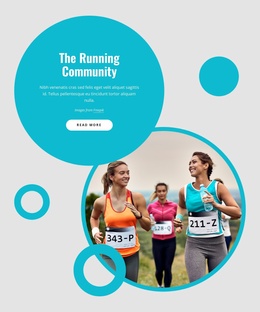
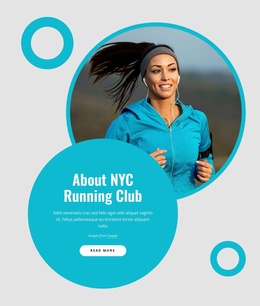
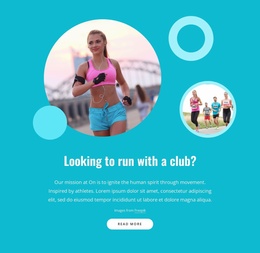
The closing contact area strengthens the project structure by combining phone, location, business-hours information, and a form with name, email, and message fields. That placement gives visitors a defined route from discovery to inquiry without making unsupported claims about the sample address, phone numbers, hours, or membership price shown in the demo content. The turquoise, white, and dark-gray palette, circular runner photographs, and repeated rounded cards can provide continuity if additional club pages or sections are added later.
Customize with Nicepage
Open this ready-made template in the Website Template Builder and customize it visually in the Nicepage editor. Replace demo content, edit page sections, and adapt the design to your project without rebuilding the template from scratch.
Build a Complete Website From This Template
Customize the Website Visually
Use this ready-made website template as a starting point for your project and adapt its pages visually in Nicepage. Change content, images, typography, navigation, sections, and other design elements while keeping the website together as a single editable project.
Manage Website Pages in One Project
Use the Pages panel to open, add, duplicate, and manage the pages of your website. Work on individual pages while keeping navigation and the overall site structure accessible from the same project, making it easier to develop a complete website instead of managing separate page files.
Expand the Website With Matching Designs
When you need additional pages or sections, use Page Design Sets to find Page and Block Designs created in the same visual style. Design Sets group matching designs together, making it easier to expand the website with new content while maintaining a consistent look across its pages and sections.
Organize Larger Multi-Page Websites
As the website grows, use Page Folders to organize related pages and keep larger multi-page projects easier to navigate in the editor. This is especially useful for websites with separate service pages, company information, contacts, landing pages, and other content areas.
This workflow makes the template a practical foundation for building and expanding a complete website while managing its pages, content, and visual design within one Nicepage project.

Design Set (26)
-

-
-
-
-
-
-
-
-
-
-
-
Customize Any TemplateDownload
-
-
-
-
-
-