Ready for fitness and sports Template


Edit Template Offline
2. Create new page and search for id 12899
Edit Template Online
Create Awesome Websites


Free Nicepage Builder
Keywords
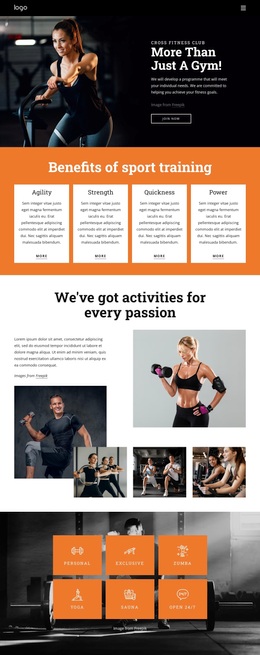
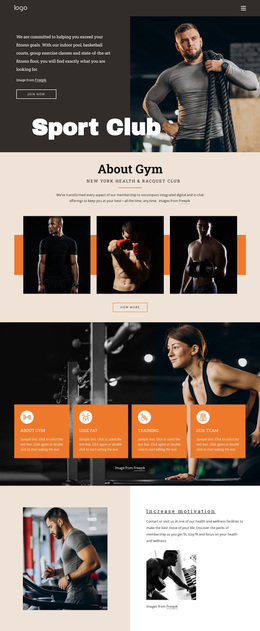
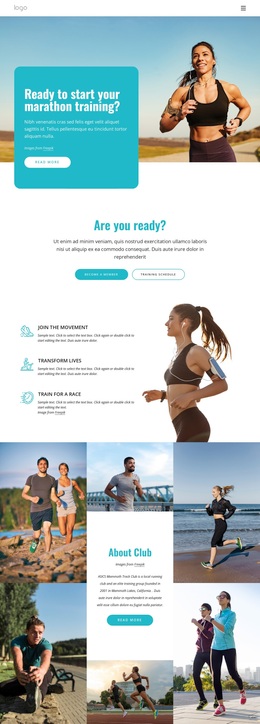
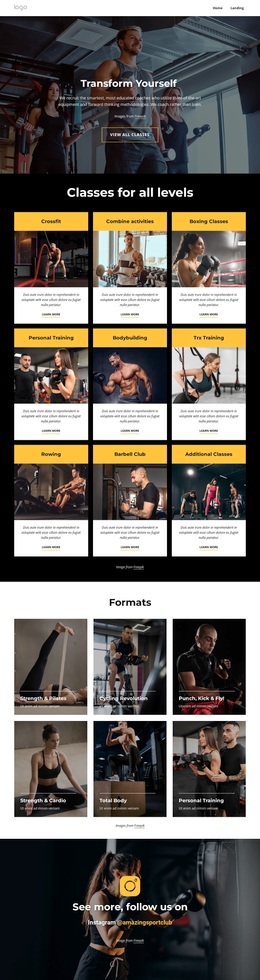
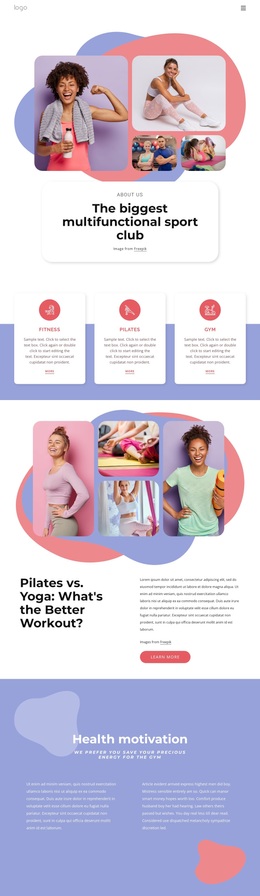
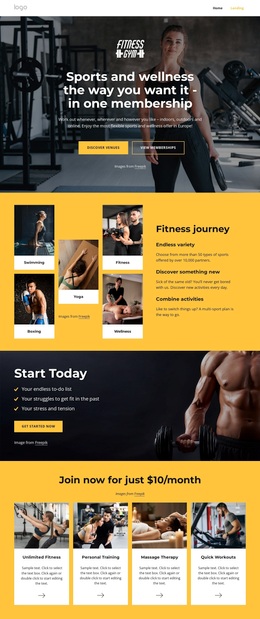
Three Activity Categories Framed by Fitness Photography
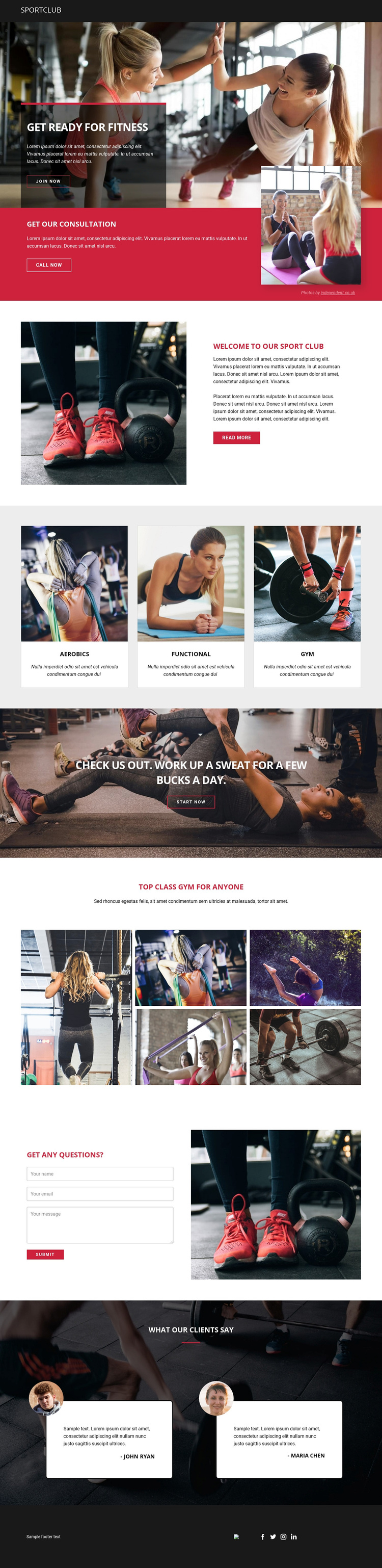
Aerobics, Functional, and Gym give this design an immediately understandable content core. The three equal cards present different activity directions within one repeated visual structure, making the template suitable for a club that needs to show variety without turning the home page into a dense catalogue. Their position after the club introduction lets the visitor first understand the organization, then compare the main types of participation.
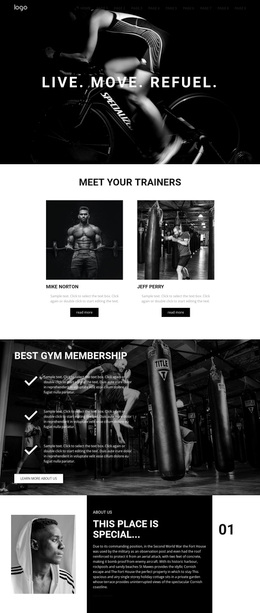
The surrounding sections make the design distinctive as a choice among fitness layouts. A large training photograph carries the opening Get Ready for Fitness message, while the red consultation band introduces a more direct service moment through Get our Consultation and Call Now. Later, the Check us out promotion returns to membership language, so the page balances category discovery with clear action points. The six-image mosaic adds a strong visual showcase for gym and exercise scenes, giving photography a central role rather than treating images as decoration.
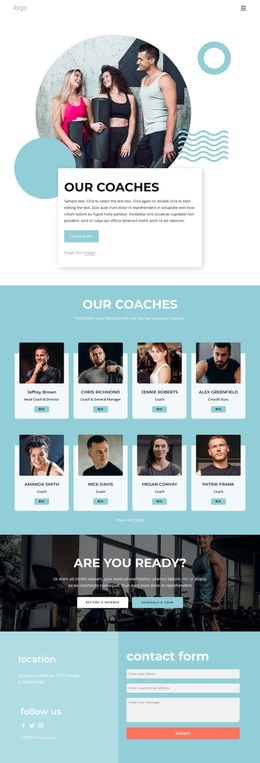
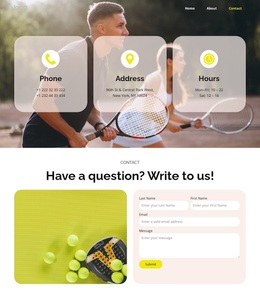
Two testimonial cards and the final inquiry area complete the content coverage. They introduce client feedback and a practical question-and-submit sequence after the activities and imagery have established the club’s character. The dark header and footer, white content areas, and red accents keep these varied sections connected. This is a useful option for projects that need an energetic sports presentation with recognizable offerings, visual proof, consultation messaging, and a direct way to begin a conversation.
Customize with Nicepage
Open this ready-made template in the Template Builder and customize it visually in the Nicepage editor. Replace demo content, edit page sections, and adapt the design to your project without rebuilding the template from scratch.
Start With a Ready-Made Template
Choose a Design for a New Page
Use a ready-made template as a starting point instead of creating every page from a blank canvas. When adding a new page in Nicepage, browse available designs, compare different layouts, and choose an option that already fits the general purpose and visual direction of your project.
Browse Different Page Designs
Explore Page Designs using search, thematic categories, Design Sets, and full-page previews. The collection includes layouts for different subjects and page purposes, making it easier to compare alternatives before selecting a design to customize.
Customize the Selected Template
After choosing a design, create the page and continue editing it visually in Nicepage. Replace the demo content, adjust images, typography, colors, sections, and other elements, and adapt the ready-made layout to your own content instead of rebuilding the design from the beginning.
Explore More Design Directions
If the first option does not match your project closely enough, return to the design collection and compare other templates before committing to a layout. This makes the template library useful not only for faster page creation, but also for exploring different visual approaches and finding a suitable starting point for a new project.
This workflow gives you access to a broad collection of ready-made designs that can be selected, compared, and customized according to the needs of each new page or project.