Canoeing and kayaking Template

Edit Template Offline
2. Create new page and search for id 966338
Edit Template Online
Create Awesome Websites


Free Nicepage Builder
Keywords
Water Photography and Activity Coverage Make This Design Easy to Choose
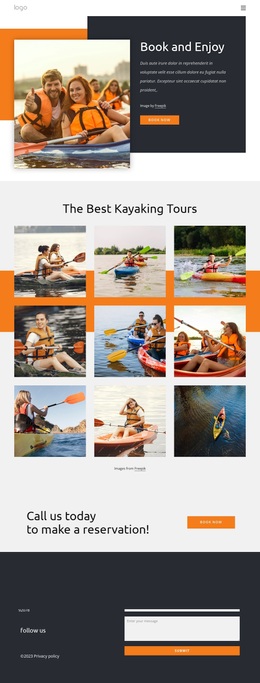
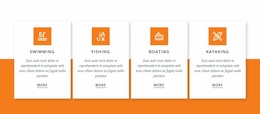
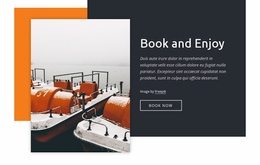
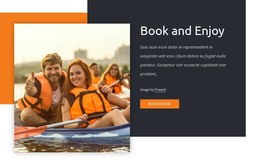
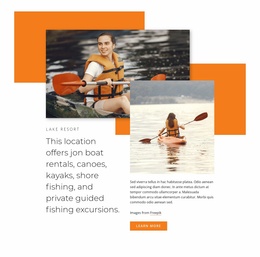
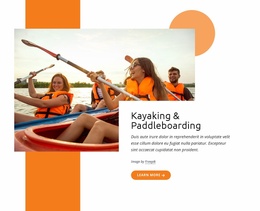
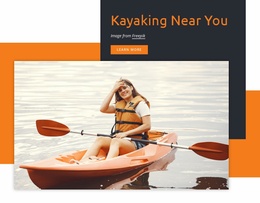
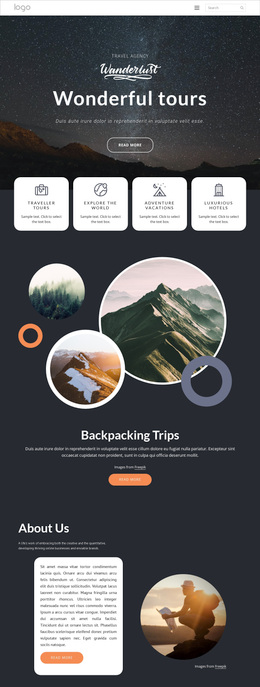
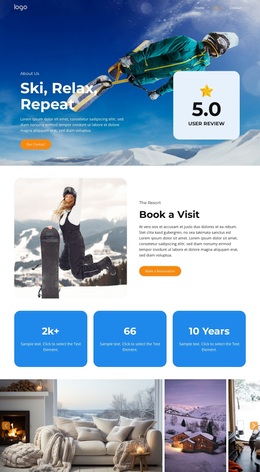
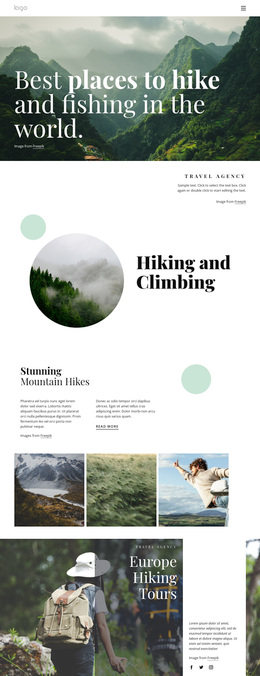
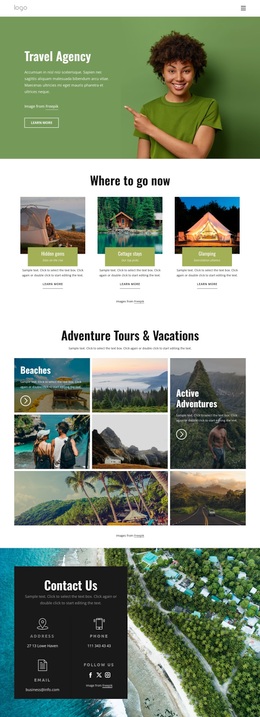
Large photographs of boats, kayaks, and water recreation give this design a clear visual subject from the first section. The kayaking hero is not isolated from the rest of the page: it leads into four activity cards for Swimming, Fishing, Boating, and Kayaking, showing that the concept covers a broader resort offer rather than a single equipment rental or sport. This combination makes the design a useful option for projects that need visual appeal and several related activity categories.
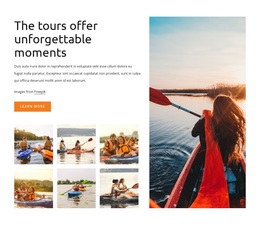
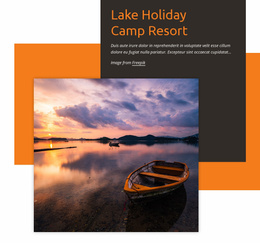
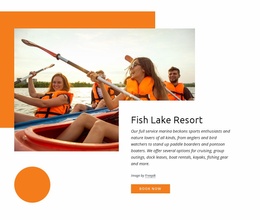
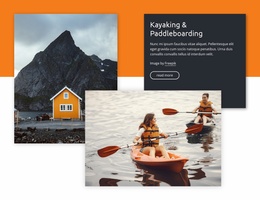
The content coverage continues through paddleboarding, lake cruises, boat rentals, marina information, and guided fishing excursions. Image-led Split sections and overlapping text panels keep those offerings distinct while preserving a shared orange, charcoal, and white visual direction. The About Resort block adds descriptive context and four repeated metrics, while the standalone reservation prompt gives the page a practical action point. Because the displayed figures are placeholder evidence, they should be replaced with verified project information.
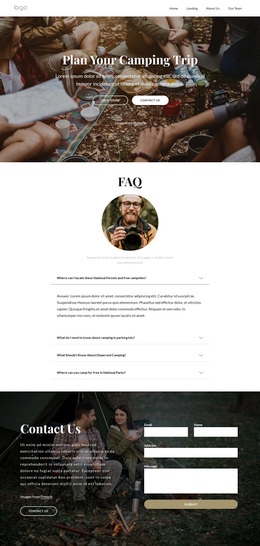
The closing contact region strengthens the design’s usefulness for a real resort presentation by bringing together location, social links, privacy text, and a message form. The result is more than a generic outdoor layout: it is a ready-made choice for a water-recreation project that needs activity breadth, strong photography, and repeated paths toward booking or contact.
Customize with Nicepage
Open this ready-made template in the Template Builder and customize it visually in the Nicepage editor. Replace demo content, edit page sections, and adapt the design to your project without rebuilding the template from scratch.
Start With a Ready-Made Template
Choose a Design for a New Page
Use a ready-made template as a starting point instead of creating every page from a blank canvas. When adding a new page in Nicepage, browse available designs, compare different layouts, and choose an option that already fits the general purpose and visual direction of your project.
Browse Different Page Designs
Explore Page Designs using search, thematic categories, Design Sets, and full-page previews. The collection includes layouts for different subjects and page purposes, making it easier to compare alternatives before selecting a design to customize.
Customize the Selected Template
After choosing a design, create the page and continue editing it visually in Nicepage. Replace the demo content, adjust images, typography, colors, sections, and other elements, and adapt the ready-made layout to your own content instead of rebuilding the design from the beginning.
Explore More Design Directions
If the first option does not match your project closely enough, return to the design collection and compare other templates before committing to a layout. This makes the template library useful not only for faster page creation, but also for exploring different visual approaches and finding a suitable starting point for a new project.
This workflow gives you access to a broad collection of ready-made designs that can be selected, compared, and customized according to the needs of each new page or project.