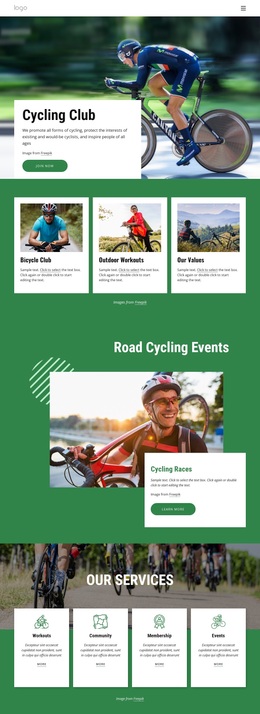
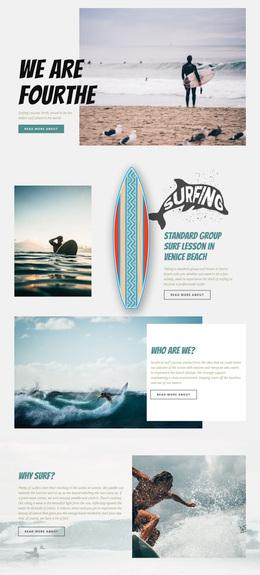
Running club activities Template



Edit Template Offline
2. Create new page and search for id 4628996
Edit Template Online
Create Awesome Websites


Free Nicepage Builder
Keywords
A Gallery-Led Club Design With Events and Programs
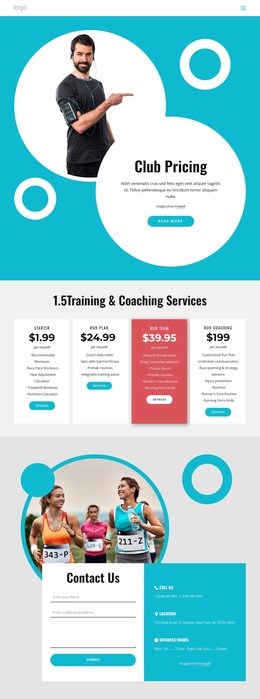
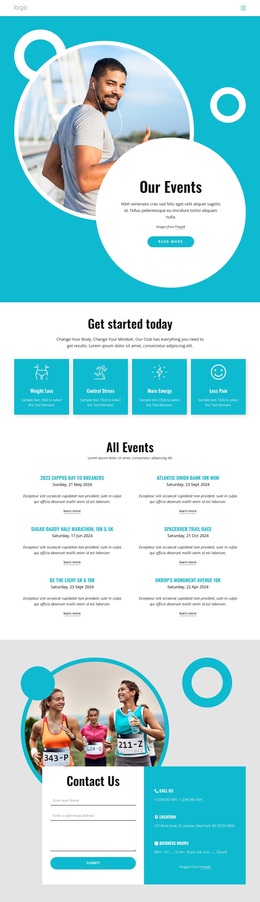
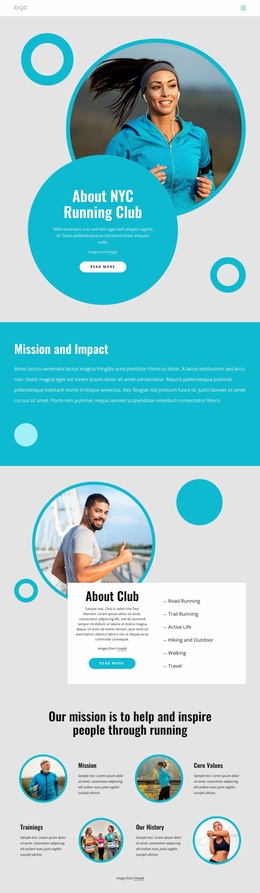
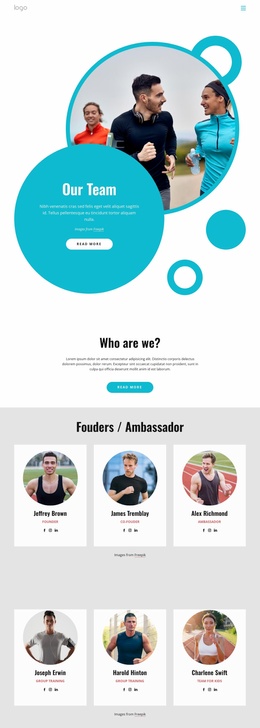
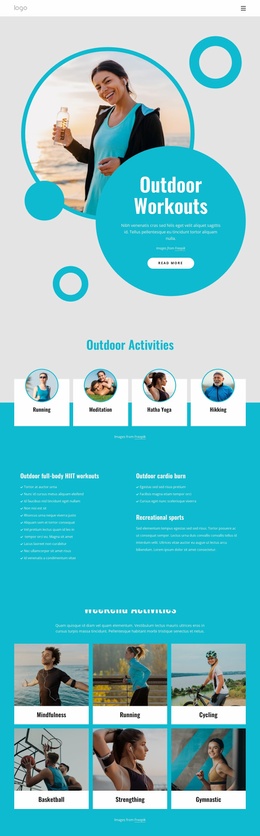
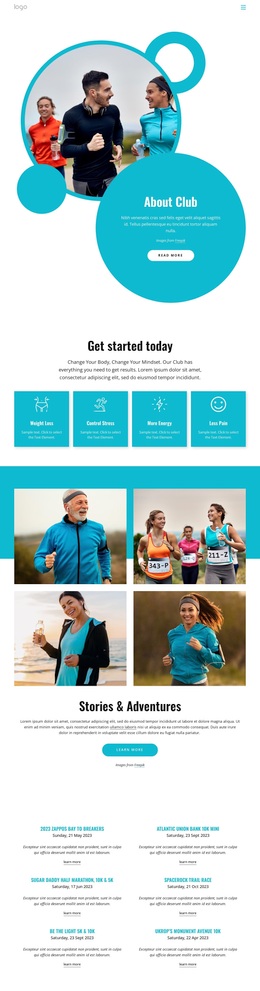
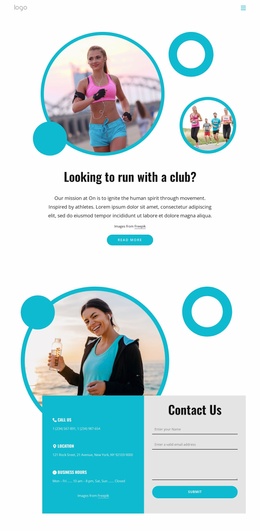
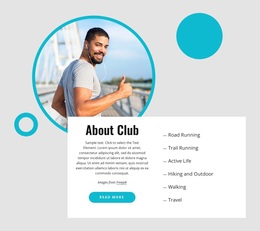
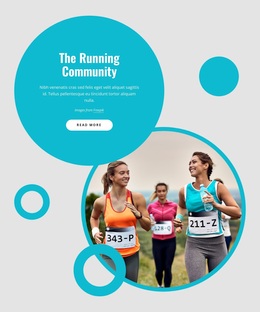
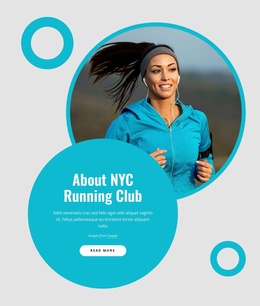
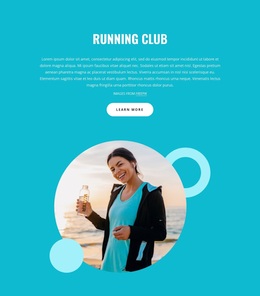
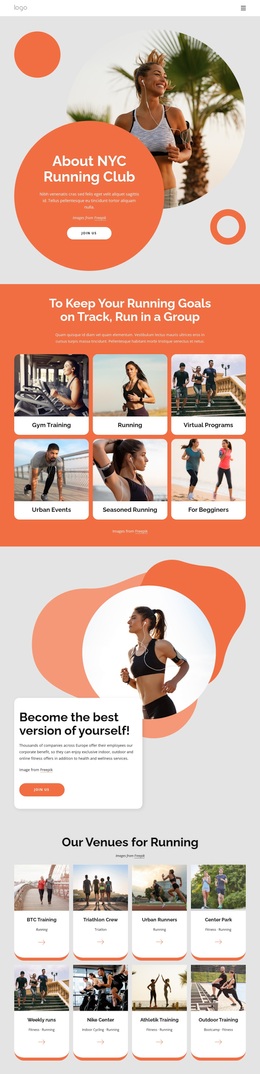
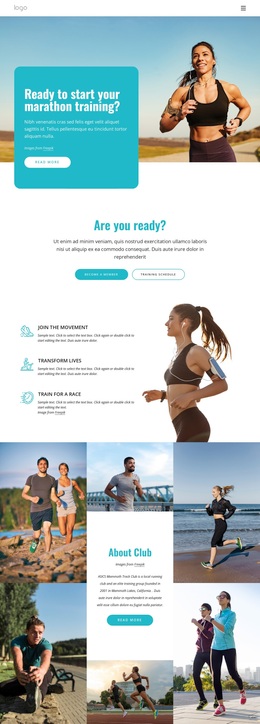
The turquoise, white, and charcoal palette gives this design a clear athletic direction, while circular accents and collage-style photography keep the presentation connected to movement and participation. That visual character is supported by a practical content range: the About Club section introduces the organization, and the four benefit cards quickly communicate outcomes through Weight Loss, Control Stress, More Energy, and Less Pain. The result is more specific than a generic sports layout because the visual treatment and content categories reinforce the running-club subject together.
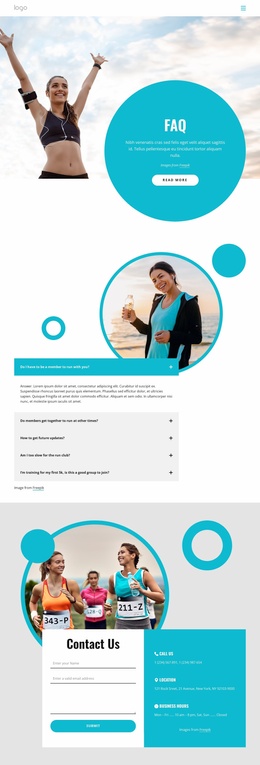
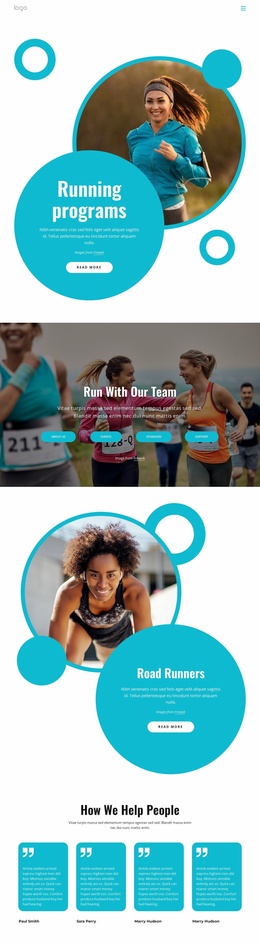
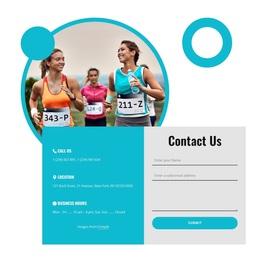
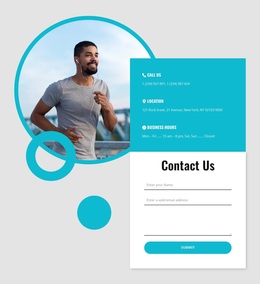
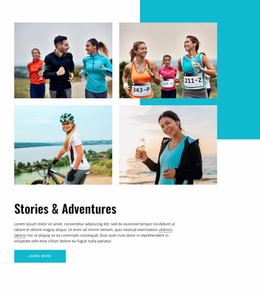
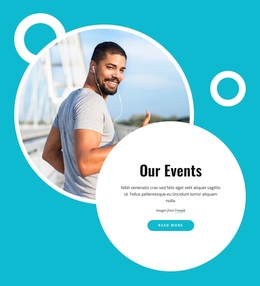
The four-image Stories & Adventures collage is the strongest distinguishing content feature, giving the page a visual storytelling center rather than relying only on text and cards. Below it, six event listings make the design useful for clubs that need to present recurring activities, while eight program cards provide room for broader offerings. Verified examples include coaching certification, a championship event series, a runner-friendly community program, and a runner program. The final Contact Us section adds phone, location, business-hours entries, and a form, so the design covers discovery, participation, program exploration, and contact engagement. It is a useful choice when an athletic project needs both energetic imagery and enough structured content to explain activities beyond a single promotional message.
Customize with Nicepage
Open this ready-made template in the Template Builder and customize it visually in the Nicepage editor. Replace demo content, edit page sections, and adapt the design to your project without rebuilding the template from scratch.
Start With a Ready-Made Template
Choose a Design for a New Page
Use a ready-made template as a starting point instead of creating every page from a blank canvas. When adding a new page in Nicepage, browse available designs, compare different layouts, and choose an option that already fits the general purpose and visual direction of your project.
Browse Different Page Designs
Explore Page Designs using search, thematic categories, Design Sets, and full-page previews. The collection includes layouts for different subjects and page purposes, making it easier to compare alternatives before selecting a design to customize.
Customize the Selected Template
After choosing a design, create the page and continue editing it visually in Nicepage. Replace the demo content, adjust images, typography, colors, sections, and other elements, and adapt the ready-made layout to your own content instead of rebuilding the design from the beginning.
Explore More Design Directions
If the first option does not match your project closely enough, return to the design collection and compare other templates before committing to a layout. This makes the template library useful not only for faster page creation, but also for exploring different visual approaches and finding a suitable starting point for a new project.
This workflow gives you access to a broad collection of ready-made designs that can be selected, compared, and customized according to the needs of each new page or project.

Design Set (26)
-

-
-
-
-
-
-
-
-
-
-
-
Free Website Builder SoftwareDownload
-
-
-
-
-
-