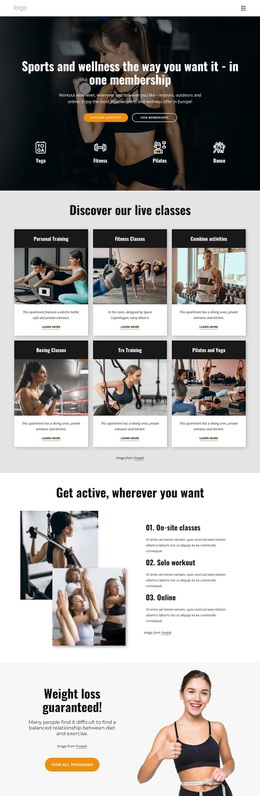
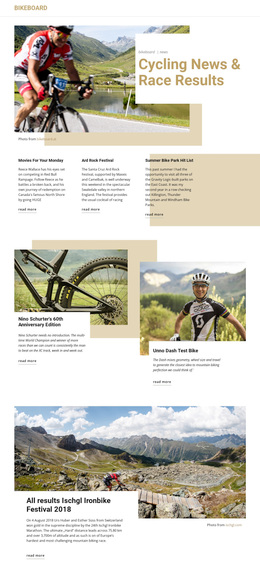
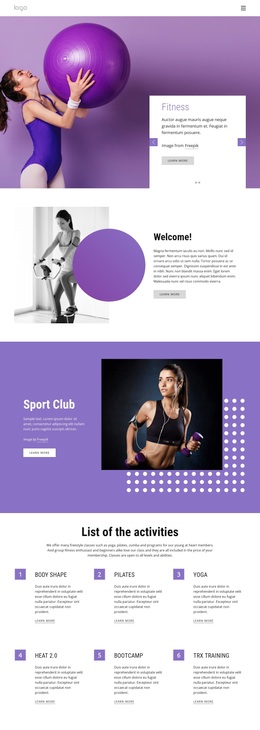
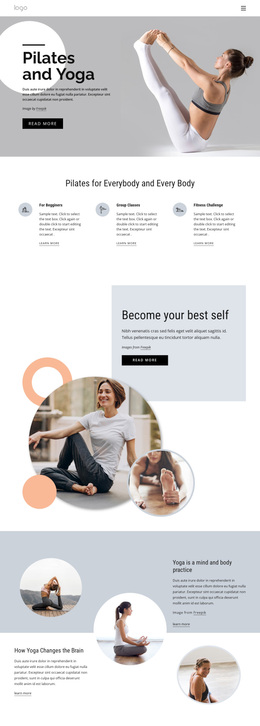
100 weekly in-studio classes Template



Edit Template Offline
2. Create new page and search for id 4795503
Edit Template Online
Create Awesome Websites


Free Nicepage Builder
Keywords
Five Practice Cards Give the Yoga Studio Design a Distinctive Starting Point
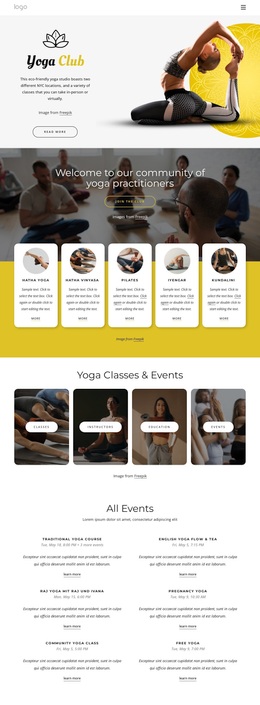
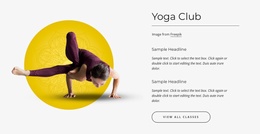
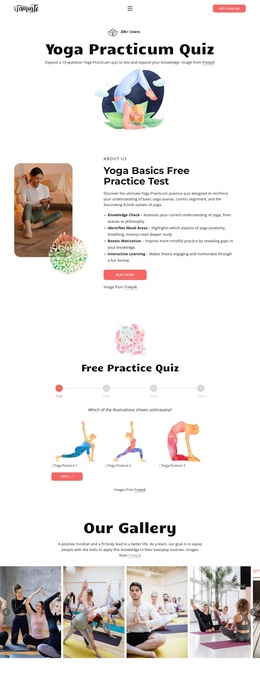
The design’s strongest selection reason is its unusually broad treatment of yoga participation within one page. Instead of stopping at a generic studio introduction, it presents five practice cards—Hatha Yoga, Hatha Vinyasa, Pilates, Iyengar, and Kundalini—under a community-focused heading. That gives the page a clear content identity for projects that need to show variety in practices while keeping the visual presentation approachable.
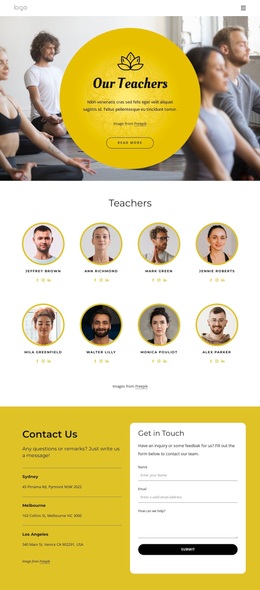
The design also covers several related reasons visitors may engage with a studio. Four image-backed tiles divide Classes, Instructors, Education, and Events, and the following section provides six event entries with dates, descriptions, and learn-more actions. This combination makes the page suitable for a studio that wants regular activities to sit alongside its broader class offering rather than treating events as an afterthought. A separate Join the Club band adds a visible membership direction.
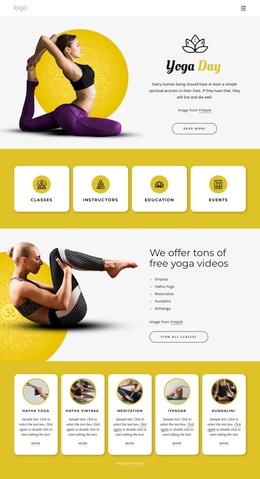
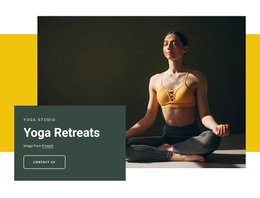
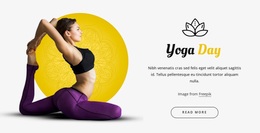
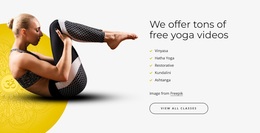
The later content makes the option more versatile: Yoga for Flexible Mind and Body supplies an explanatory wellness message, the overlapping Yoga Retreats section adds a larger promotional moment, and the free video section covers Vinyasa, Hatha Yoga, Restorative, Kundalini, and Ashtanga. With both in-person and virtual participation represented, the design can suit a yoga or wellness project that needs classes, community, education, events, retreats, and inquiries in one coherent visual direction.
Customize with Nicepage
Open this ready-made template in the Template Builder and customize it visually in the Nicepage editor. Replace demo content, edit page sections, and adapt the design to your project without rebuilding the template from scratch.
Start With a Ready-Made Template
Choose a Design for a New Page
Use a ready-made template as a starting point instead of creating every page from a blank canvas. When adding a new page in Nicepage, browse available designs, compare different layouts, and choose an option that already fits the general purpose and visual direction of your project.
Browse Different Page Designs
Explore Page Designs using search, thematic categories, Design Sets, and full-page previews. The collection includes layouts for different subjects and page purposes, making it easier to compare alternatives before selecting a design to customize.
Customize the Selected Template
After choosing a design, create the page and continue editing it visually in Nicepage. Replace the demo content, adjust images, typography, colors, sections, and other elements, and adapt the ready-made layout to your own content instead of rebuilding the design from the beginning.
Explore More Design Directions
If the first option does not match your project closely enough, return to the design collection and compare other templates before committing to a layout. This makes the template library useful not only for faster page creation, but also for exploring different visual approaches and finding a suitable starting point for a new project.
This workflow gives you access to a broad collection of ready-made designs that can be selected, compared, and customized according to the needs of each new page or project.