Running and walking community Template



Edit Template Offline
2. Create new page and search for id 470164
Edit Template Online
Create Awesome Websites


Free Nicepage Builder
Keywords
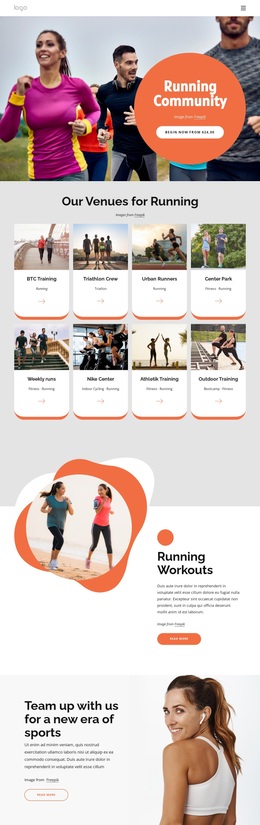
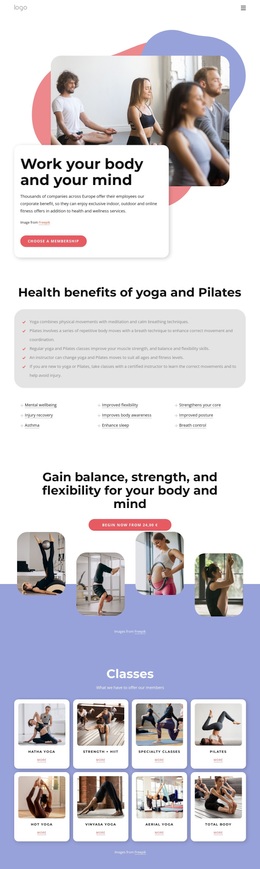
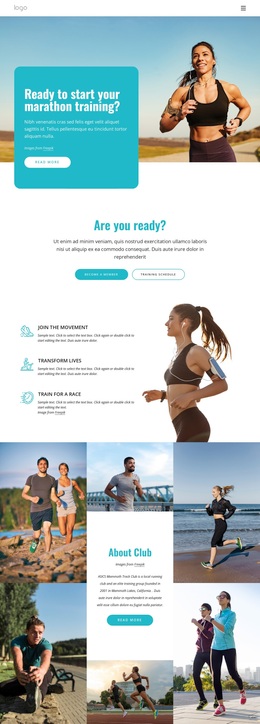
Program Cards and Community Imagery Give the Design a Distinctive Focus
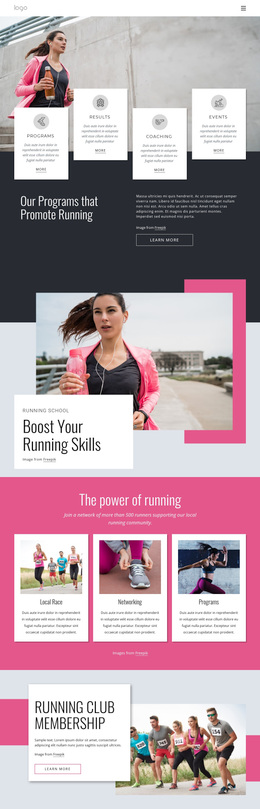
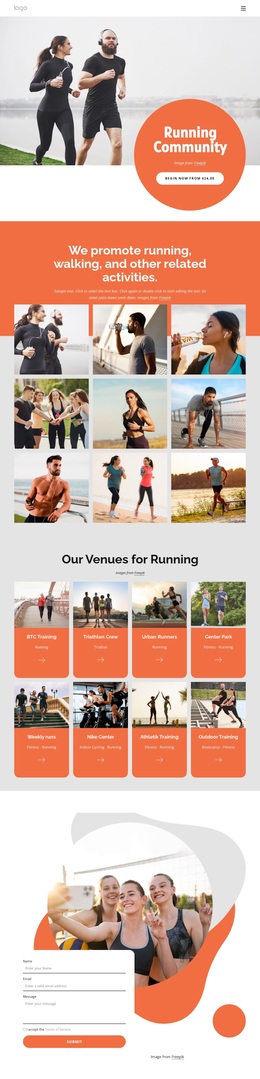
The combination of a large runner photograph and four alternating white cards makes the page immediately specific to organized running rather than a generic fitness layout. Programs, Results, Coaching, and Events provide broad coverage at the start, while the later running-school composition adds a more focused training angle. This balance suits a club that needs to present both structured offerings and the atmosphere surrounding them.
The design is also differentiated by the way it connects activity categories with social participation. The three-card section for Local Race, Networking, and Programs gives the page a clear community vocabulary, while the Running Club Membership block places a group photograph beside an explicit Learn more action. A four-image collage and social links continue that emphasis, showing that the chosen design is not centered only on individual performance or isolated coaching.
The running-trends feature adds editorial range through layered athletic imagery and supporting copy, preventing the page from relying entirely on service cards. The closing contact area then brings the content back to a practical club interaction with a recognizable identity panel and inquiry form. These relationships make the design a useful option for projects that need to combine programs, coaching, events, membership, community connection, and editorial material without losing a strong sports character. Its contrast between dark fields, pale blue and pink accents, white panels, and high-impact photography further separates it from quieter informational club layouts.
Customize with Nicepage
Open this ready-made template in the Template Builder and customize it visually in the Nicepage editor. Replace demo content, edit page sections, and adapt the design to your project without rebuilding the template from scratch.
Start With a Ready-Made Template
Choose a Design for a New Page
Use a ready-made template as a starting point instead of creating every page from a blank canvas. When adding a new page in Nicepage, browse available designs, compare different layouts, and choose an option that already fits the general purpose and visual direction of your project.
Browse Different Page Designs
Explore Page Designs using search, thematic categories, Design Sets, and full-page previews. The collection includes layouts for different subjects and page purposes, making it easier to compare alternatives before selecting a design to customize.
Customize the Selected Template
After choosing a design, create the page and continue editing it visually in Nicepage. Replace the demo content, adjust images, typography, colors, sections, and other elements, and adapt the ready-made layout to your own content instead of rebuilding the design from the beginning.
Explore More Design Directions
If the first option does not match your project closely enough, return to the design collection and compare other templates before committing to a layout. This makes the template library useful not only for faster page creation, but also for exploring different visual approaches and finding a suitable starting point for a new project.
This workflow gives you access to a broad collection of ready-made designs that can be selected, compared, and customized according to the needs of each new page or project.