Run with a club Template


Edit Template Offline
2. Create new page and search for id 6333520
Edit Template Online
Create Awesome Websites


Free Nicepage Builder
Keywords
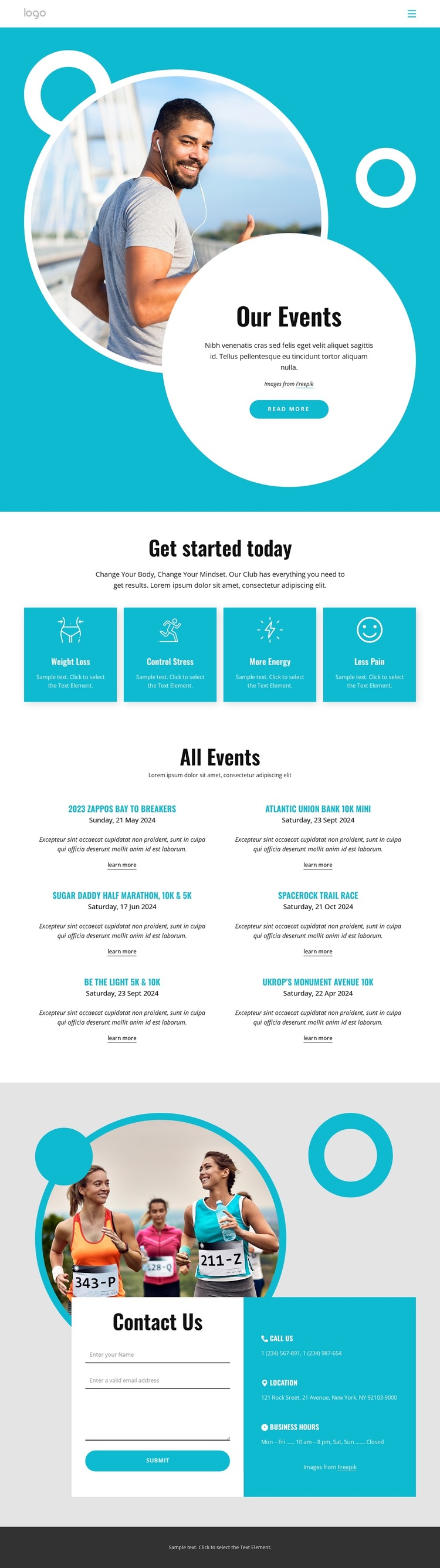
Six Running Events Turn Fitness Goals Into a Specific Content Choice
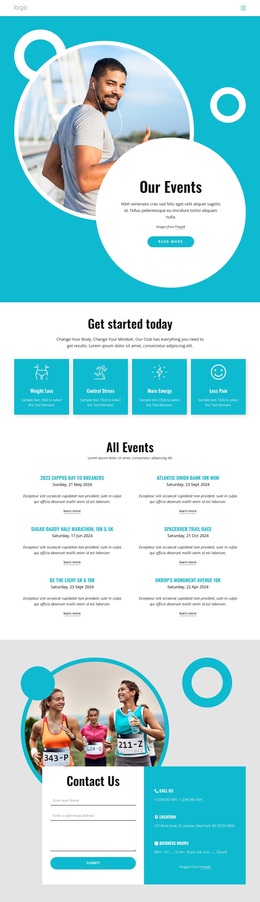
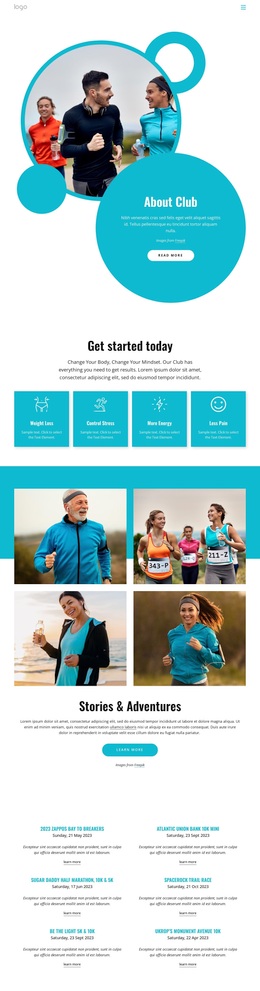
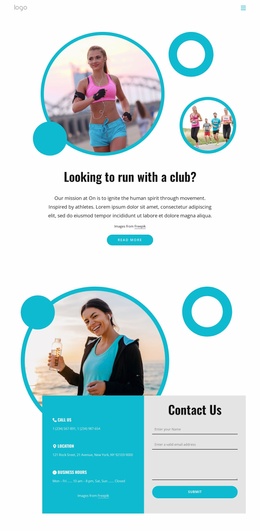
The six named event entries give this design a clear identity among broader fitness layouts. Rather than centering the page on a long service explanation or a single program, it combines an “All Events” listing with concise information for each activity. The two-column arrangement supports scanning, while the dates, descriptions, and Learn more links give every entry a defined place in the visitor’s exploration.
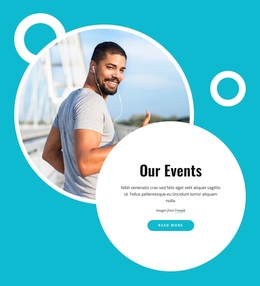
The surrounding content strengthens that choice. The turquoise “Our Events” hero uses circular imagery and a strong Read more action to introduce the subject visually, then the four benefit cards explain the outcomes that frame participation: Weight Loss, Control Stress, More Energy, and Less Pain. This creates a useful relationship between motivation and practical event discovery. The page is not only a list; it gives the list a fitness-oriented reason to matter.
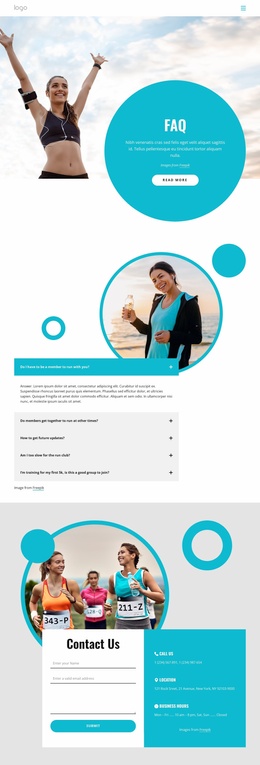
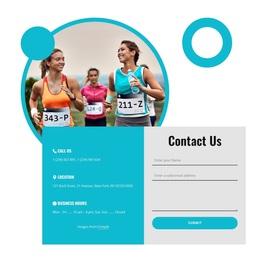
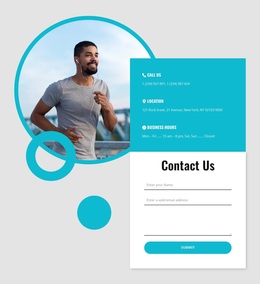
The contact section adds a direct path for questions without competing with the event content. A form for name, email, and message is paired with phone, location, and business-hours information, so visitors can move from reading about an event to making an inquiry. The bright turquoise and white palette, bold black headings, rounded accents, and generous spacing keep the presentation energetic while preserving clear content separation. That combination makes the design a strong option for organizations presenting recurring running activities and fitness goals.
Customize with Nicepage
Open this ready-made template in the Template Builder and customize it visually in the Nicepage editor. Replace demo content, edit page sections, and adapt the design to your project without rebuilding the template from scratch.
Start With a Ready-Made Template
Choose a Design for a New Page
Use a ready-made template as a starting point instead of creating every page from a blank canvas. When adding a new page in Nicepage, browse available designs, compare different layouts, and choose an option that already fits the general purpose and visual direction of your project.
Browse Different Page Designs
Explore Page Designs using search, thematic categories, Design Sets, and full-page previews. The collection includes layouts for different subjects and page purposes, making it easier to compare alternatives before selecting a design to customize.
Customize the Selected Template
After choosing a design, create the page and continue editing it visually in Nicepage. Replace the demo content, adjust images, typography, colors, sections, and other elements, and adapt the ready-made layout to your own content instead of rebuilding the design from the beginning.
Explore More Design Directions
If the first option does not match your project closely enough, return to the design collection and compare other templates before committing to a layout. This makes the template library useful not only for faster page creation, but also for exploring different visual approaches and finding a suitable starting point for a new project.
This workflow gives you access to a broad collection of ready-made designs that can be selected, compared, and customized according to the needs of each new page or project.

Design Set (26)
-

-
-
-
-
-
-
-
-
-
-
-
Free Website Builder SoftwareDownload
-
-
-
-
-
-