Travel agency social contacts WordPress Theme


Landscape Imagery Anchors Stable Nature Page Content
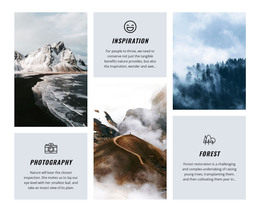
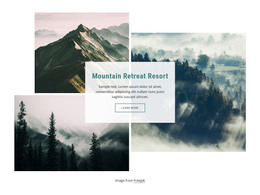
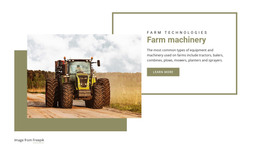
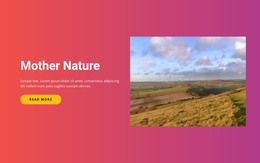
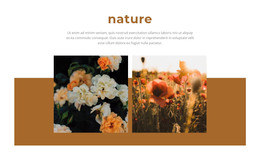
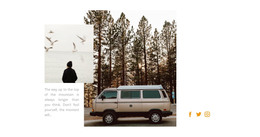
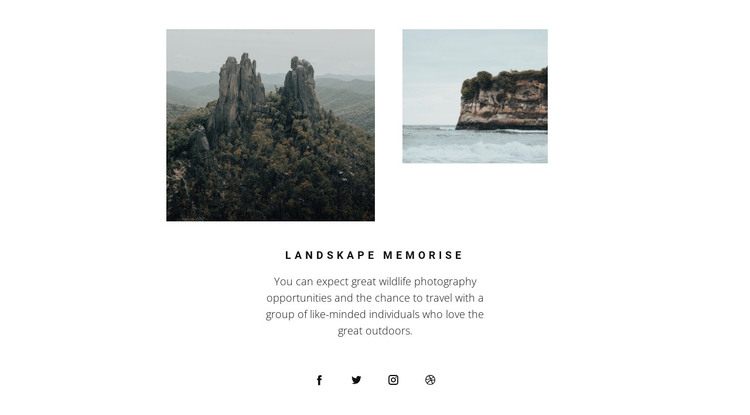
The visual order makes the section read as a concise introduction rather than a list of separate items. Two muted landscape photographs appear first, with the larger image on the left establishing visual weight and the smaller image on the right adding balance. The centered heading, “landskape memorise,” then names the theme, while the paragraph connects the imagery to wildlife photography opportunities and travel with a group of people who enjoy the outdoors.
For a WordPress-managed page, this block can function as stable content for a nature photography or outdoor travel area. Its paragraph is suitable for a lasting thematic introduction, and the four social links provide a compact connection point beneath the main message. The white background and narrow content column keep the section independent from other page content, while the uppercase letter spacing and gray supporting text make the reading order easy to follow.
Other WordPress-managed content can surround this section with galleries, articles, or additional travel information, but the block does not need to carry those functions itself. Its value lies in preserving one coherent relationship between image, theme, description, and social destinations. Used within a wider page design, it can introduce the subject before visitors move to more detailed photography or travel content.
Customize with Nicepage
Open this ready-made template in the WordPress Website Builder and customize it visually in the Nicepage editor. Replace demo content, edit page sections, and adapt the design to your project without rebuilding the template from scratch.
Edit Template Offline
2. Create a new page or select existing
3. Click Add new block, search for id 969264 and click enter
Edit Template Online
Create Awesome Websites


Free Nicepage Builder
Keywords
Manage and Edit This Theme in WordPress
Customize and Install the WordPress Theme
Start with this ready-made theme instead of building the WordPress design from scratch. Customize its layout, content, typography, images, sections, and other design elements visually in Nicepage editor, then export and install the WordPress Theme, Plugin, and Pages on your WordPress site. The Nicepage WordPress Plugin lets you continue working with the site after installation.
Edit the Theme Directly in WordPress
After installation, you can edit the WordPress Theme directly in WordPress with the Nicepage WordPress Plugin. Use Site Style to customize site Colors, Fonts, Header, Footer, Blog, and Post Page Templates while working within your WordPress website.
Edit WordPress Pages Visually
Use the Nicepage WordPress Plugin to edit page content directly from the WordPress admin area. Open a WordPress Page with Nicepage and visually change its text, images, sections, and other page elements while continuing to manage the Page through WordPress.
WordPress Content and Theme Integration
Use the customized theme with WordPress Pages, Posts, Blog and Post Templates, menus, widgets, and other CMS-managed content. Shared theme elements such as Colors, Fonts, Header, Footer, Blog, and Post Page Templates can be managed as part of the overall site design, while WordPress provides the CMS environment for managing site content.
This workflow combines a ready-made WordPress Theme with visual customization, direct theme editing in WordPress, and continued content management through the Nicepage WordPress Plugin.