Designing and quality printing WordPress Theme


Image-Led Mockup Content Fits a WordPress-Managed Gallery Section
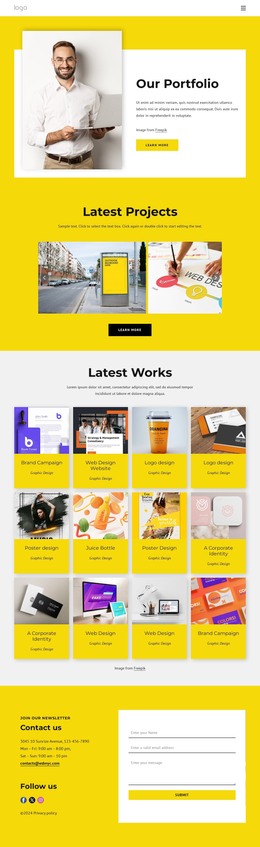
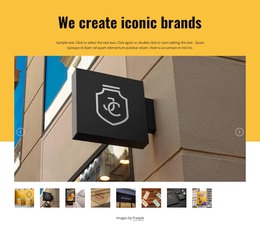
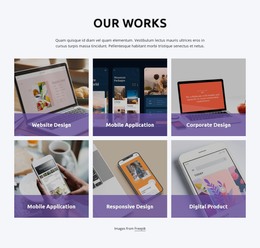
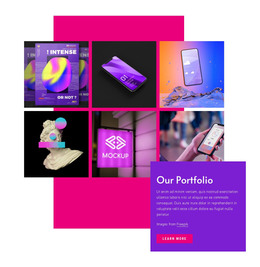
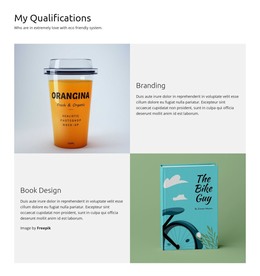
The block reads as stable visual page content rather than as a time-sensitive editorial feed. One large featured image establishes the gallery subject, and three repeated white cards extend it with individual mockup images, descriptive text, and More links. Their horizontal overlap across the lower edge of the main photograph creates a compact presentation in which visitors can compare several design examples without losing the primary visual. The yellow background and pale organic shape provide the section's fixed visual framing.
In a WordPress-managed page, this structure can support a portfolio or design-showcase area while the surrounding project manages other pages and content separately. The sample paragraphs can be replaced with appropriate descriptions, and the More destinations can be connected to project details when those destinations exist in the wider site. The block itself remains a reusable page-content region, not a complete WordPress Theme. Its WordPress-oriented value comes from the clarity of the content pattern: a featured visual followed by three repeatable records, each with an image, explanatory copy, and a link. That pattern can remain consistent as the broader site develops around it.
Customize with Nicepage
Open this ready-made template in the WordPress Website Builder and customize it visually in the Nicepage editor. Replace demo content, edit page sections, and adapt the design to your project without rebuilding the template from scratch.
Edit Template Offline
2. Create a new page or select existing
3. Click Add new block, search for id 768023 and click enter
Edit Template Online
Create Awesome Websites


Free Nicepage Builder
Keywords
Manage and Edit This Theme in WordPress
Customize and Install the WordPress Theme
Start with this ready-made theme instead of building the WordPress design from scratch. Customize its layout, content, typography, images, sections, and other design elements visually in Nicepage editor, then export and install the WordPress Theme, Plugin, and Pages on your WordPress site. The Nicepage WordPress Plugin lets you continue working with the site after installation.
Edit the Theme Directly in WordPress
After installation, you can edit the WordPress Theme directly in WordPress with the Nicepage WordPress Plugin. Use Site Style to customize site Colors, Fonts, Header, Footer, Blog, and Post Page Templates while working within your WordPress website.
Edit WordPress Pages Visually
Use the Nicepage WordPress Plugin to edit page content directly from the WordPress admin area. Open a WordPress Page with Nicepage and visually change its text, images, sections, and other page elements while continuing to manage the Page through WordPress.
WordPress Content and Theme Integration
Use the customized theme with WordPress Pages, Posts, Blog and Post Templates, menus, widgets, and other CMS-managed content. Shared theme elements such as Colors, Fonts, Header, Footer, Blog, and Post Page Templates can be managed as part of the overall site design, while WordPress provides the CMS environment for managing site content.
This workflow combines a ready-made WordPress Theme with visual customization, direct theme editing in WordPress, and continued content management through the Nicepage WordPress Plugin.