Refresh and revitalization WordPress Theme


Edit Template Offline
2. Create new page and search for id 6343835
Edit Template Online
Create Awesome Websites


Free Nicepage Builder
Keywords
Page Content, Location Entries, and Inquiry Fields Fit a Managed Theme
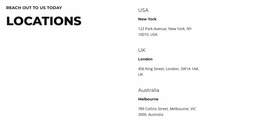
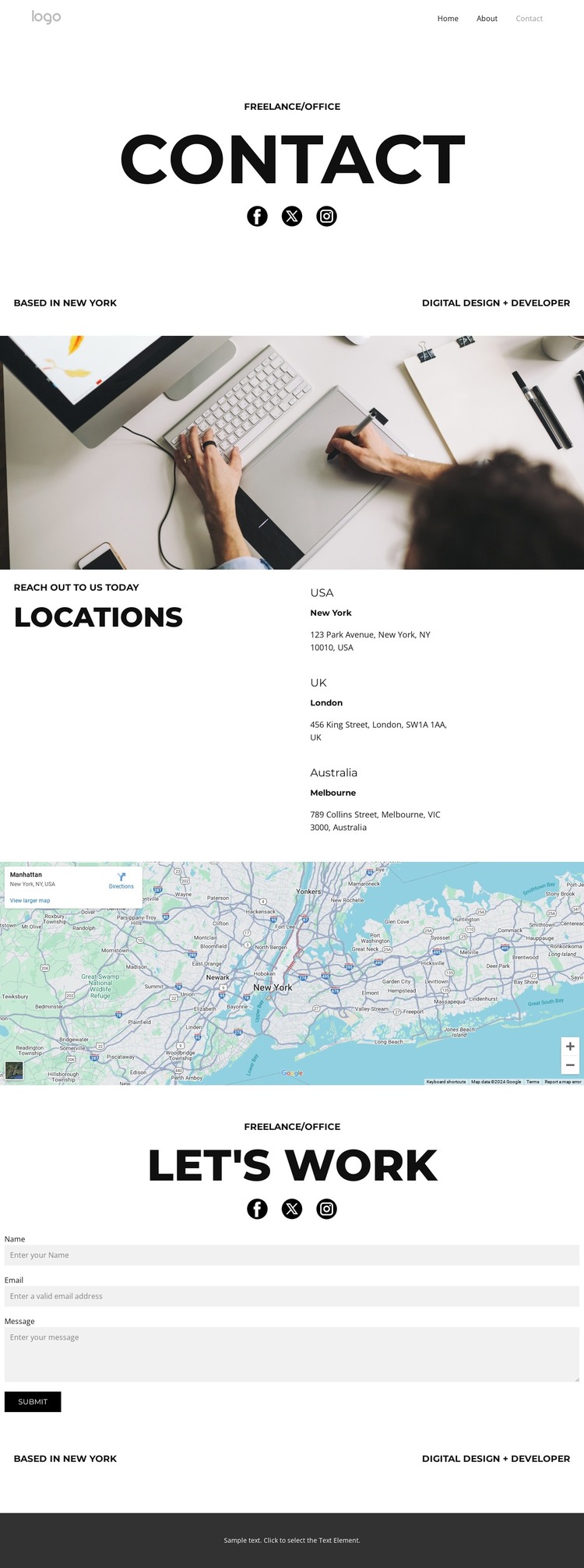
The template separates permanent contact information into clear page-oriented areas. The opening block provides the practice identity through the contact heading, social links, New York base, and digital design plus developer label. The locations section then groups three geographic entries for the USA, UK, and Australia beside a short reach-out prompt. This makes the design suitable for a WordPress-managed contact page where the practice description and location content can remain distinct while sharing one visual direction.
The office workspace image and map add two different kinds of supporting content. The photograph gives the page editorial context before visitors reach the locations, while the map provides a visual continuation after the written entries. These areas can remain part of the permanent page presentation, alongside navigation and the mobile-navigation component, without requiring the template to claim that blog or post structures already exist.
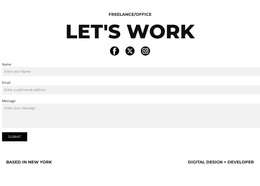
The closing Let’s work block has a different content role. Its heading and social links introduce a direct work conversation, and the contact form provides the page’s inquiry interface. In a WordPress theme interpretation, that separation allows permanent page content to be organized around identity, locations, visual context, and contact response rather than treating every block as one undifferentiated text area. The monochrome type and spacing then keep these managed content areas visually connected as the project develops.
Customize with Nicepage
Open this ready-made template in the WordPress Website Builder and customize it visually in the Nicepage editor. Replace demo content, edit page sections, and adapt the design to your project without rebuilding the template from scratch.
Manage and Edit This Theme in WordPress
Customize and Install the WordPress Theme
Start with this ready-made theme instead of building the WordPress design from scratch. Customize its layout, content, typography, images, sections, and other design elements visually in Nicepage editor, then export and install the WordPress Theme, Plugin, and Pages on your WordPress site. The Nicepage WordPress Plugin lets you continue working with the site after installation.
Edit the Theme Directly in WordPress
After installation, you can edit the WordPress Theme directly in WordPress with the Nicepage WordPress Plugin. Use Site Style to customize site Colors, Fonts, Header, Footer, Blog, and Post Page Templates while working within your WordPress website.
Edit WordPress Pages Visually
Use the Nicepage WordPress Plugin to edit page content directly from the WordPress admin area. Open a WordPress Page with Nicepage and visually change its text, images, sections, and other page elements while continuing to manage the Page through WordPress.
WordPress Content and Theme Integration
Use the customized theme with WordPress Pages, Posts, Blog and Post Templates, menus, widgets, and other CMS-managed content. Shared theme elements such as Colors, Fonts, Header, Footer, Blog, and Post Page Templates can be managed as part of the overall site design, while WordPress provides the CMS environment for managing site content.
This workflow combines a ready-made WordPress Theme with visual customization, direct theme editing in WordPress, and continued content management through the Nicepage WordPress Plugin.