Tell us about your needs WordPress Theme


Edit Template Offline
2. Create new page and search for id 6452845
Edit Template Online
Create Awesome Websites


Free Nicepage Builder
Keywords
Project Services and Inquiry Content in a WordPress-Ready Direction
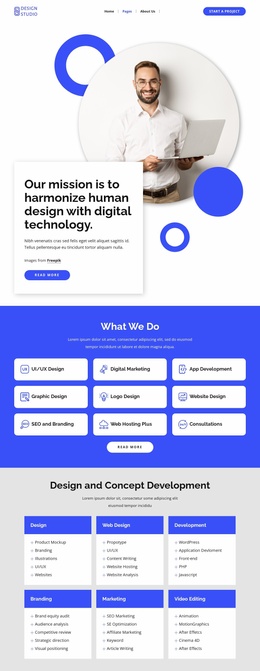
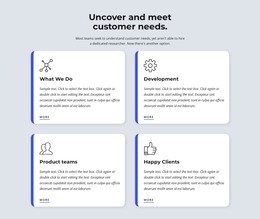
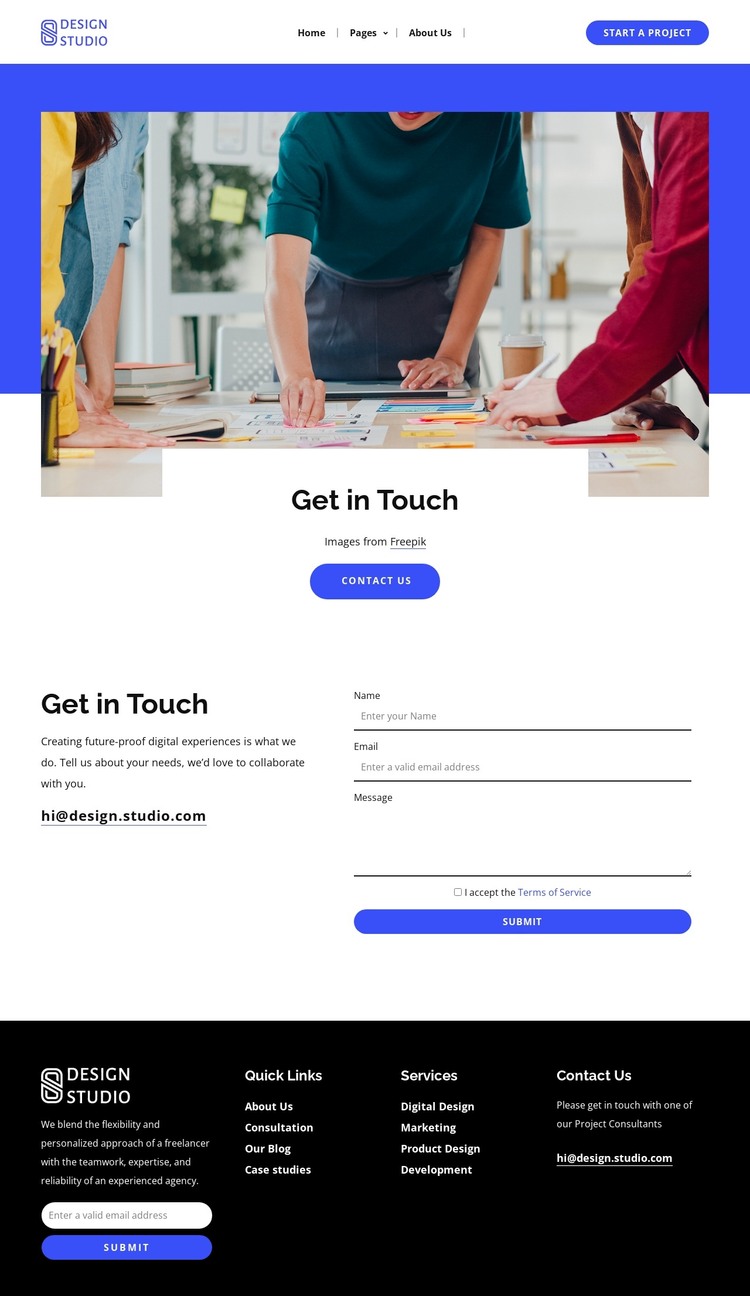
The service categories give this design a useful page-oriented content structure for a WordPress-managed studio site. Digital Design, Marketing, Product Design, and Development can be treated as permanent information about the studio’s offer, while the opening workplace image and “Get in Touch” card provide the visual context for that information. The page communicates what the studio does before asking visitors to describe a project.
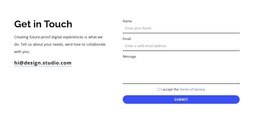
The inquiry section adds a separate content relationship: explanatory collaboration copy sits beside fields for name, email, and message. Terms acceptance and the submit button make the form a defined response area rather than a decorative element. This separation leaves room for the studio’s permanent service information to remain distinct from the visitor-submitted project details, a useful distinction when content is maintained in a WordPress environment.
The dark footer extends the same direction through Quick Links, Services, and Contact Us columns, contact details, and an email subscription form. Its recurring links and brand area can support shared site content, while the subscription region provides a separate audience-engagement purpose. The result is a theme-oriented foundation for organizing studio pages and content around services, inquiries, navigation, and ongoing contact.
Customize with Nicepage
Open this ready-made template in the WordPress Website Builder and customize it visually in the Nicepage editor. Replace demo content, edit page sections, and adapt the design to your project without rebuilding the template from scratch.
Manage and Edit This Theme in WordPress
Customize and Install the WordPress Theme
Start with this ready-made theme instead of building the WordPress design from scratch. Customize its layout, content, typography, images, sections, and other design elements visually in Nicepage editor, then export and install the WordPress Theme, Plugin, and Pages on your WordPress site. The Nicepage WordPress Plugin lets you continue working with the site after installation.
Edit the Theme Directly in WordPress
After installation, you can edit the WordPress Theme directly in WordPress with the Nicepage WordPress Plugin. Use Site Style to customize site Colors, Fonts, Header, Footer, Blog, and Post Page Templates while working within your WordPress website.
Edit WordPress Pages Visually
Use the Nicepage WordPress Plugin to edit page content directly from the WordPress admin area. Open a WordPress Page with Nicepage and visually change its text, images, sections, and other page elements while continuing to manage the Page through WordPress.
WordPress Content and Theme Integration
Use the customized theme with WordPress Pages, Posts, Blog and Post Templates, menus, widgets, and other CMS-managed content. Shared theme elements such as Colors, Fonts, Header, Footer, Blog, and Post Page Templates can be managed as part of the overall site design, while WordPress provides the CMS environment for managing site content.
This workflow combines a ready-made WordPress Theme with visual customization, direct theme editing in WordPress, and continued content management through the Nicepage WordPress Plugin.