Delivery technology WordPress Theme


Edit Template Offline
2. Create new page and search for id 22491
Edit Template Online
Create Awesome Websites


Free Nicepage Builder
Keywords
Feature content and app promotion fit page-oriented CMS content
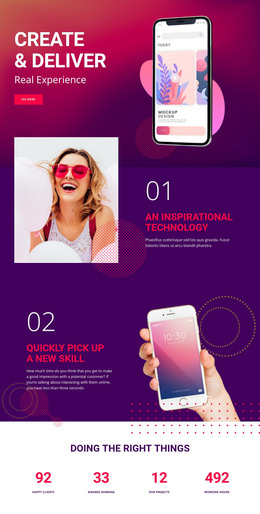
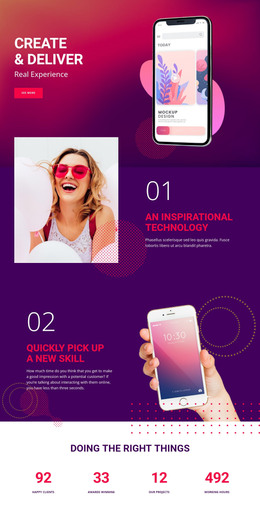
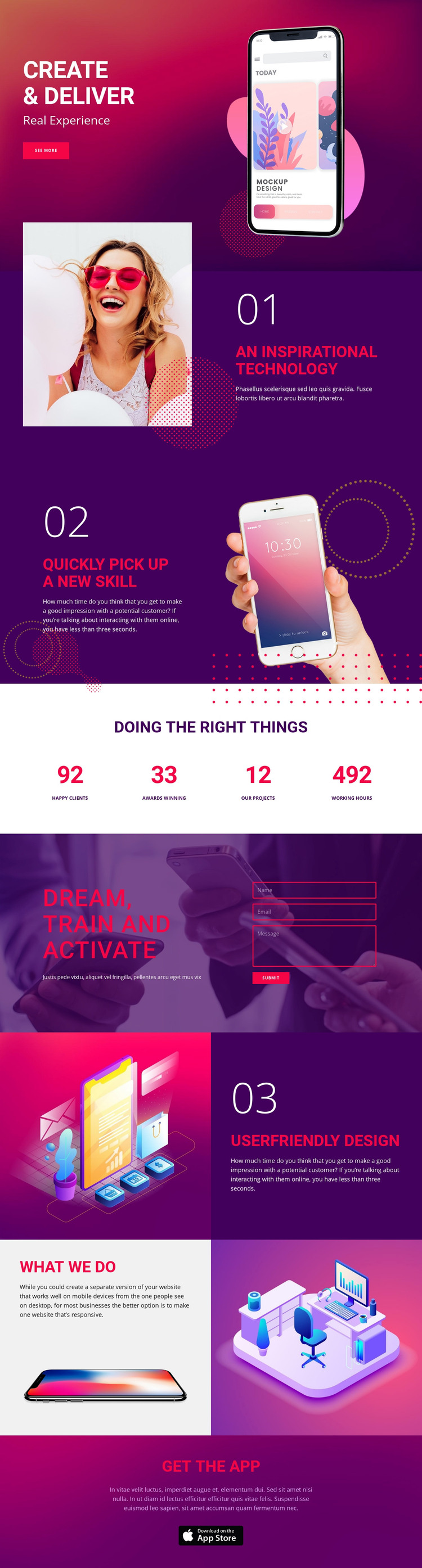
The three numbered sections provide the clearest permanent page content for a WordPress-oriented project. “An Inspirational Technology,” “Quickly pick up a new skill,” and “Userfriendly Design” separate the promotional message into recognizable content areas, each supported by imagery and explanatory text. Their alternating layouts can keep recurring feature information visually coordinated while the actual wording, images, and claims are replaced with verified project content.
The page also contains content that can be interpreted through different publishing needs. The four-item metrics band presents displayed values that may serve as a compact summary once their accuracy is established; the dark “Dream, train and activate” section gives inquiry content a dedicated place beside the contact form; and the “what we do” collage can support a visual capabilities or project-presentation area. The final “Get the App” block is distinct from the inquiry section, allowing app information and download messaging to remain separate from contact content. The analysis does not verify blog posts, categories, or other WordPress-specific structures, so none are presented as existing elements. Instead, the theme interpretation stays with the confirmed page areas and explains how their different content roles can remain part of one managed visual system.
Customize with Nicepage
Open this ready-made template in the WordPress Website Builder and customize it visually in the Nicepage editor. Replace demo content, edit page sections, and adapt the design to your project without rebuilding the template from scratch.
Manage and Edit This Theme in WordPress
Customize and Install the WordPress Theme
Start with this ready-made theme instead of building the WordPress design from scratch. Customize its layout, content, typography, images, sections, and other design elements visually in Nicepage editor, then export and install the WordPress Theme, Plugin, and Pages on your WordPress site. The Nicepage WordPress Plugin lets you continue working with the site after installation.
Edit the Theme Directly in WordPress
After installation, you can edit the WordPress Theme directly in WordPress with the Nicepage WordPress Plugin. Use Site Style to customize site Colors, Fonts, Header, Footer, Blog, and Post Page Templates while working within your WordPress website.
Edit WordPress Pages Visually
Use the Nicepage WordPress Plugin to edit page content directly from the WordPress admin area. Open a WordPress Page with Nicepage and visually change its text, images, sections, and other page elements while continuing to manage the Page through WordPress.
WordPress Content and Theme Integration
Use the customized theme with WordPress Pages, Posts, Blog and Post Templates, menus, widgets, and other CMS-managed content. Shared theme elements such as Colors, Fonts, Header, Footer, Blog, and Post Page Templates can be managed as part of the overall site design, while WordPress provides the CMS environment for managing site content.
This workflow combines a ready-made WordPress Theme with visual customization, direct theme editing in WordPress, and continued content management through the Nicepage WordPress Plugin.