Bulletproof Apps WordPress Theme


Edit Template Offline
2. Create new page and search for id 12521
Edit Template Online
Create Awesome Websites


Free Nicepage Builder
Keywords
Service pages, repeated capabilities, and gallery content share one visual system
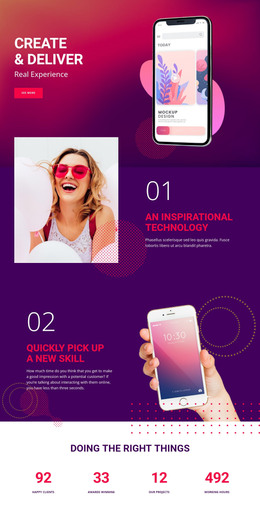
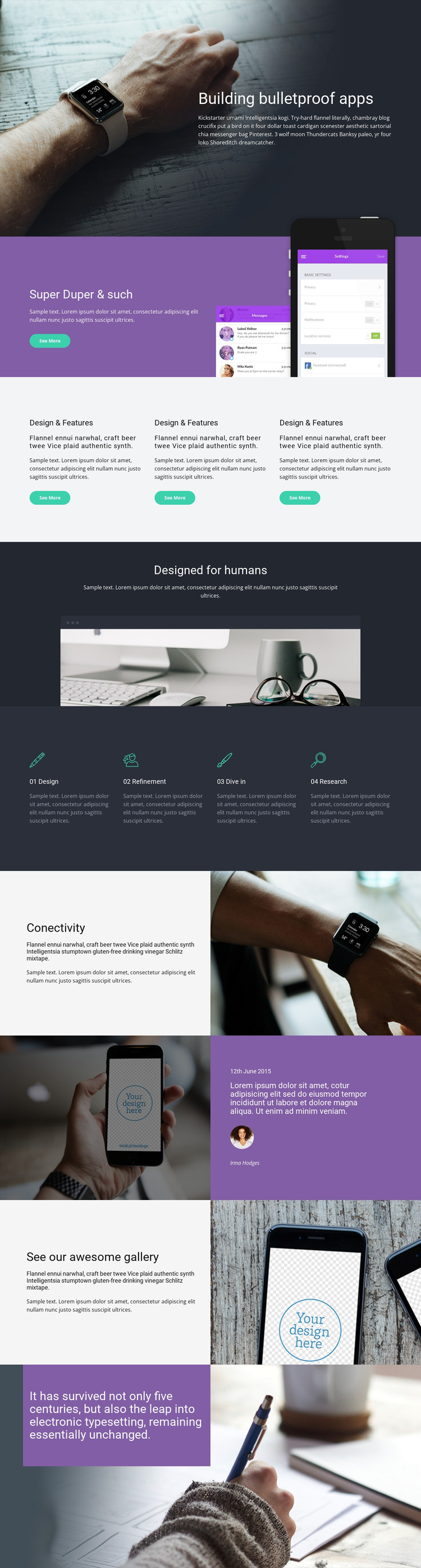
The page-oriented content is especially clear in the way it separates the service into related but distinct areas. The hero can introduce the app design offer, while the purple mockup section provides a focused presentation of interface work. The three feature cards create a reusable highlight pattern, and the four capability areas—Design, Refinement, Dive in, and Research—offer a stronger basis for permanent service content that can be explained further as the site develops.
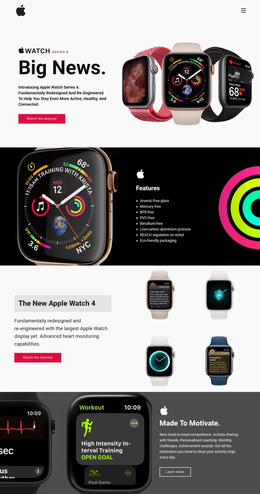
The human-centered statement and workspace image add a perspective section that differs from the product-focused imagery. Connectivity then returns to a specific feature subject through the watch photograph, while the phone-and-purple-panel composition offers space for a use-case or testimonial-style presentation. These relationships allow page content to remain varied without losing the shared dark, purple, white, and teal visual direction.
The gallery-oriented section is suited to visual project material, and the existing Learn more and Get in touch actions identify natural paths between explanatory content and inquiry. If a WordPress project later adds regularly updated editorial material, the same theme character can surround that content without changing the core service presentation. The value of this theme lies in connecting permanent service areas, repeated content patterns, product examples, and contact-oriented sections within one recognizable design.
Customize with Nicepage
Open this ready-made template in the WordPress Website Builder and customize it visually in the Nicepage editor. Replace demo content, edit page sections, and adapt the design to your project without rebuilding the template from scratch.
Manage and Edit This Theme in WordPress
Customize and Install the WordPress Theme
Start with this ready-made theme instead of building the WordPress design from scratch. Customize its layout, content, typography, images, sections, and other design elements visually in Nicepage editor, then export and install the WordPress Theme, Plugin, and Pages on your WordPress site. The Nicepage WordPress Plugin lets you continue working with the site after installation.
Edit the Theme Directly in WordPress
After installation, you can edit the WordPress Theme directly in WordPress with the Nicepage WordPress Plugin. Use Site Style to customize site Colors, Fonts, Header, Footer, Blog, and Post Page Templates while working within your WordPress website.
Edit WordPress Pages Visually
Use the Nicepage WordPress Plugin to edit page content directly from the WordPress admin area. Open a WordPress Page with Nicepage and visually change its text, images, sections, and other page elements while continuing to manage the Page through WordPress.
WordPress Content and Theme Integration
Use the customized theme with WordPress Pages, Posts, Blog and Post Templates, menus, widgets, and other CMS-managed content. Shared theme elements such as Colors, Fonts, Header, Footer, Blog, and Post Page Templates can be managed as part of the overall site design, while WordPress provides the CMS environment for managing site content.
This workflow combines a ready-made WordPress Theme with visual customization, direct theme editing in WordPress, and continued content management through the Nicepage WordPress Plugin.