General knowledge quizzes WordPress Theme


Stable Quiz Content With Eight Publishable Topic Destinations
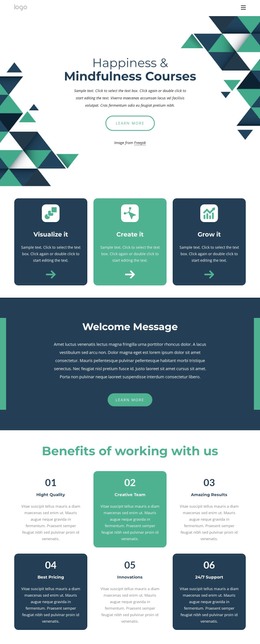
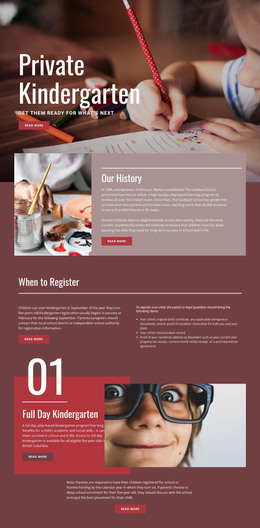
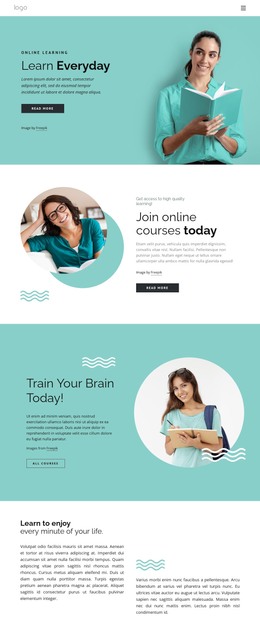
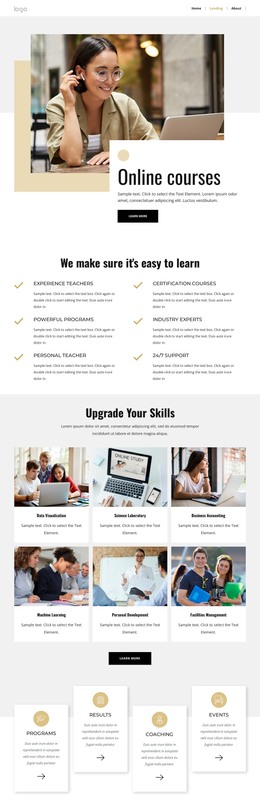
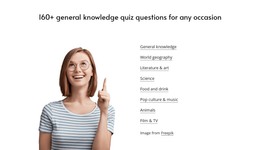
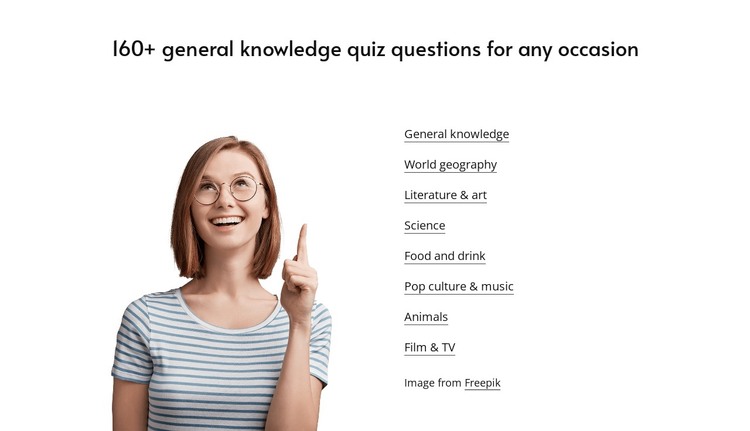
The heading and category list read as durable page content: they introduce a general knowledge quiz collection and organize its available subjects into eight linked destinations. Those subjects are General knowledge, World geography, Literature & art, Science, Food and drink, Pop culture & music, Animals, and Film & TV. In a WordPress-managed project, this kind of section can sit on a services-style resource or educational page while the surrounding site manages additional content separately.
The portrait gives the section a recognizable visual opening, but the right-hand links carry the main publishing logic. Each label is already presented as a link, so visitors can move from the collection overview to the relevant quiz area. That makes the block more than a decorative image-and-text pairing: it is a compact, reusable content region with a defined browsing purpose.
The layout can remain visually consistent even as the wider WordPress project grows around it. Other page sections may provide introductions, articles, results, or supporting resources, while this block continues to perform the topic-selection role. Its image attribution stays alongside the portrait, and the white background with restrained typography keeps it adaptable to different page contexts. The block participates in a WordPress-managed content area without becoming the theme or the entire site structure.
Customize with Nicepage
Open this ready-made template in the WordPress Website Builder and customize it visually in the Nicepage editor. Replace demo content, edit page sections, and adapt the design to your project without rebuilding the template from scratch.
Edit Template Offline
2. Create a new page or select existing
3. Click Add new block, search for id 6531873 and click enter
Edit Template Online
Create Awesome Websites


Free Nicepage Builder
Keywords
Manage and Edit This Theme in WordPress
Customize and Install the WordPress Theme
Start with this ready-made theme instead of building the WordPress design from scratch. Customize its layout, content, typography, images, sections, and other design elements visually in Nicepage editor, then export and install the WordPress Theme, Plugin, and Pages on your WordPress site. The Nicepage WordPress Plugin lets you continue working with the site after installation.
Edit the Theme Directly in WordPress
After installation, you can edit the WordPress Theme directly in WordPress with the Nicepage WordPress Plugin. Use Site Style to customize site Colors, Fonts, Header, Footer, Blog, and Post Page Templates while working within your WordPress website.
Edit WordPress Pages Visually
Use the Nicepage WordPress Plugin to edit page content directly from the WordPress admin area. Open a WordPress Page with Nicepage and visually change its text, images, sections, and other page elements while continuing to manage the Page through WordPress.
WordPress Content and Theme Integration
Use the customized theme with WordPress Pages, Posts, Blog and Post Templates, menus, widgets, and other CMS-managed content. Shared theme elements such as Colors, Fonts, Header, Footer, Blog, and Post Page Templates can be managed as part of the overall site design, while WordPress provides the CMS environment for managing site content.
This workflow combines a ready-made WordPress Theme with visual customization, direct theme editing in WordPress, and continued content management through the Nicepage WordPress Plugin.