Language courses WordPress Theme



Edit Template Offline
2. Create new page and search for id 6414069
Edit Template Online
Create Awesome Websites


Free Nicepage Builder
Keywords
Page Content for Courses, Services, People, and Updates
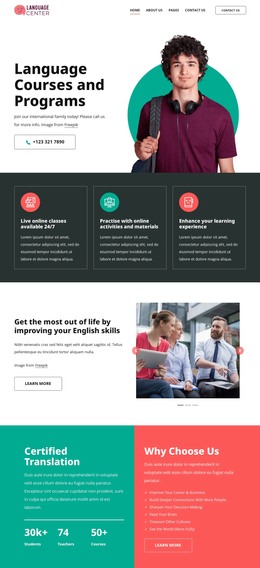
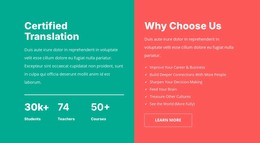
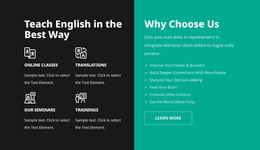
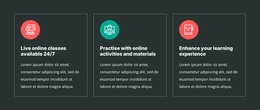
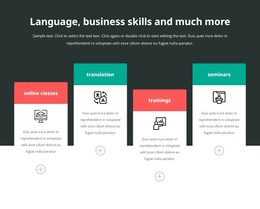
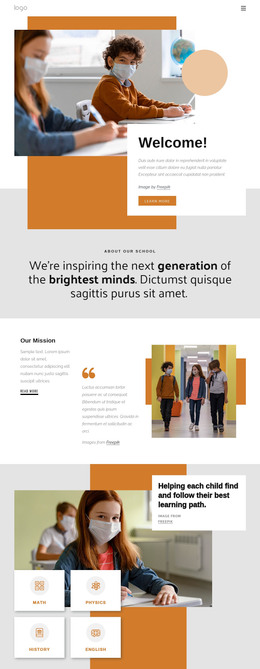
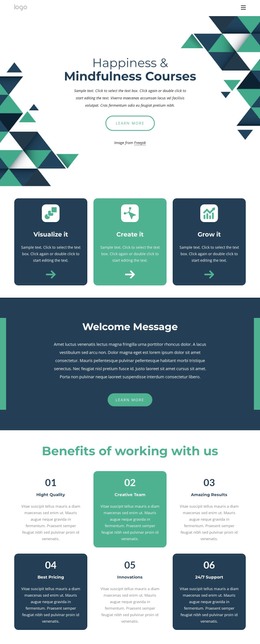
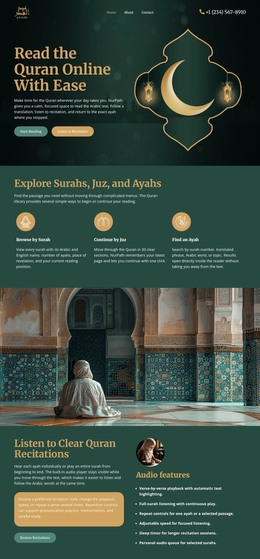
The page separates several kinds of permanent content that can be interpreted naturally in a WordPress-managed site. Course and seminar information occupies multiple regions, from the three offering cards to the four learning categories and the four course cards. Certified translation and company training provide different service subjects, while the four team profiles create a people-oriented area that could support organization or instructor information.
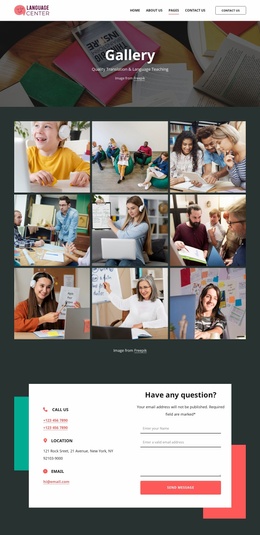
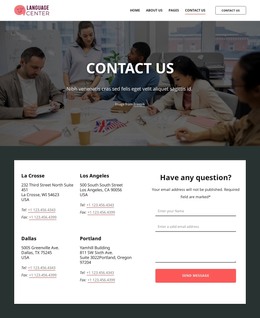
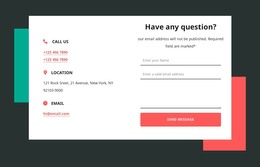
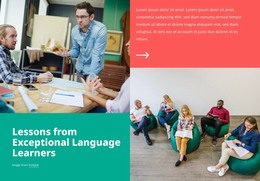
The design also combines enduring page content with communication points. The learner-focused introduction, English skills section, travel imagery, and testimonial establish the public-facing story. The inquiry panel then gathers phone, location, email, and form content in one place, while the newsletter band addresses ongoing communication separately. The footer's course links, support links, organization details, and social icons reinforce shared site elements around those content areas.
The WordPress Theme interpretation does not claim that Posts, categories, or blog structures are already present. Instead, it shows how the existing design can organize permanent pages and, if the project later adds regularly updated announcements or learning content, keep them within the same visual direction. The page's strongest CMS value comes from its clear content boundaries: individual learning, professional services, corporate training, team information, inquiry, and subscription each have a recognizable place rather than competing within one generic block.
Customize with Nicepage
Open this ready-made template in the WordPress Website Builder and customize it visually in the Nicepage editor. Replace demo content, edit page sections, and adapt the design to your project without rebuilding the template from scratch.
Manage and Edit This Theme in WordPress
Customize and Install the WordPress Theme
Start with this ready-made theme instead of building the WordPress design from scratch. Customize its layout, content, typography, images, sections, and other design elements visually in Nicepage editor, then export and install the WordPress Theme, Plugin, and Pages on your WordPress site. The Nicepage WordPress Plugin lets you continue working with the site after installation.
Edit the Theme Directly in WordPress
After installation, you can edit the WordPress Theme directly in WordPress with the Nicepage WordPress Plugin. Use Site Style to customize site Colors, Fonts, Header, Footer, Blog, and Post Page Templates while working within your WordPress website.
Edit WordPress Pages Visually
Use the Nicepage WordPress Plugin to edit page content directly from the WordPress admin area. Open a WordPress Page with Nicepage and visually change its text, images, sections, and other page elements while continuing to manage the Page through WordPress.
WordPress Content and Theme Integration
Use the customized theme with WordPress Pages, Posts, Blog and Post Templates, menus, widgets, and other CMS-managed content. Shared theme elements such as Colors, Fonts, Header, Footer, Blog, and Post Page Templates can be managed as part of the overall site design, while WordPress provides the CMS environment for managing site content.
This workflow combines a ready-made WordPress Theme with visual customization, direct theme editing in WordPress, and continued content management through the Nicepage WordPress Plugin.