Our services for busy professionals WordPress Theme


Service Content That Reads as Stable Page Information
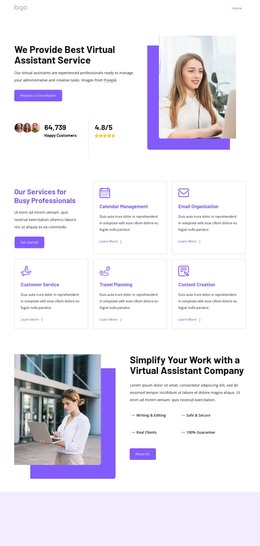
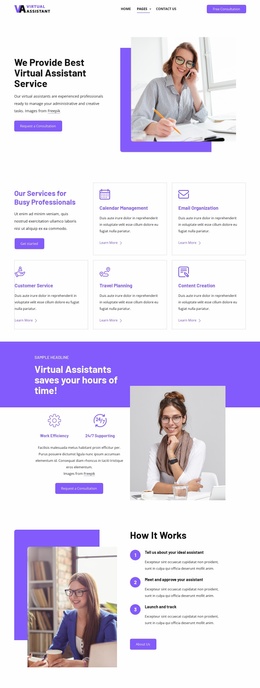
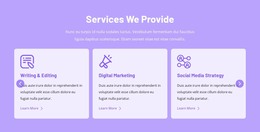
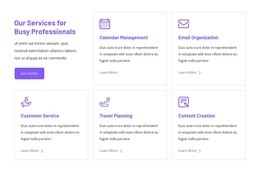
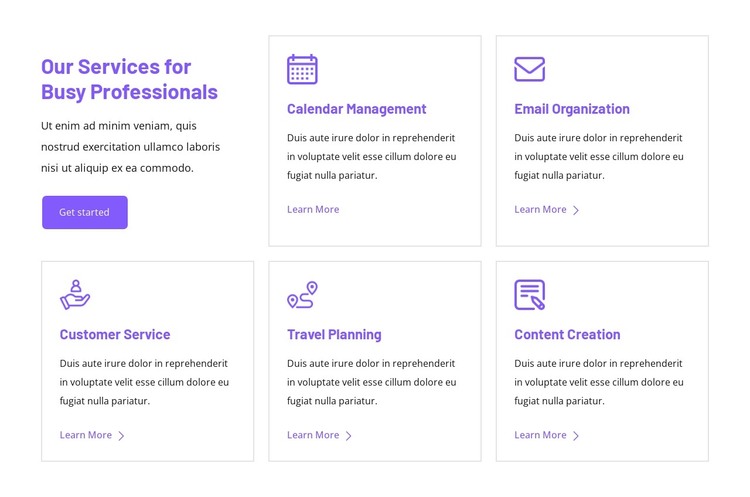
The section’s content is organized as a durable service overview rather than a stream of time-sensitive entries. The heading introduces support for busy professionals, and the five named areas—Calendar Management, Email Organization, Customer Service, Travel Planning, and Content Creation—give the page a clear set of subjects to present. Each service remains self-contained through its icon, title, description, and Learn More link, allowing the items to be scanned or expanded through their surrounding page context.
The separate introductory column changes how the repeated cards are read. The supporting paragraph and Get started button establish the overall offering first, while the bordered cards supply the individual service choices. Purple headings, icons, links, and button styling tie the two regions together; thin light-gray borders and generous internal spacing keep the five entries visually distinct. The two-card first row and three-card second row create a recognizable content group without requiring additional components or interaction.
In a WordPress-managed project, this block can function as stable services content on a page while the wider site handles other publishable areas around it. The section can remain visually consistent as related page content develops, with its own offering structure preserved. It is a reusable page section within a broader WordPress site, not a standalone WordPress Theme.
Customize with Nicepage
Open this ready-made template in the WordPress Website Builder and customize it visually in the Nicepage editor. Replace demo content, edit page sections, and adapt the design to your project without rebuilding the template from scratch.
Edit Template Offline
2. Create a new page or select existing
3. Click Add new block, search for id 6351153 and click enter
Edit Template Online
Create Awesome Websites


Free Nicepage Builder
Keywords
Manage and Edit This Theme in WordPress
Customize and Install the WordPress Theme
Start with this ready-made theme instead of building the WordPress design from scratch. Customize its layout, content, typography, images, sections, and other design elements visually in Nicepage editor, then export and install the WordPress Theme, Plugin, and Pages on your WordPress site. The Nicepage WordPress Plugin lets you continue working with the site after installation.
Edit the Theme Directly in WordPress
After installation, you can edit the WordPress Theme directly in WordPress with the Nicepage WordPress Plugin. Use Site Style to customize site Colors, Fonts, Header, Footer, Blog, and Post Page Templates while working within your WordPress website.
Edit WordPress Pages Visually
Use the Nicepage WordPress Plugin to edit page content directly from the WordPress admin area. Open a WordPress Page with Nicepage and visually change its text, images, sections, and other page elements while continuing to manage the Page through WordPress.
WordPress Content and Theme Integration
Use the customized theme with WordPress Pages, Posts, Blog and Post Templates, menus, widgets, and other CMS-managed content. Shared theme elements such as Colors, Fonts, Header, Footer, Blog, and Post Page Templates can be managed as part of the overall site design, while WordPress provides the CMS environment for managing site content.
This workflow combines a ready-made WordPress Theme with visual customization, direct theme editing in WordPress, and continued content management through the Nicepage WordPress Plugin.