Your questions answered page WordPress Theme


Edit Template Offline
2. Create new page and search for id 6351902
Edit Template Online
Create Awesome Websites


Free Nicepage Builder
Keywords
FAQ Content and Onboarding Steps Suit Page-Oriented Service Publishing
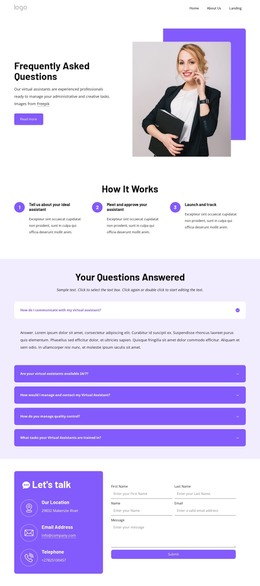
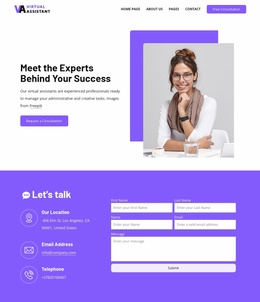
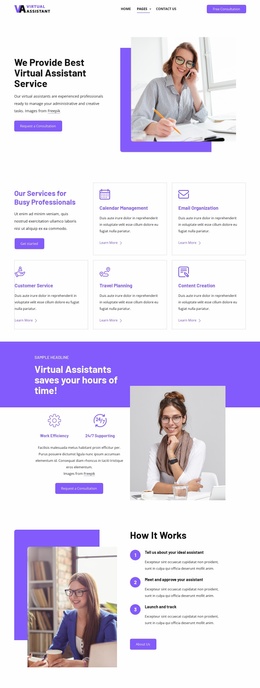
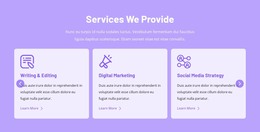
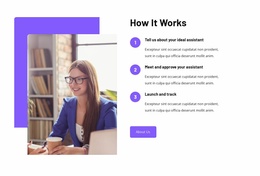
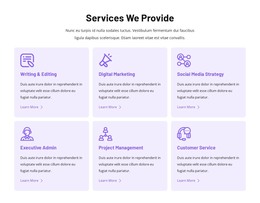
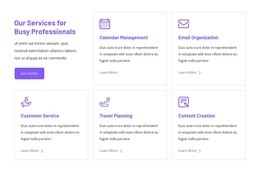
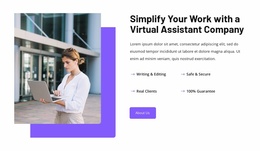
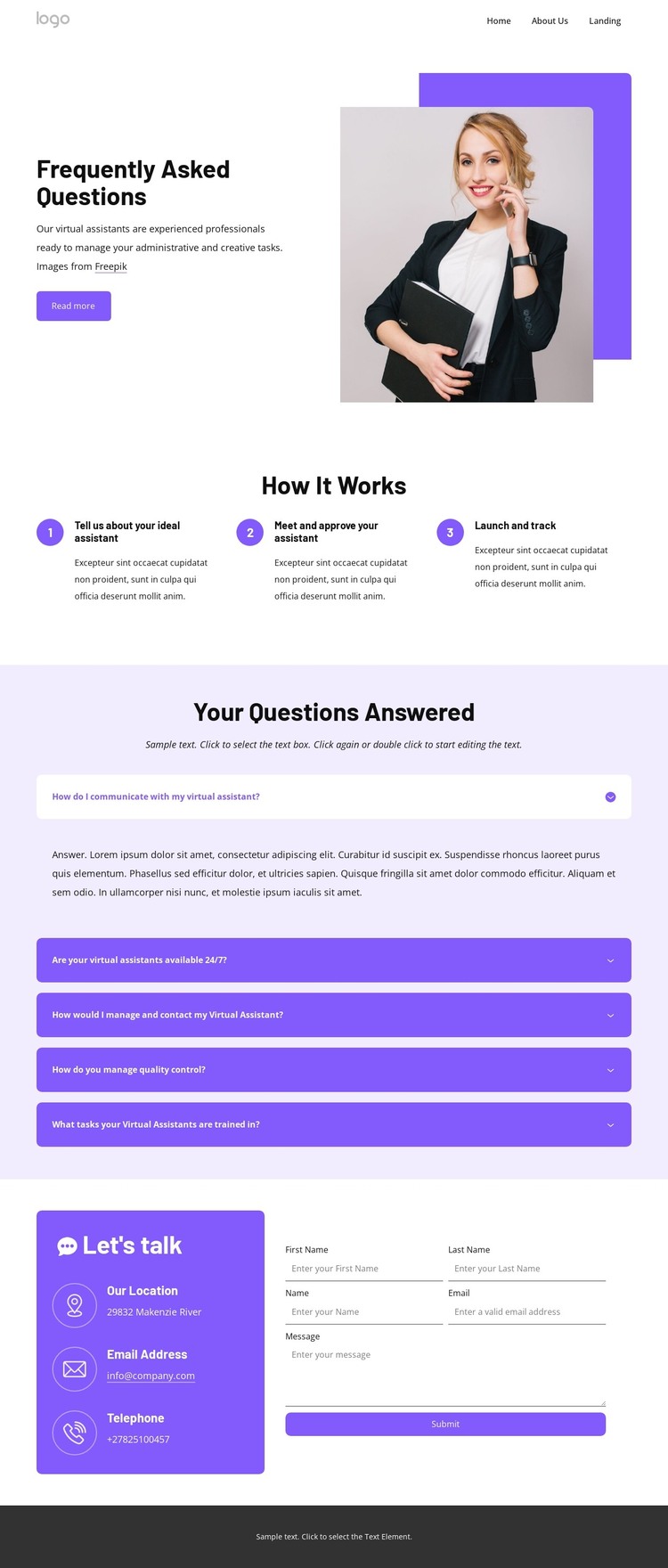
The introductory service section and the three-step onboarding group provide clear permanent content areas for a virtual assistant services site. The opening copy can explain the service while the office portrait supplies supporting context, and the numbered sequence gives visitors a concise account of how an engagement moves from identifying an ideal assistant to approval and tracking. These page-oriented areas are more central here than any unverified blog or post structure.
The five expandable questions create a separate information layer around communication, availability, management, quality control, and training. In a WordPress-managed project, that distinction can help keep core service explanation separate from supporting answers while preserving the same visual direction. The design also includes several repeated content regions—navigation, contact details, form fields, and footer link groups—that can remain recognizable as the surrounding site content develops.
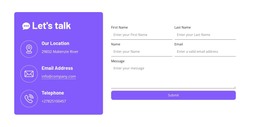
The inquiry section is especially important because it combines contact channels with name, email, and message inputs. It gives the page a defined response area without requiring the sample address, email, or telephone values to be treated as real business data. The dark footer then provides a stable shared region with For Clients, Quick Links, contact information, and a Get started action. Nicepage's WordPress Plugin can support direct theme editing in WordPress, but the template-specific value comes from mapping these service, FAQ, contact, and shared-site areas into a coherent content environment.
Customize with Nicepage
Open this ready-made template in the WordPress Website Builder and customize it visually in the Nicepage editor. Replace demo content, edit page sections, and adapt the design to your project without rebuilding the template from scratch.
Manage and Edit This Theme in WordPress
Customize and Install the WordPress Theme
Start with this ready-made theme instead of building the WordPress design from scratch. Customize its layout, content, typography, images, sections, and other design elements visually in Nicepage editor, then export and install the WordPress Theme, Plugin, and Pages on your WordPress site. The Nicepage WordPress Plugin lets you continue working with the site after installation.
Edit the Theme Directly in WordPress
After installation, you can edit the WordPress Theme directly in WordPress with the Nicepage WordPress Plugin. Use Site Style to customize site Colors, Fonts, Header, Footer, Blog, and Post Page Templates while working within your WordPress website.
Edit WordPress Pages Visually
Use the Nicepage WordPress Plugin to edit page content directly from the WordPress admin area. Open a WordPress Page with Nicepage and visually change its text, images, sections, and other page elements while continuing to manage the Page through WordPress.
WordPress Content and Theme Integration
Use the customized theme with WordPress Pages, Posts, Blog and Post Templates, menus, widgets, and other CMS-managed content. Shared theme elements such as Colors, Fonts, Header, Footer, Blog, and Post Page Templates can be managed as part of the overall site design, while WordPress provides the CMS environment for managing site content.
This workflow combines a ready-made WordPress Theme with visual customization, direct theme editing in WordPress, and continued content management through the Nicepage WordPress Plugin.