Meet our team members WordPress Theme


Edit Template Offline
2. Create new page and search for id 6453827
Edit Template Online
Create Awesome Websites


Free Nicepage Builder
Keywords
Profile content and service navigation share one visual system
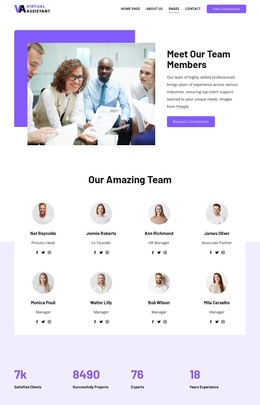
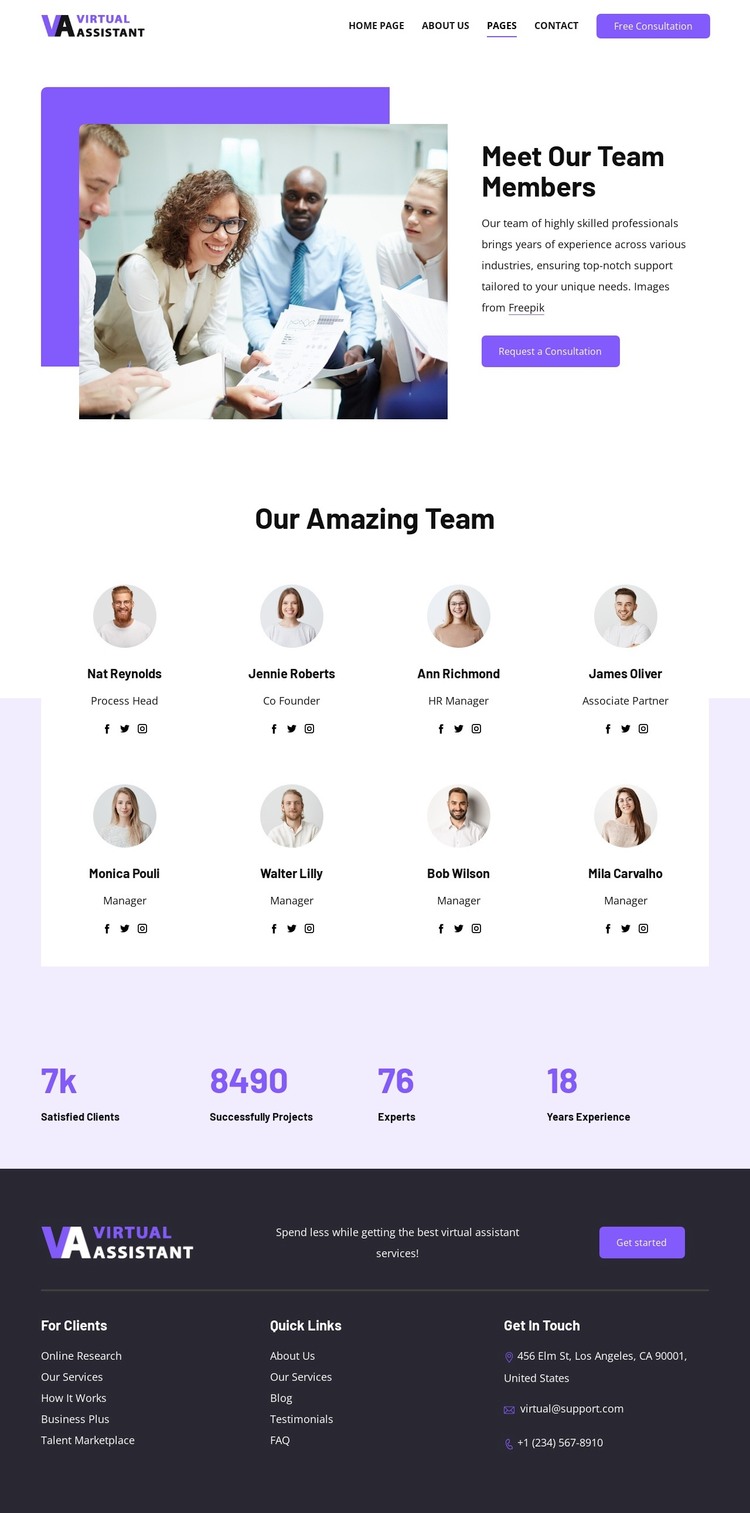
The eight team cards provide clear page-oriented content for a WordPress-managed presentation. Each repeated card has a defined visual role through its circular portrait, name, role label, and social link, allowing the people section to remain coherent as individual content is revised. The cards are therefore more than decoration: they form the central content group through which visitors can understand the team behind the virtual assistant service.
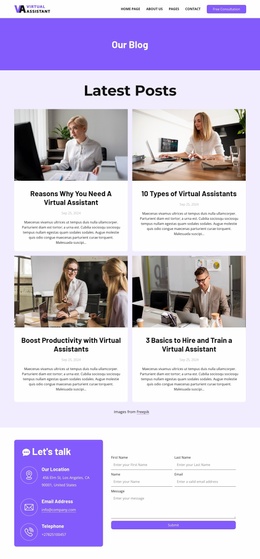
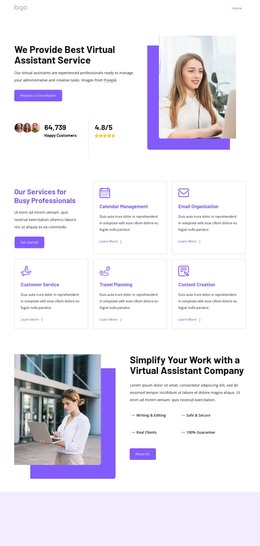
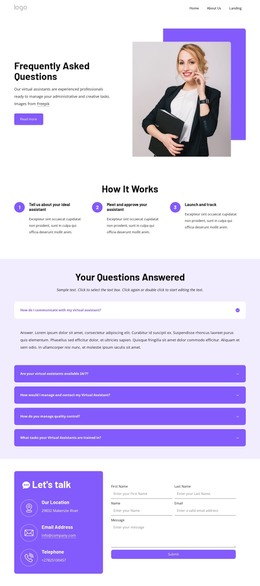
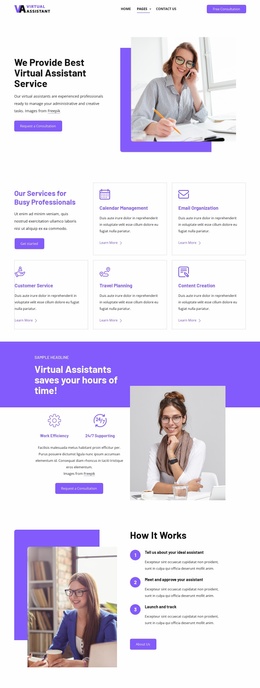
The surrounding design supports other content relationships that are useful in a broader site. The header connects navigation with a Free Consultation action, the split introduction combines service context with a Request a Consultation prompt, and the footer separates For Clients and Quick Links from address, email, and telephone information. The four metrics add a concise summary block between the profile directory and the closing contact area. These page regions can work together while keeping their distinct purposes visible.
For a WordPress project, the main advantage is the template’s balance between permanent presentation and content that may evolve. Team profiles, service references such as Online Research, consultation prompts, and contact information can be maintained within the same visual direction. The design does not require the CMS interpretation to replace its structure; instead, its repeated cards, navigation, summary band, and shared footer provide a stable theme context for managing related site content.
Customize with Nicepage
Open this ready-made template in the WordPress Website Builder and customize it visually in the Nicepage editor. Replace demo content, edit page sections, and adapt the design to your project without rebuilding the template from scratch.
Manage and Edit This Theme in WordPress
Customize and Install the WordPress Theme
Start with this ready-made theme instead of building the WordPress design from scratch. Customize its layout, content, typography, images, sections, and other design elements visually in Nicepage editor, then export and install the WordPress Theme, Plugin, and Pages on your WordPress site. The Nicepage WordPress Plugin lets you continue working with the site after installation.
Edit the Theme Directly in WordPress
After installation, you can edit the WordPress Theme directly in WordPress with the Nicepage WordPress Plugin. Use Site Style to customize site Colors, Fonts, Header, Footer, Blog, and Post Page Templates while working within your WordPress website.
Edit WordPress Pages Visually
Use the Nicepage WordPress Plugin to edit page content directly from the WordPress admin area. Open a WordPress Page with Nicepage and visually change its text, images, sections, and other page elements while continuing to manage the Page through WordPress.
WordPress Content and Theme Integration
Use the customized theme with WordPress Pages, Posts, Blog and Post Templates, menus, widgets, and other CMS-managed content. Shared theme elements such as Colors, Fonts, Header, Footer, Blog, and Post Page Templates can be managed as part of the overall site design, while WordPress provides the CMS environment for managing site content.
This workflow combines a ready-made WordPress Theme with visual customization, direct theme editing in WordPress, and continued content management through the Nicepage WordPress Plugin.