Virtual assistant company WordPress Theme



Edit Template Offline
2. Create new page and search for id 6351178
Edit Template Online
Create Awesome Websites


Free Nicepage Builder
Keywords
Service Content and Reusable Page Areas Support WordPress Management
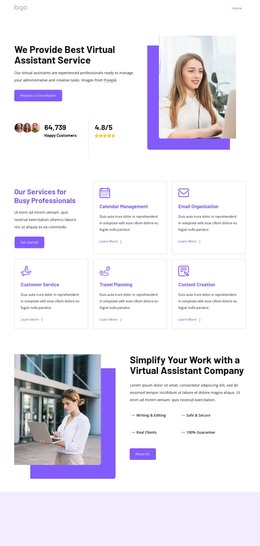
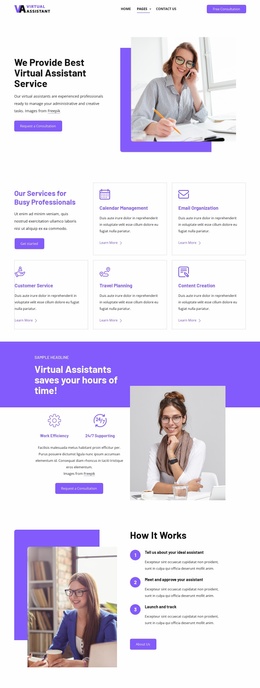
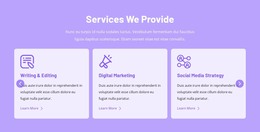
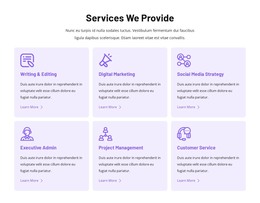
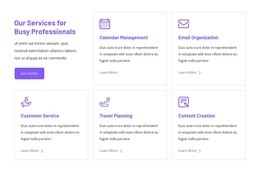
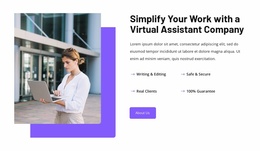
The service grid gives the design a page-oriented content structure that can be expanded without losing its visual direction. Six cards separate calendar management, email organization, customer service, travel planning, content creation, and administrative support into recognizable areas, while the hero supplies the primary introduction and consultation context. The company section then adds explanatory content beside workplace imagery, creating a second page area rather than repeating the service-card format.
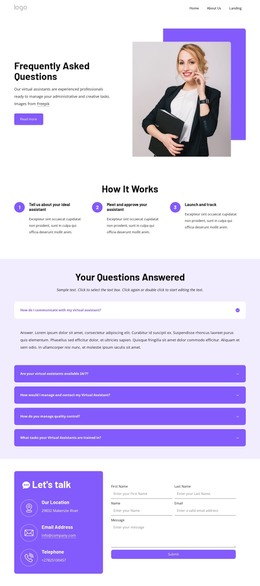
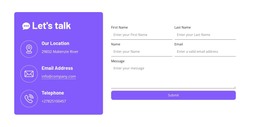
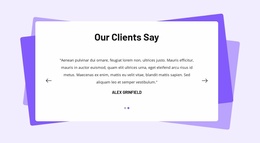
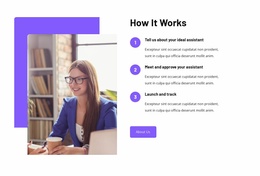
The remaining content groups can support different kinds of ongoing business communication. The FAQ organizes questions into expandable-looking rows, the three-step section explains the working process, and the testimonial panel provides a dedicated place for client feedback. The benefits block presents four concise reasons to partner—tailored solutions, expert help anytime, flexible support, and security—so the page can distinguish practical service information from broader positioning. The contact section combines direct details with an inquiry form, giving permanent business information and visitor submissions separate roles.
For a WordPress-oriented project, these page areas can remain part of one coordinated theme while additional editorial or business content is introduced around them. Nicepage documentation confirms that the WordPress Plugin can support direct theme editing, but the template analysis itself confirms only this page’s existing service, process, proof, benefit, and contact structure. That distinction keeps the CMS interpretation grounded in the actual design rather than assuming unverified blog or post sections.
Customize with Nicepage
Open this ready-made template in the WordPress Website Builder and customize it visually in the Nicepage editor. Replace demo content, edit page sections, and adapt the design to your project without rebuilding the template from scratch.
Manage and Edit This Theme in WordPress
Customize and Install the WordPress Theme
Start with this ready-made theme instead of building the WordPress design from scratch. Customize its layout, content, typography, images, sections, and other design elements visually in Nicepage editor, then export and install the WordPress Theme, Plugin, and Pages on your WordPress site. The Nicepage WordPress Plugin lets you continue working with the site after installation.
Edit the Theme Directly in WordPress
After installation, you can edit the WordPress Theme directly in WordPress with the Nicepage WordPress Plugin. Use Site Style to customize site Colors, Fonts, Header, Footer, Blog, and Post Page Templates while working within your WordPress website.
Edit WordPress Pages Visually
Use the Nicepage WordPress Plugin to edit page content directly from the WordPress admin area. Open a WordPress Page with Nicepage and visually change its text, images, sections, and other page elements while continuing to manage the Page through WordPress.
WordPress Content and Theme Integration
Use the customized theme with WordPress Pages, Posts, Blog and Post Templates, menus, widgets, and other CMS-managed content. Shared theme elements such as Colors, Fonts, Header, Footer, Blog, and Post Page Templates can be managed as part of the overall site design, while WordPress provides the CMS environment for managing site content.
This workflow combines a ready-made WordPress Theme with visual customization, direct theme editing in WordPress, and continued content management through the Nicepage WordPress Plugin.