Polished Clean mobile car wash WordPress Theme


Edit Template Offline
2. Create new page and search for id 6330434
Edit Template Online
Create Awesome Websites


Free Nicepage Builder
Keywords
Service Tabs and Team Profiles Give WordPress Content Clear Page Areas
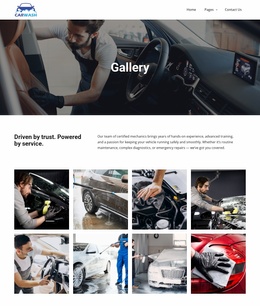
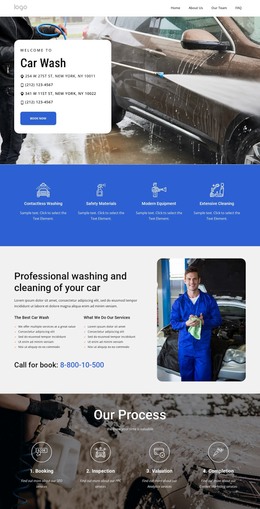
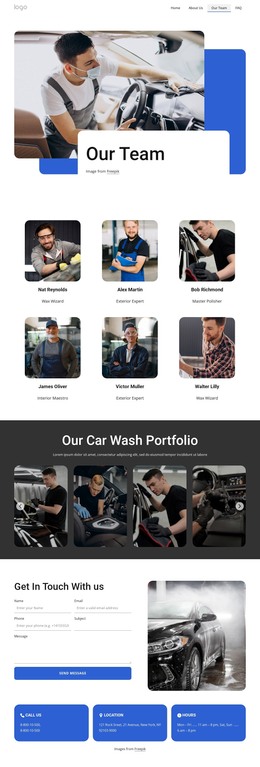
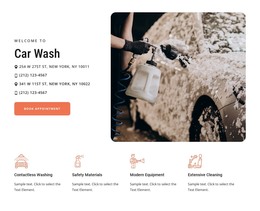
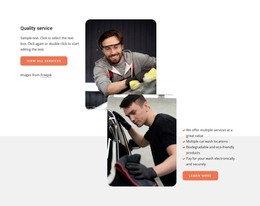
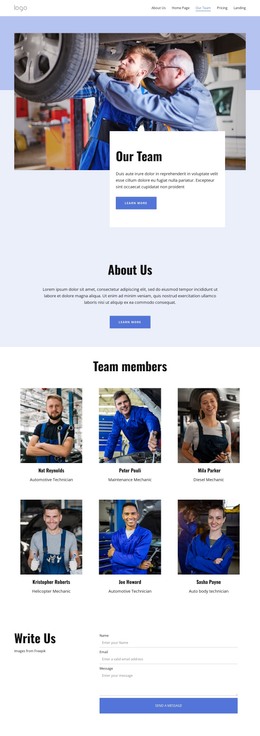
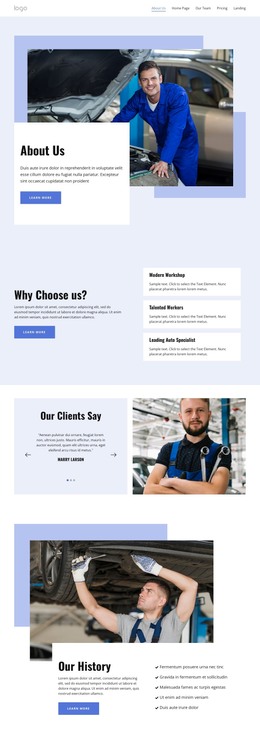
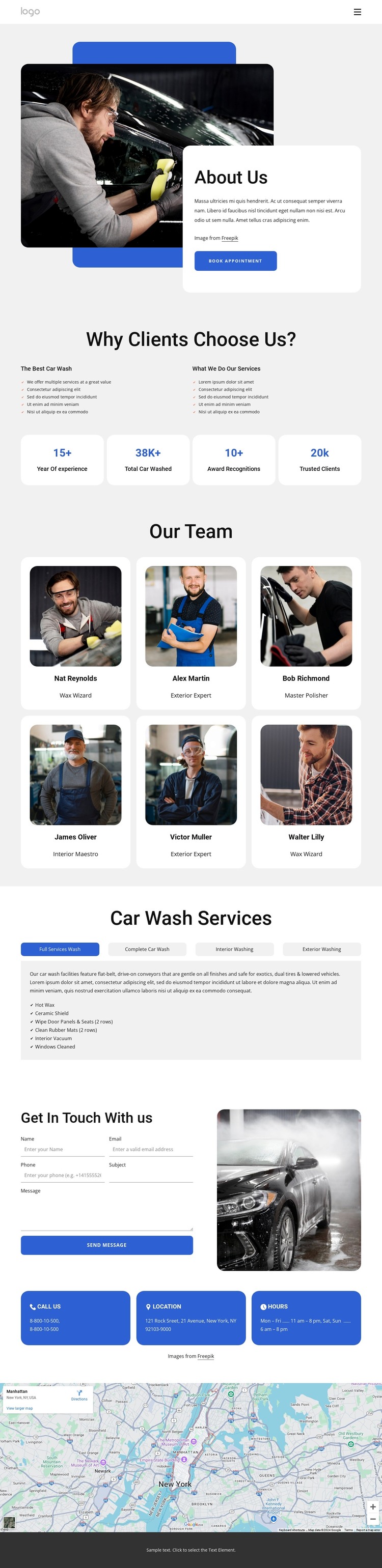
The About Us introduction and six repeated team cards create distinct permanent content areas for a WordPress-managed car wash site. The opening section can carry the business story alongside vehicle-care imagery and a Book Appointment action, while the team layout gives each profile a consistent place for a portrait, name, and role. The supplied names and role labels are demo content, so they should be replaced with verified information rather than treated as established staff records.
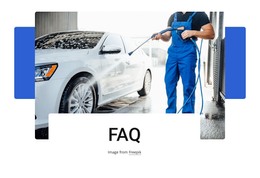
The tabbed “Car Wash Services” section adds a second content relationship. Full Services Wash, Complete Car Wash, Interior Washing, and Exterior Washing are grouped within one presentation, with checklist details shown in the selected panel. This structure can support page content that explains the service offering without claiming that WordPress service entries or post types already exist. The “Why Clients Choose Us?” section and four displayed statistic cards provide additional locations for explanatory copy and structural proof, although the sample figures require verification before publication.
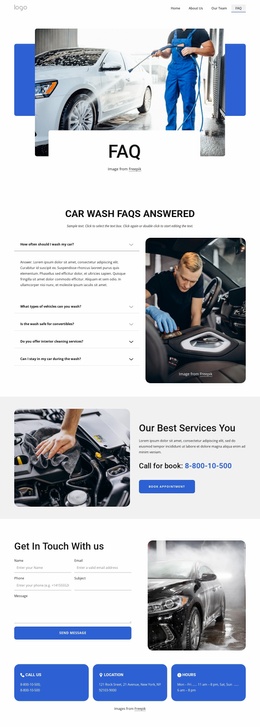
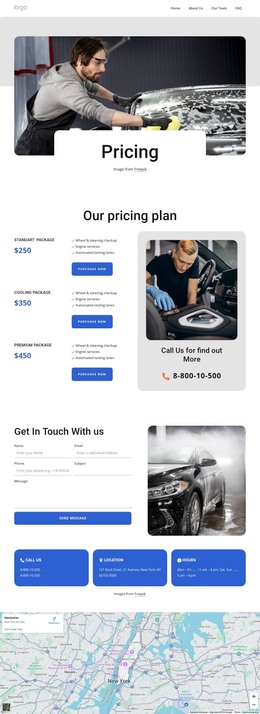
The contact form, Call Us, Location, and Hours cards give the site a practical response area, while the map and footer support local context and recurring navigation. WordPress Pages can hold the established informational sections, and regularly updated content could later be added around the same visual system if the project requires it. The verified value is the template’s clear separation of business information, people, services, contact details, and shared site elements—not an unverified claim about existing WordPress posts or categories.
Customize with Nicepage
Open this ready-made template in the WordPress Website Builder and customize it visually in the Nicepage editor. Replace demo content, edit page sections, and adapt the design to your project without rebuilding the template from scratch.
Manage and Edit This Theme in WordPress
Customize and Install the WordPress Theme
Start with this ready-made theme instead of building the WordPress design from scratch. Customize its layout, content, typography, images, sections, and other design elements visually in Nicepage editor, then export and install the WordPress Theme, Plugin, and Pages on your WordPress site. The Nicepage WordPress Plugin lets you continue working with the site after installation.
Edit the Theme Directly in WordPress
After installation, you can edit the WordPress Theme directly in WordPress with the Nicepage WordPress Plugin. Use Site Style to customize site Colors, Fonts, Header, Footer, Blog, and Post Page Templates while working within your WordPress website.
Edit WordPress Pages Visually
Use the Nicepage WordPress Plugin to edit page content directly from the WordPress admin area. Open a WordPress Page with Nicepage and visually change its text, images, sections, and other page elements while continuing to manage the Page through WordPress.
WordPress Content and Theme Integration
Use the customized theme with WordPress Pages, Posts, Blog and Post Templates, menus, widgets, and other CMS-managed content. Shared theme elements such as Colors, Fonts, Header, Footer, Blog, and Post Page Templates can be managed as part of the overall site design, while WordPress provides the CMS environment for managing site content.
This workflow combines a ready-made WordPress Theme with visual customization, direct theme editing in WordPress, and continued content management through the Nicepage WordPress Plugin.