Full service auto repair WordPress Theme



Edit Template Offline
2. Create new page and search for id 6308408
Edit Template Online
Create Awesome Websites


Free Nicepage Builder
Keywords
Service Pages and Staff Content Fit a Managed Repair Site
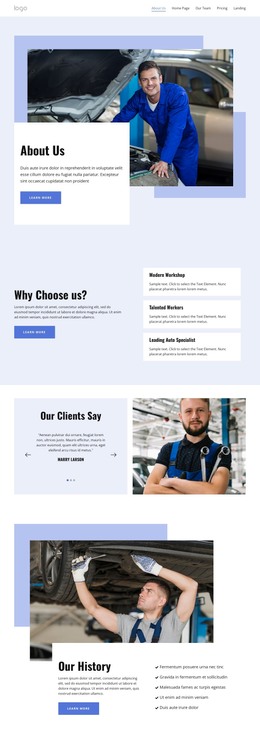
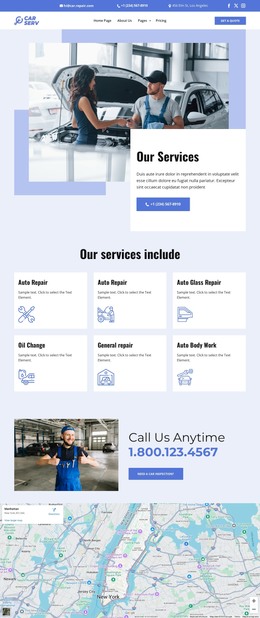
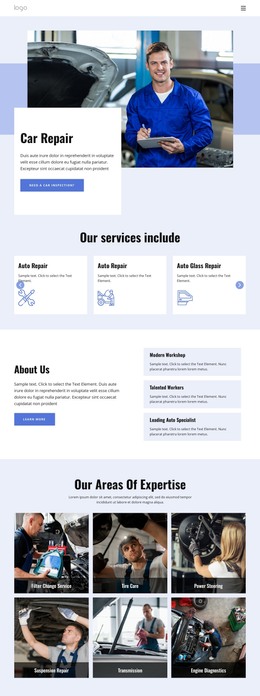
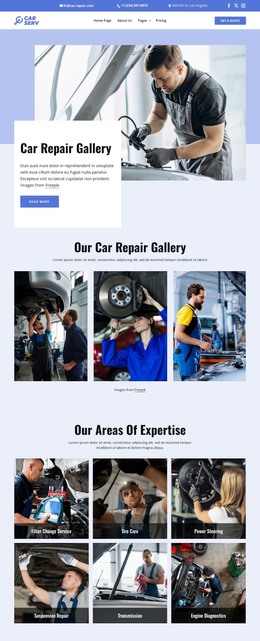
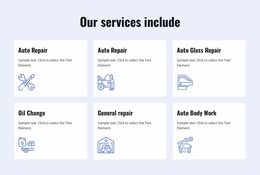
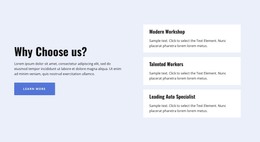
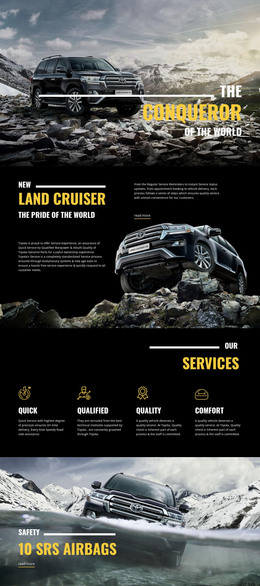
The repair categories give the design a strong page-oriented content base. Change Oil, Engine Repair, Computer Diagnostics, Air Conditioning, and Wheels Alignment can be interpreted as permanent service information that visitors may reach through the site navigation. The three feature cards reinforce that structure by grouping Modern Workshop, Talented Workers, and Leading Auto Specialist as supporting explanations rather than mixing every message into one long paragraph.
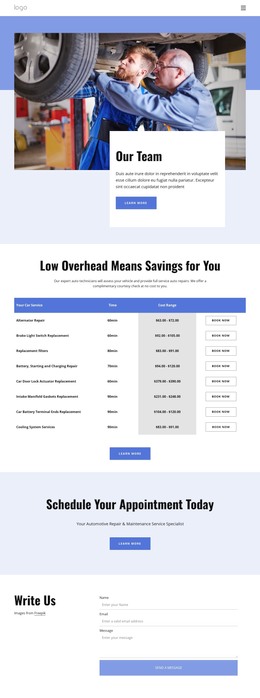
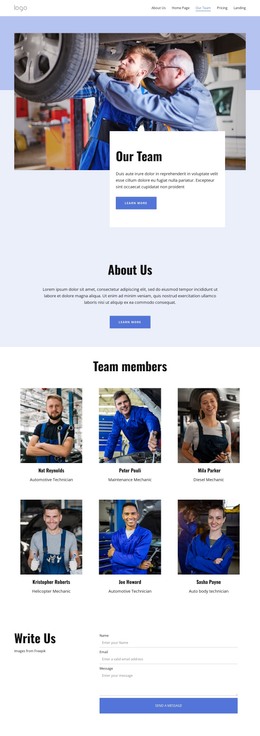
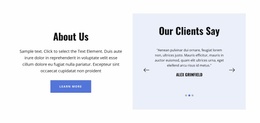
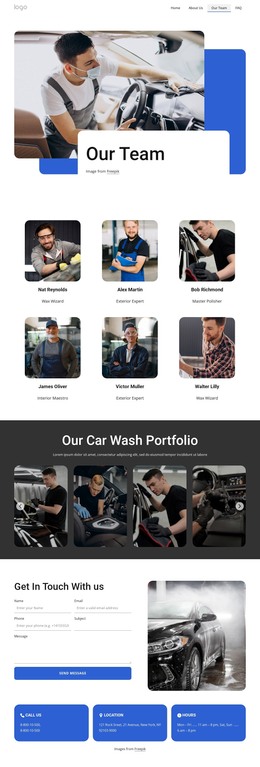
The people-focused sections offer a different content relationship. The six-card team directory presents automotive roles such as Automotive Technician, Maintenance Mechanic, Diesel Mechanic, Helicopter Mechanic, and Auto body technician, making it suitable for staff or company information that may be maintained separately from service descriptions. The testimonial carousel adds customer-oriented material beside automotive imagery, while Our History and the Certified Repair Shop band provide durable company context. Demo names, sample testimonials, certification claims, and numeric highlights should be replaced with verified information before publication.
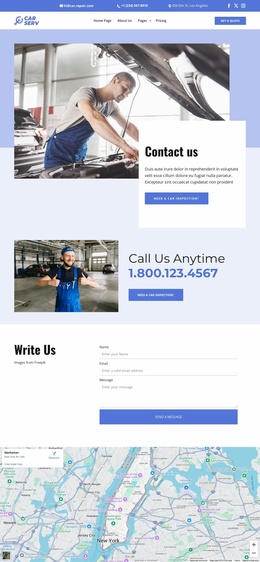
Navigation, the contact form, and the footer connect these content areas into a WordPress-managed site structure. The form collects name, email, and message information, and the footer groups services, quick links, working hours, contact details, and subscription content. This makes the design useful for a site where relatively stable pages explain services and company background while selected content areas can be updated over time without changing the theme’s central visual direction.
Customize with Nicepage
Open this ready-made template in the WordPress Website Builder and customize it visually in the Nicepage editor. Replace demo content, edit page sections, and adapt the design to your project without rebuilding the template from scratch.
Manage and Edit This Theme in WordPress
Customize and Install the WordPress Theme
Start with this ready-made theme instead of building the WordPress design from scratch. Customize its layout, content, typography, images, sections, and other design elements visually in Nicepage editor, then export and install the WordPress Theme, Plugin, and Pages on your WordPress site. The Nicepage WordPress Plugin lets you continue working with the site after installation.
Edit the Theme Directly in WordPress
After installation, you can edit the WordPress Theme directly in WordPress with the Nicepage WordPress Plugin. Use Site Style to customize site Colors, Fonts, Header, Footer, Blog, and Post Page Templates while working within your WordPress website.
Edit WordPress Pages Visually
Use the Nicepage WordPress Plugin to edit page content directly from the WordPress admin area. Open a WordPress Page with Nicepage and visually change its text, images, sections, and other page elements while continuing to manage the Page through WordPress.
WordPress Content and Theme Integration
Use the customized theme with WordPress Pages, Posts, Blog and Post Templates, menus, widgets, and other CMS-managed content. Shared theme elements such as Colors, Fonts, Header, Footer, Blog, and Post Page Templates can be managed as part of the overall site design, while WordPress provides the CMS environment for managing site content.
This workflow combines a ready-made WordPress Theme with visual customization, direct theme editing in WordPress, and continued content management through the Nicepage WordPress Plugin.