Shipping services and logistics WordPress Theme


Edit Template Offline
2. Create new page and search for id 289644
Edit Template Online
Create Awesome Websites


Free Nicepage Builder
Keywords
Service Pages, Company Information, and Inquiry Content Fit the Theme Structure
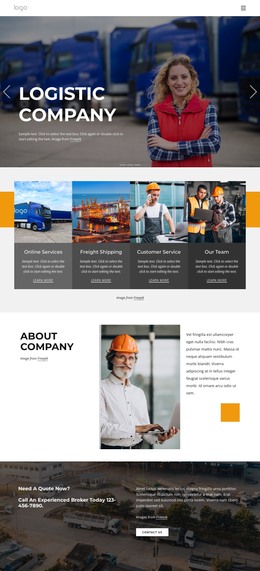
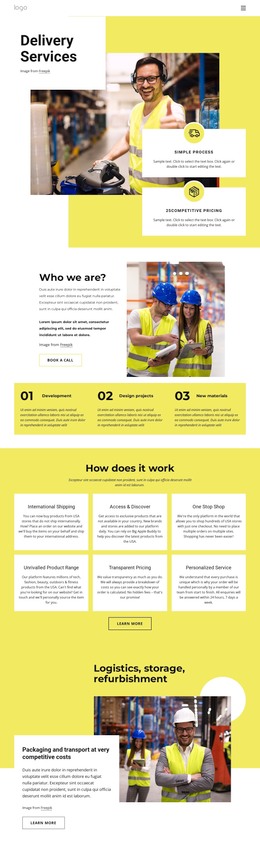
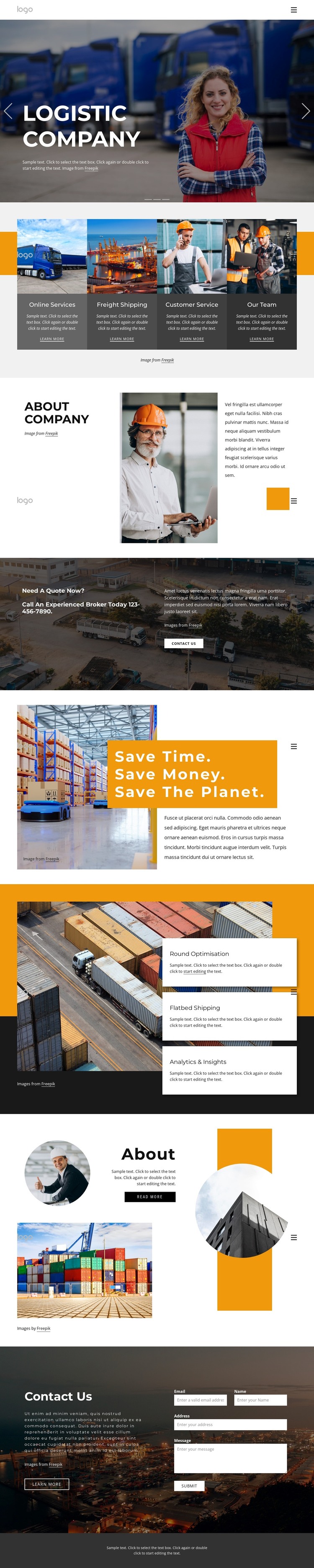
The four service cards create a natural page-oriented content group for a WordPress-managed logistics site. Online Services, Freight Shipping, Customer Service, and Our Team are distinct subjects presented with a shared visual treatment, so they can guide permanent page content without implying that WordPress Pages or Posts already exist in the template. The hero and mobile navigation provide the shared entry point through which visitors reach those areas.
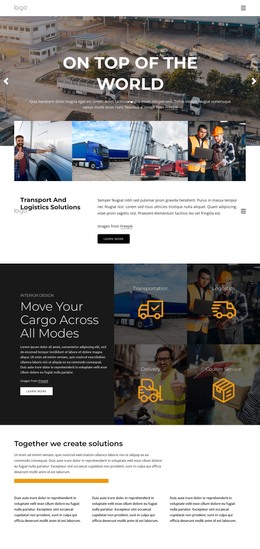
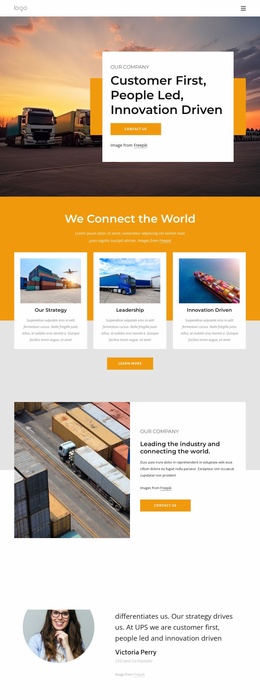
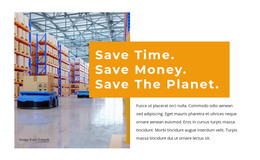
The company-focused sections support another type of managed content. Portraits, container-terminal imagery, warehouse photography, and explanatory paragraphs divide the page into areas for organizational background, operational context, and sustainability messaging. The three capability cards—Round Optimisation, Flatbed Shipping, and Analytics & Insights—can be interpreted as recurring informational content that a project may later expand or update. This makes the design relevant to a WordPress theme without reducing the explanation to CMS terminology.
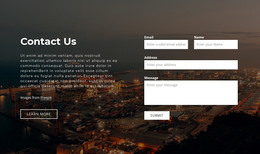
The quote banner and closing Contact Us section give the theme a clear inquiry-oriented content relationship. The banner presents the request-a-quote message and phone text, while the final two-column section places an inquiry form beside supporting copy. If the project later adds regularly updated articles or announcements, that editorial material could be introduced around these established page areas while preserving the logistics visual system. The WordPress interpretation therefore centers on permanent service and company content, recurring capability information, and a response section, not on unsupported claims about existing blog templates, posts, or plugins.
Customize with Nicepage
Open this ready-made template in the WordPress Website Builder and customize it visually in the Nicepage editor. Replace demo content, edit page sections, and adapt the design to your project without rebuilding the template from scratch.
Manage and Edit This Theme in WordPress
Customize and Install the WordPress Theme
Start with this ready-made theme instead of building the WordPress design from scratch. Customize its layout, content, typography, images, sections, and other design elements visually in Nicepage editor, then export and install the WordPress Theme, Plugin, and Pages on your WordPress site. The Nicepage WordPress Plugin lets you continue working with the site after installation.
Edit the Theme Directly in WordPress
After installation, you can edit the WordPress Theme directly in WordPress with the Nicepage WordPress Plugin. Use Site Style to customize site Colors, Fonts, Header, Footer, Blog, and Post Page Templates while working within your WordPress website.
Edit WordPress Pages Visually
Use the Nicepage WordPress Plugin to edit page content directly from the WordPress admin area. Open a WordPress Page with Nicepage and visually change its text, images, sections, and other page elements while continuing to manage the Page through WordPress.
WordPress Content and Theme Integration
Use the customized theme with WordPress Pages, Posts, Blog and Post Templates, menus, widgets, and other CMS-managed content. Shared theme elements such as Colors, Fonts, Header, Footer, Blog, and Post Page Templates can be managed as part of the overall site design, while WordPress provides the CMS environment for managing site content.
This workflow combines a ready-made WordPress Theme with visual customization, direct theme editing in WordPress, and continued content management through the Nicepage WordPress Plugin.