Transport insurance WordPress Theme



Edit Template Offline
2. Create new page and search for id 325938
Edit Template Online
Create Awesome Websites


Free Nicepage Builder
Keywords
Page Content and Recurring Questions Fit a Managed Insurance Theme
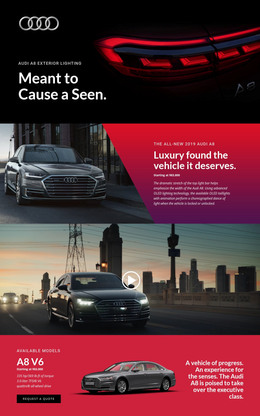
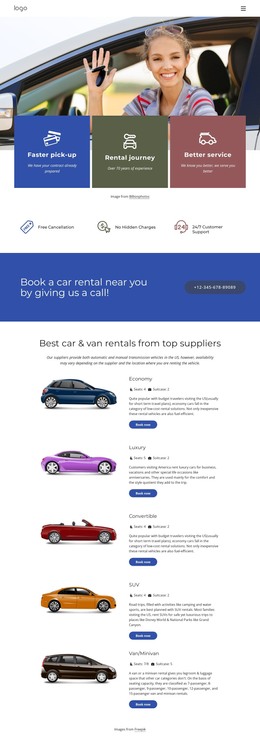
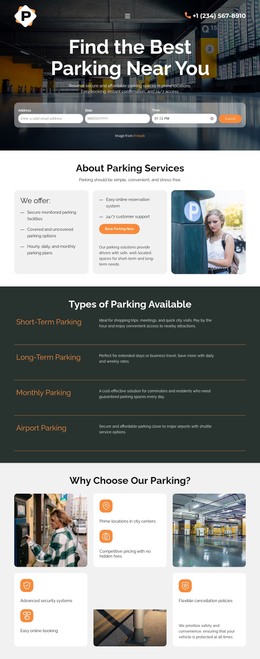
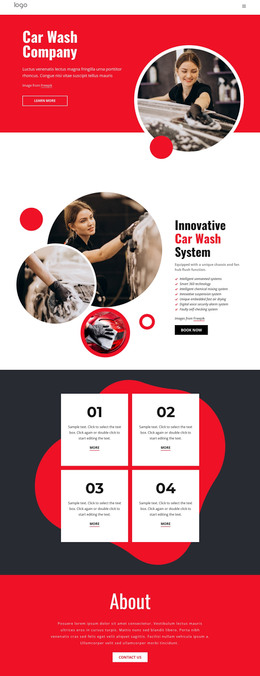
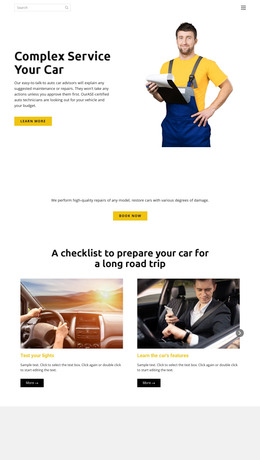
The page-oriented content is divided into clear areas that can remain visually coordinated as insurance information is updated. The hero and central comparison section provide the main permanent guidance, with the checklist giving visitors a practical way to read the evaluation content. The three protection categories add repeated, comparable content blocks for family, business, and future-oriented needs, while the automotive gallery supports the subject through visual project content rather than through unsupported claims.
The ranking and methodology sections create another useful content relationship. A wide divider introduces the ranking topic, then the two-column explanation places evaluation criteria beside a highlighted partner-compensation disclosure and vehicle image. This makes transparency part of the page structure. The four-question FAQ adds a separate area for recurring visitor concerns, which can complement the more stable comparison guidance without being confused with the ranking material.
The final contact region brings together inquiry copy, social links, and a form, giving the theme a clear page-level response area. If the project later adds regularly updated insurance articles or announcements, that content could follow the same visual direction, but the existing analysis does not prove that a blog or post structure is already present. Nicepage documentation describes the WordPress Plugin as a way to edit theme content directly in WordPress; here, its relevance follows from the theme’s clearly divided page content.
Customize with Nicepage
Open this ready-made template in the WordPress Website Builder and customize it visually in the Nicepage editor. Replace demo content, edit page sections, and adapt the design to your project without rebuilding the template from scratch.
Manage and Edit This Theme in WordPress
Customize and Install the WordPress Theme
Start with this ready-made theme instead of building the WordPress design from scratch. Customize its layout, content, typography, images, sections, and other design elements visually in Nicepage editor, then export and install the WordPress Theme, Plugin, and Pages on your WordPress site. The Nicepage WordPress Plugin lets you continue working with the site after installation.
Edit the Theme Directly in WordPress
After installation, you can edit the WordPress Theme directly in WordPress with the Nicepage WordPress Plugin. Use Site Style to customize site Colors, Fonts, Header, Footer, Blog, and Post Page Templates while working within your WordPress website.
Edit WordPress Pages Visually
Use the Nicepage WordPress Plugin to edit page content directly from the WordPress admin area. Open a WordPress Page with Nicepage and visually change its text, images, sections, and other page elements while continuing to manage the Page through WordPress.
WordPress Content and Theme Integration
Use the customized theme with WordPress Pages, Posts, Blog and Post Templates, menus, widgets, and other CMS-managed content. Shared theme elements such as Colors, Fonts, Header, Footer, Blog, and Post Page Templates can be managed as part of the overall site design, while WordPress provides the CMS environment for managing site content.
This workflow combines a ready-made WordPress Theme with visual customization, direct theme editing in WordPress, and continued content management through the Nicepage WordPress Plugin.