Full service handwash WordPress Theme


Edit Template Offline
2. Create new page and search for id 6330357
Edit Template Online
Create Awesome Websites


Free Nicepage Builder
Keywords
Package Content and Portfolio Areas Fit a Managed Service Theme
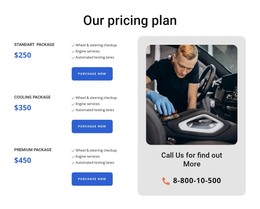
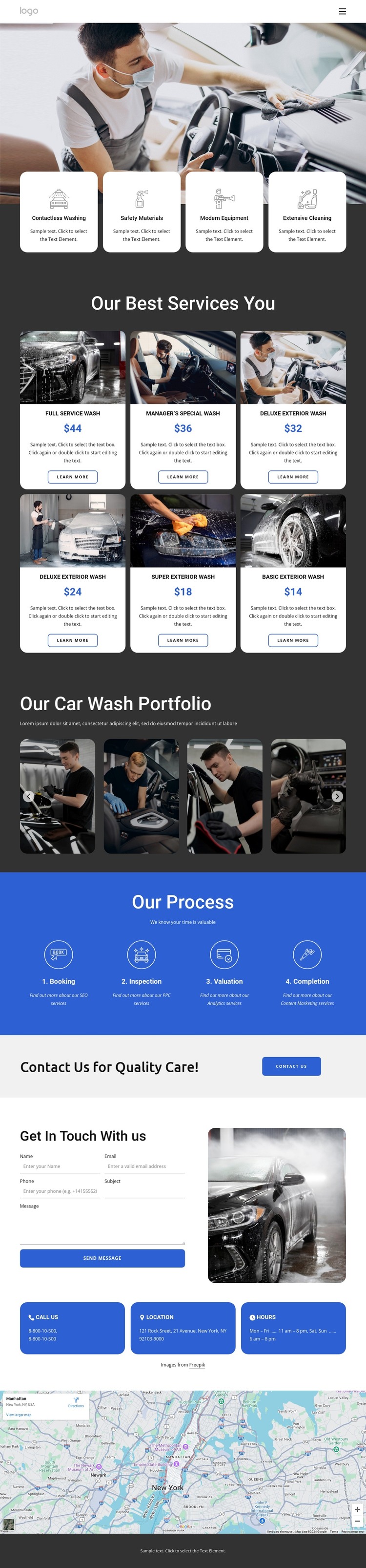
The six wash package cards provide page-oriented content that can be maintained as distinct service information. Full Service Wash, Manager’s Special Wash, Deluxe Exterior Wash, Super Exterior Wash, and Basic Exterior Wash appear in a repeated image-and-text pattern with displayed prices and Learn More actions. In a WordPress project, that structure can guide permanent service content while preserving the visual relationship between package choice and supporting imagery.
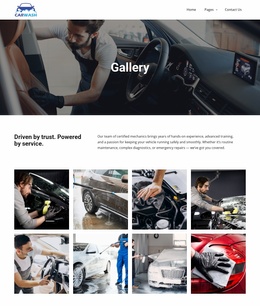
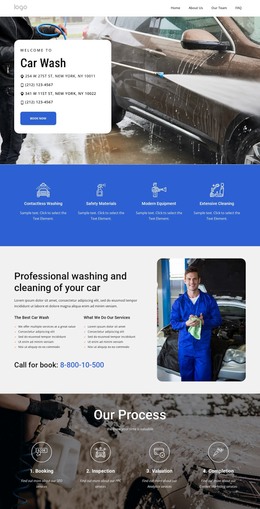
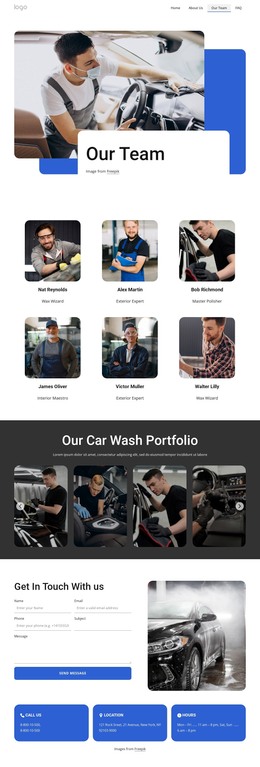
The portfolio gallery supplies a different kind of content area. Its horizontal automotive image tiles and controls create a natural visual showcase, separate from the package comparison. The four feature cards above can continue to summarize service qualities, while the Booking, Inspection, Valuation, and Completion section provides a concise process explanation. These content roles give the theme more than a single promotional message: they separate services, visual work, and operating sequence.
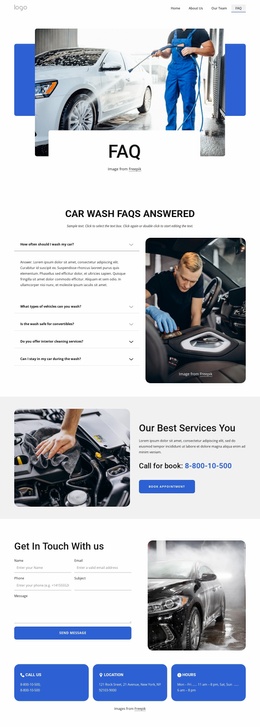
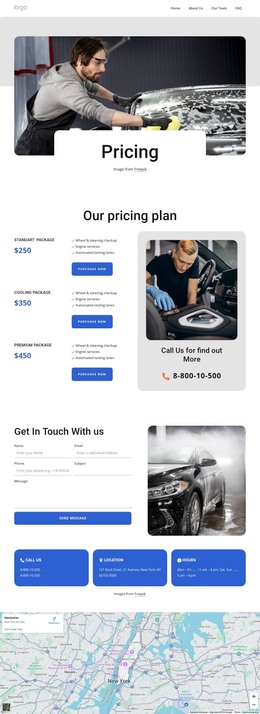
The contact form, vehicle image, three contact-detail cards, map, and social footer complete the site-oriented structure. They provide stable page content and shared navigation or brand regions without requiring unsupported claims about posts or blog sections. If the project later adds regularly updated content, it should be integrated around these verified service and portfolio areas rather than assumed to be part of the current template. The WordPress Plugin can support editing page content in a WordPress environment.
Customize with Nicepage
Open this ready-made template in the WordPress Website Builder and customize it visually in the Nicepage editor. Replace demo content, edit page sections, and adapt the design to your project without rebuilding the template from scratch.
Manage and Edit This Theme in WordPress
Customize and Install the WordPress Theme
Start with this ready-made theme instead of building the WordPress design from scratch. Customize its layout, content, typography, images, sections, and other design elements visually in Nicepage editor, then export and install the WordPress Theme, Plugin, and Pages on your WordPress site. The Nicepage WordPress Plugin lets you continue working with the site after installation.
Edit the Theme Directly in WordPress
After installation, you can edit the WordPress Theme directly in WordPress with the Nicepage WordPress Plugin. Use Site Style to customize site Colors, Fonts, Header, Footer, Blog, and Post Page Templates while working within your WordPress website.
Edit WordPress Pages Visually
Use the Nicepage WordPress Plugin to edit page content directly from the WordPress admin area. Open a WordPress Page with Nicepage and visually change its text, images, sections, and other page elements while continuing to manage the Page through WordPress.
WordPress Content and Theme Integration
Use the customized theme with WordPress Pages, Posts, Blog and Post Templates, menus, widgets, and other CMS-managed content. Shared theme elements such as Colors, Fonts, Header, Footer, Blog, and Post Page Templates can be managed as part of the overall site design, while WordPress provides the CMS environment for managing site content.
This workflow combines a ready-made WordPress Theme with visual customization, direct theme editing in WordPress, and continued content management through the Nicepage WordPress Plugin.