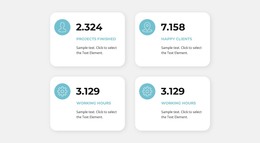
Counters block WordPress Theme


Four Repeated Metrics as Stable WordPress Page Content
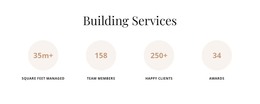
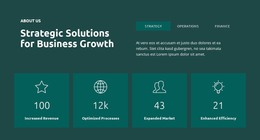
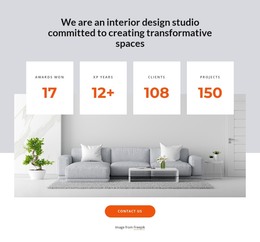
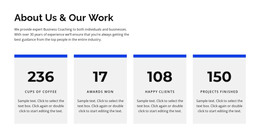
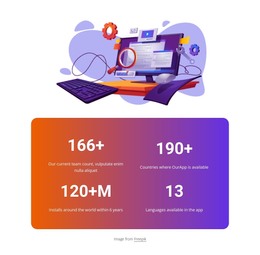
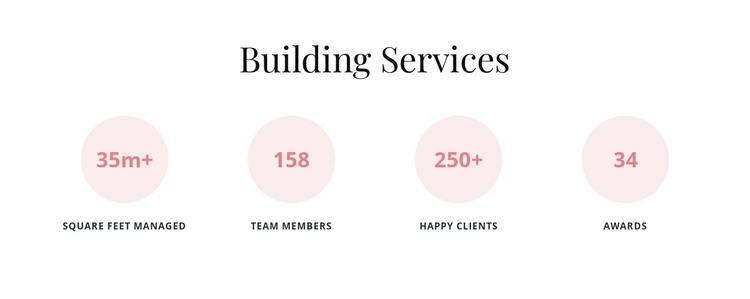
The centered “Building Services” heading frames four repeated metric units as one stable information area. Each unit presents a number above a descriptive label, allowing the section to communicate several kinds of performance context in a format that is easy to scan. The four counters share the same circular treatment and occupy one horizontal row, so the content reads as a coordinated group rather than as four unrelated text fragments. This repeated structure is the main reason the section can remain consistent when used as permanent page content.
In a WordPress-oriented project, the block can occupy a services, company-information, or supporting statistics area while the wider site manages its other content separately. The white background and centered alignment make the section straightforward to place among neighboring page sections. Pale circles distinguish the metrics, muted tan values provide a restrained accent, and uppercase labels give each item a concise descriptive role. These visual relationships can remain intact even when the surrounding page contains different content types.
The sample numbers should be treated as presentation structure rather than as established business results. Their purpose here is to show how the block accommodates a value-and-label pattern. As one content section inside a WordPress-managed page, the block can provide compact numerical context while other page areas handle detailed services, editorial content, contact information, and site-level structure.
Customize with Nicepage
Open this ready-made template in the WordPress Website Builder and customize it visually in the Nicepage editor. Replace demo content, edit page sections, and adapt the design to your project without rebuilding the template from scratch.
Edit Template Offline
2. Create a new page or select existing
3. Click Add new block, search for id 6277804 and click enter
Edit Template Online
Create Awesome Websites


Free Nicepage Builder
Keywords
Manage and Edit This Theme in WordPress
Customize and Install the WordPress Theme
Start with this ready-made theme instead of building the WordPress design from scratch. Customize its layout, content, typography, images, sections, and other design elements visually in Nicepage editor, then export and install the WordPress Theme, Plugin, and Pages on your WordPress site. The Nicepage WordPress Plugin lets you continue working with the site after installation.
Edit the Theme Directly in WordPress
After installation, you can edit the WordPress Theme directly in WordPress with the Nicepage WordPress Plugin. Use Site Style to customize site Colors, Fonts, Header, Footer, Blog, and Post Page Templates while working within your WordPress website.
Edit WordPress Pages Visually
Use the Nicepage WordPress Plugin to edit page content directly from the WordPress admin area. Open a WordPress Page with Nicepage and visually change its text, images, sections, and other page elements while continuing to manage the Page through WordPress.
WordPress Content and Theme Integration
Use the customized theme with WordPress Pages, Posts, Blog and Post Templates, menus, widgets, and other CMS-managed content. Shared theme elements such as Colors, Fonts, Header, Footer, Blog, and Post Page Templates can be managed as part of the overall site design, while WordPress provides the CMS environment for managing site content.
This workflow combines a ready-made WordPress Theme with visual customization, direct theme editing in WordPress, and continued content management through the Nicepage WordPress Plugin.