Trail running, race walking, wheelchair racing WordPress Theme



Edit Template Offline
2. Create new page and search for id 6070691
Edit Template Online
Create Awesome Websites


Free Nicepage Builder
Keywords
Training Categories and Club Resources Shape the Theme Content
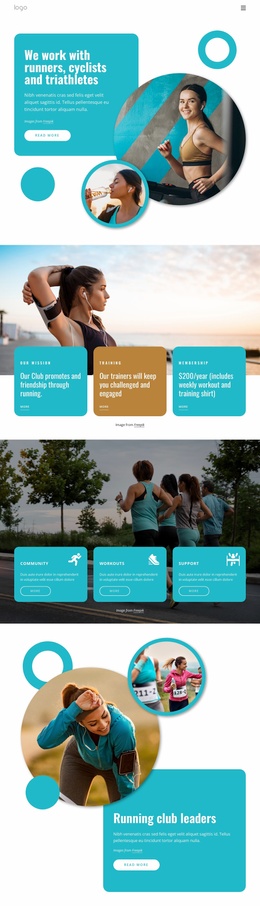
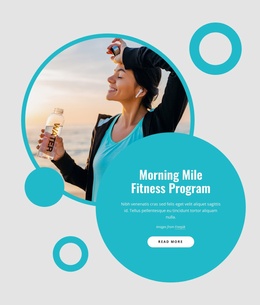
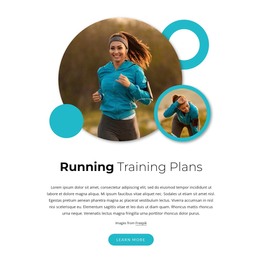
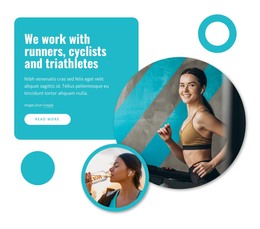
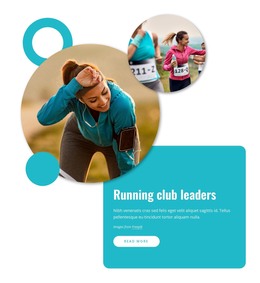
The six rounded program cards give this design a clear set of page-oriented content areas. Gym Training, Running, Virtual Programs, Urban Events, Seasoned Running, and For Beginners can be treated as distinct subjects within a WordPress project, allowing each activity to retain its own explanation while remaining part of the same running-club visual system. Their repeated image treatment also creates a consistent pattern for related club information without claiming that these are already WordPress Posts or categories.
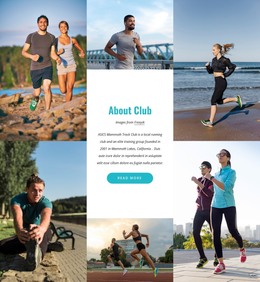
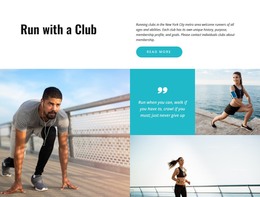
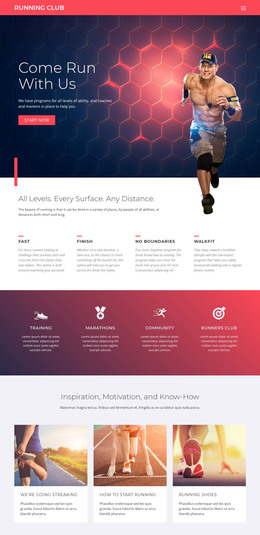
The surrounding sections support a broader content structure. The About Club mosaic and the Run With Our Team area provide identity and community context, while About Us, Events, Sponsors, and Support create recognizable resource destinations. Member Benefits and Who We Are then separate participation value from organizational information. This combination is useful for a theme because permanent club content can remain visually connected even as the site grows with additional page material.
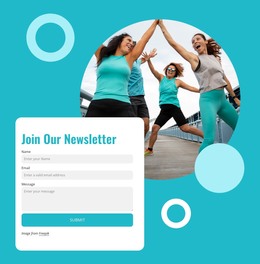
Near the end, Contact Us groups phone and office-location details into compact cards, and Join Our Newsletter provides a separate communication area. These elements give the theme both informational and engagement-oriented content zones. In WordPress, the design can therefore support page-based club information and future regularly updated material while preserving its turquoise, gold, photography-led character. The interpretation concerns how the existing areas can organize CMS-managed content, not a claim that any specific WordPress content type is already present.
Customize with Nicepage
Open this ready-made template in the WordPress Website Builder and customize it visually in the Nicepage editor. Replace demo content, edit page sections, and adapt the design to your project without rebuilding the template from scratch.
Manage and Edit This Theme in WordPress
Customize and Install the WordPress Theme
Start with this ready-made theme instead of building the WordPress design from scratch. Customize its layout, content, typography, images, sections, and other design elements visually in Nicepage editor, then export and install the WordPress Theme, Plugin, and Pages on your WordPress site. The Nicepage WordPress Plugin lets you continue working with the site after installation.
Edit the Theme Directly in WordPress
After installation, you can edit the WordPress Theme directly in WordPress with the Nicepage WordPress Plugin. Use Site Style to customize site Colors, Fonts, Header, Footer, Blog, and Post Page Templates while working within your WordPress website.
Edit WordPress Pages Visually
Use the Nicepage WordPress Plugin to edit page content directly from the WordPress admin area. Open a WordPress Page with Nicepage and visually change its text, images, sections, and other page elements while continuing to manage the Page through WordPress.
WordPress Content and Theme Integration
Use the customized theme with WordPress Pages, Posts, Blog and Post Templates, menus, widgets, and other CMS-managed content. Shared theme elements such as Colors, Fonts, Header, Footer, Blog, and Post Page Templates can be managed as part of the overall site design, while WordPress provides the CMS environment for managing site content.
This workflow combines a ready-made WordPress Theme with visual customization, direct theme editing in WordPress, and continued content management through the Nicepage WordPress Plugin.