Find home repair services today WordPress Theme


Edit Template Offline
2. Create new page and search for id 4734317
Edit Template Online
Create Awesome Websites


Free Nicepage Builder
Keywords
Permanent Service Content and Reusable Profile Areas Fit a CMS Theme
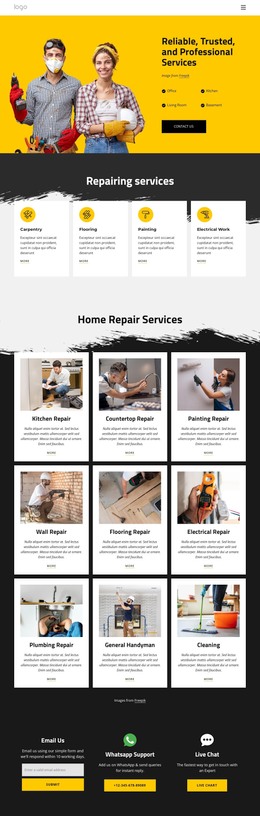
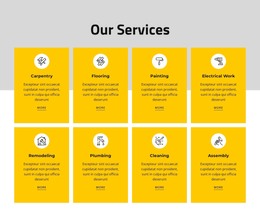
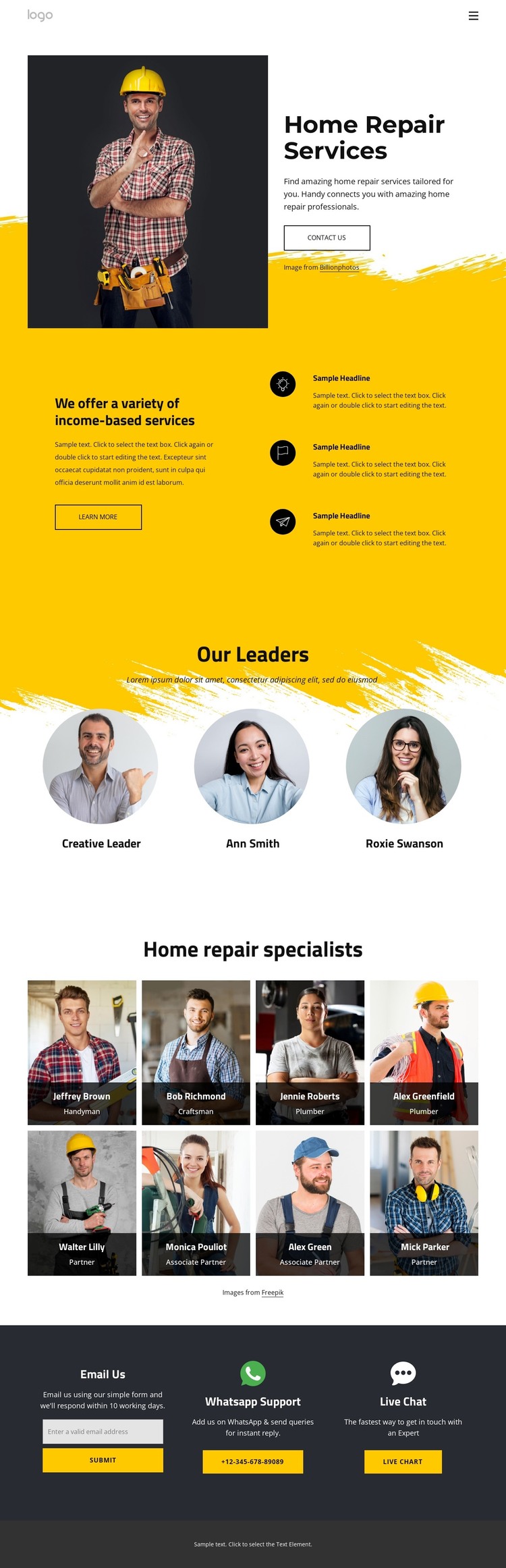
The page separates permanent informational content into clear areas that can translate naturally to a WordPress-managed site. The hero introduces the home repair offering with a worker photograph, service heading, explanatory copy, and contact action. The next section organizes three feature items beside supporting text, giving service information a defined page role. These areas are different from the profile content that follows and can remain visually coordinated while carrying separate page information.
The three circular leadership portraits provide a compact organizational section, whereas the eight-card specialist gallery offers a larger repeated content group with names and role labels. Together they create reusable patterns for people-focused page content without claiming that WordPress Posts, categories, or blog templates already exist in the template. The contact section supplies another permanent area through its email form, WhatsApp Support, and Live Chat options. Its 10-working-day email expectation gives the communication content a specific context. In a WordPress theme interpretation, these page regions can support service pages, company information, team profiles, and contact content while shared navigation, mobile navigation, colors, and footer treatment preserve the design direction. The value comes from mapping the existing content areas to a manageable theme structure, not from replacing the page with generic CMS terminology.
Customize with Nicepage
Open this ready-made template in the WordPress Website Builder and customize it visually in the Nicepage editor. Replace demo content, edit page sections, and adapt the design to your project without rebuilding the template from scratch.
Manage and Edit This Theme in WordPress
Customize and Install the WordPress Theme
Start with this ready-made theme instead of building the WordPress design from scratch. Customize its layout, content, typography, images, sections, and other design elements visually in Nicepage editor, then export and install the WordPress Theme, Plugin, and Pages on your WordPress site. The Nicepage WordPress Plugin lets you continue working with the site after installation.
Edit the Theme Directly in WordPress
After installation, you can edit the WordPress Theme directly in WordPress with the Nicepage WordPress Plugin. Use Site Style to customize site Colors, Fonts, Header, Footer, Blog, and Post Page Templates while working within your WordPress website.
Edit WordPress Pages Visually
Use the Nicepage WordPress Plugin to edit page content directly from the WordPress admin area. Open a WordPress Page with Nicepage and visually change its text, images, sections, and other page elements while continuing to manage the Page through WordPress.
WordPress Content and Theme Integration
Use the customized theme with WordPress Pages, Posts, Blog and Post Templates, menus, widgets, and other CMS-managed content. Shared theme elements such as Colors, Fonts, Header, Footer, Blog, and Post Page Templates can be managed as part of the overall site design, while WordPress provides the CMS environment for managing site content.
This workflow combines a ready-made WordPress Theme with visual customization, direct theme editing in WordPress, and continued content management through the Nicepage WordPress Plugin.