Successful business WordPress Theme


Capability-Focused Copy in a WordPress Page Section
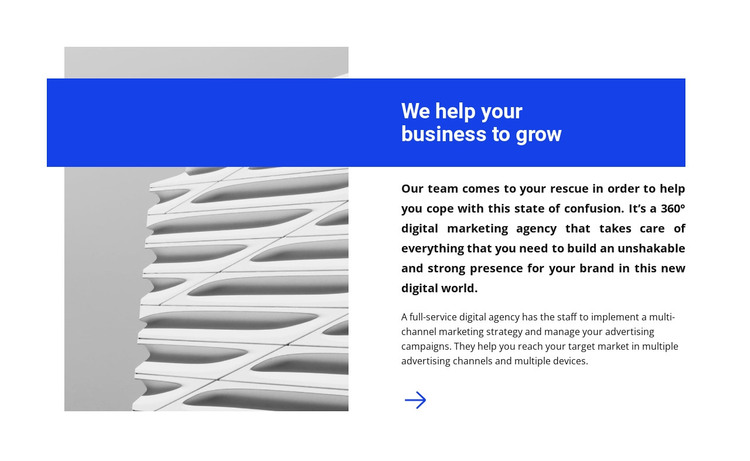
The heading panel gives the section’s agency message a clear visual anchor, while the two paragraphs provide the stable descriptive content that follows it. “We help your business to grow” appears in bold white type on blue, and the copy beneath it refers to 360° digital marketing, multichannel marketing strategy, and advertising campaign management. On the opposite side, the large monochrome architectural image supplies visual context without competing with the written explanation.
For a WordPress-managed page, this block can work as permanent About or agency-introduction content rather than as a separate publishing system. Its concise copy can remain part of a services, company, or marketing page while other sections handle changing posts, project examples, testimonials, or inquiries. The defined split between image and text makes the section easy to recognize as one content area within a larger page design.
The overlapping blue panel also gives the content a strong visual identity without requiring extra page-level elements. WordPress can manage the surrounding page and its broader content, while this block preserves the relationship between the architectural image, the agency explanation, and the central growth message. That makes it suitable when a project needs a visually distinctive introduction that still reads as focused, reusable page content.
Customize with Nicepage
Open this ready-made template in the WordPress Website Builder and customize it visually in the Nicepage editor. Replace demo content, edit page sections, and adapt the design to your project without rebuilding the template from scratch.
Edit Template Offline
2. Create a new page or select existing
3. Click Add new block, search for id 458227 and click enter
Edit Template Online
Create Awesome Websites


Free Nicepage Builder
Keywords
Manage and Edit This Theme in WordPress
Customize and Install the WordPress Theme
Start with this ready-made theme instead of building the WordPress design from scratch. Customize its layout, content, typography, images, sections, and other design elements visually in Nicepage editor, then export and install the WordPress Theme, Plugin, and Pages on your WordPress site. The Nicepage WordPress Plugin lets you continue working with the site after installation.
Edit the Theme Directly in WordPress
After installation, you can edit the WordPress Theme directly in WordPress with the Nicepage WordPress Plugin. Use Site Style to customize site Colors, Fonts, Header, Footer, Blog, and Post Page Templates while working within your WordPress website.
Edit WordPress Pages Visually
Use the Nicepage WordPress Plugin to edit page content directly from the WordPress admin area. Open a WordPress Page with Nicepage and visually change its text, images, sections, and other page elements while continuing to manage the Page through WordPress.
WordPress Content and Theme Integration
Use the customized theme with WordPress Pages, Posts, Blog and Post Templates, menus, widgets, and other CMS-managed content. Shared theme elements such as Colors, Fonts, Header, Footer, Blog, and Post Page Templates can be managed as part of the overall site design, while WordPress provides the CMS environment for managing site content.
This workflow combines a ready-made WordPress Theme with visual customization, direct theme editing in WordPress, and continued content management through the Nicepage WordPress Plugin.