Counters with geometric shapes WordPress Theme


Repeated Counter Cards Provide Stable Page Content
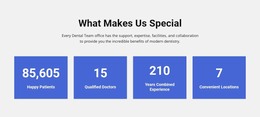
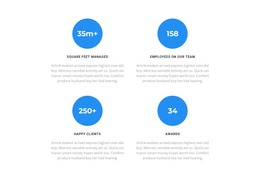
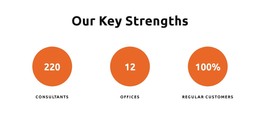
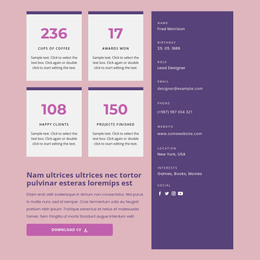
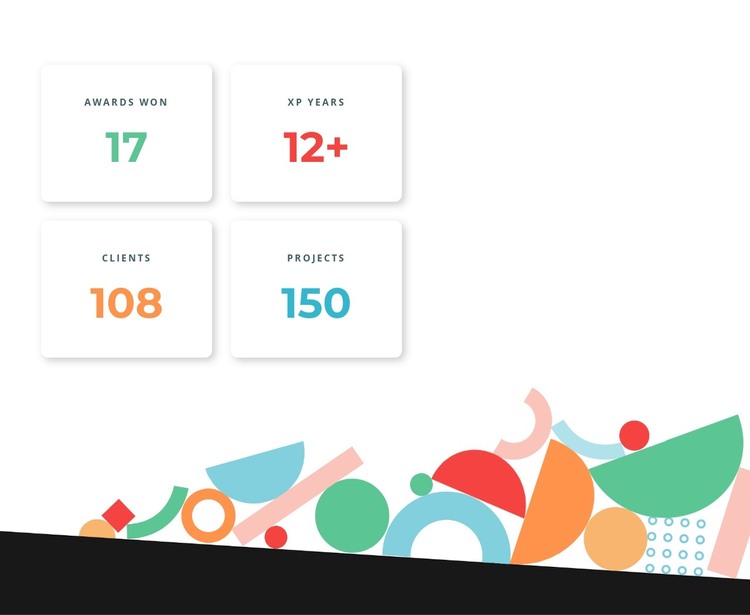
The four-card structure reads as stable page content rather than a changing feed. Each unit pairs a concise uppercase label with a large numeric value, and the two-by-two arrangement lets visitors compare the measures within one bounded section. Green, red, orange, and blue accents give the values individual emphasis while the repeated white rounded cards keep the visual system consistent. Soft shadows separate the cards from the white background without making the group feel heavy.
The lower artwork gives the statistics area a second layer of identity. Colorful abstract geometric forms stretch beneath the cards and finish above a dark base shape, creating a clear visual transition after the numeric content. Because the interaction is static, the complete set of four measures remains visible together; the section does not depend on a carousel, tab, or expandable state to communicate its information.
In a WordPress-oriented project, this block can serve as a permanent statistics section within a managed page, while other content areas handle deeper descriptions or regularly updated material. The displayed labels and numbers can be adapted to the page's subject, but the underlying relationship between repeated card, label, value, accent color, and artwork remains useful. It is one publishable content area within the wider theme and page structure, not a standalone theme itself.
Customize with Nicepage
Open this ready-made template in the WordPress Website Builder and customize it visually in the Nicepage editor. Replace demo content, edit page sections, and adapt the design to your project without rebuilding the template from scratch.
Edit Template Offline
2. Create a new page or select existing
3. Click Add new block, search for id 2758833 and click enter
Edit Template Online
Create Awesome Websites


Free Nicepage Builder
Keywords
Manage and Edit This Theme in WordPress
Customize and Install the WordPress Theme
Start with this ready-made theme instead of building the WordPress design from scratch. Customize its layout, content, typography, images, sections, and other design elements visually in Nicepage editor, then export and install the WordPress Theme, Plugin, and Pages on your WordPress site. The Nicepage WordPress Plugin lets you continue working with the site after installation.
Edit the Theme Directly in WordPress
After installation, you can edit the WordPress Theme directly in WordPress with the Nicepage WordPress Plugin. Use Site Style to customize site Colors, Fonts, Header, Footer, Blog, and Post Page Templates while working within your WordPress website.
Edit WordPress Pages Visually
Use the Nicepage WordPress Plugin to edit page content directly from the WordPress admin area. Open a WordPress Page with Nicepage and visually change its text, images, sections, and other page elements while continuing to manage the Page through WordPress.
WordPress Content and Theme Integration
Use the customized theme with WordPress Pages, Posts, Blog and Post Templates, menus, widgets, and other CMS-managed content. Shared theme elements such as Colors, Fonts, Header, Footer, Blog, and Post Page Templates can be managed as part of the overall site design, while WordPress provides the CMS environment for managing site content.
This workflow combines a ready-made WordPress Theme with visual customization, direct theme editing in WordPress, and continued content management through the Nicepage WordPress Plugin.