Global business advisory firm WordPress Theme


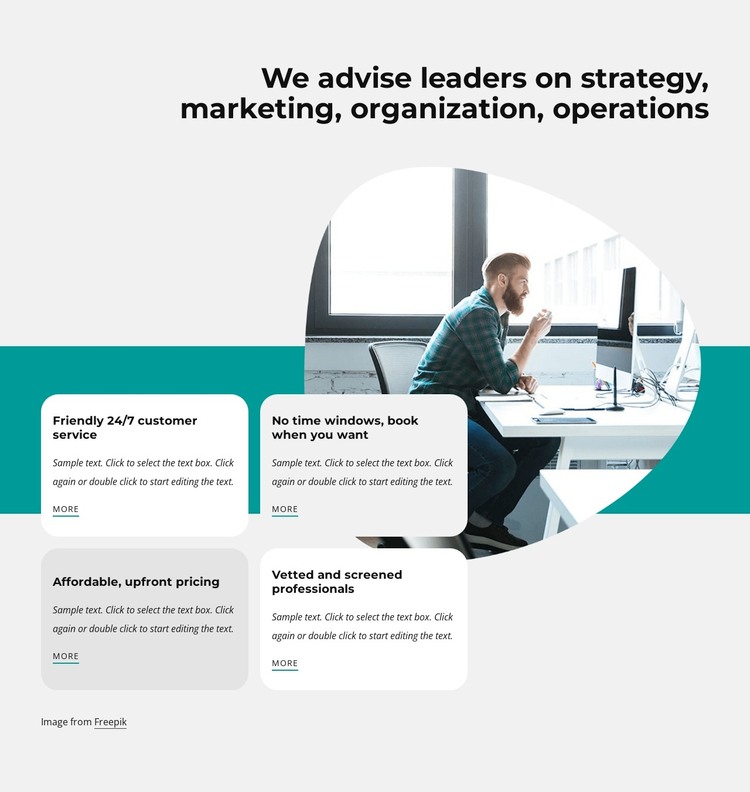
Stable service-oriented content fits the four-card page section
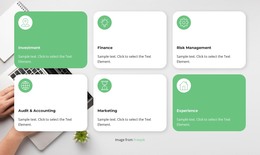
The block’s strongest WordPress-oriented role is as stable page content that explains several advisory or benefit points in one repeatable format. Its heading introduces the subject at a high level, and the four cards provide separate content units with headings, descriptions, and More links. The visible labels—customer service, flexible booking, upfront pricing, and screened professionals—give the section a practical service-oriented vocabulary, while the editable description areas can carry the fuller explanation appropriate to the surrounding page.
The visual structure helps this content remain recognizable when placed among other page sections. The office-workspace portrait forms a separate image group behind and above the cards, and the teal band connects the image with the two-by-two card grid. Rounded corners and alternating card fills distinguish each item without making the group feel fragmented. In a WordPress-managed site, this section could serve as a permanent capabilities or benefits area on a page while other content is maintained elsewhere in the broader project. The block itself remains one reusable page region: it supplies a defined message and presentation pattern, while the surrounding WordPress site provides its wider theme, navigation, additional pages, and content management context.
Customize with Nicepage
Open this ready-made template in the WordPress Website Builder and customize it visually in the Nicepage editor. Replace demo content, edit page sections, and adapt the design to your project without rebuilding the template from scratch.
Edit Template Offline
2. Create a new page or select existing
3. Click Add new block, search for id 1797927 and click enter
Edit Template Online
Create Awesome Websites


Free Nicepage Builder
Keywords
Manage and Edit This Theme in WordPress
Customize and Install the WordPress Theme
Start with this ready-made theme instead of building the WordPress design from scratch. Customize its layout, content, typography, images, sections, and other design elements visually in Nicepage editor, then export and install the WordPress Theme, Plugin, and Pages on your WordPress site. The Nicepage WordPress Plugin lets you continue working with the site after installation.
Edit the Theme Directly in WordPress
After installation, you can edit the WordPress Theme directly in WordPress with the Nicepage WordPress Plugin. Use Site Style to customize site Colors, Fonts, Header, Footer, Blog, and Post Page Templates while working within your WordPress website.
Edit WordPress Pages Visually
Use the Nicepage WordPress Plugin to edit page content directly from the WordPress admin area. Open a WordPress Page with Nicepage and visually change its text, images, sections, and other page elements while continuing to manage the Page through WordPress.
WordPress Content and Theme Integration
Use the customized theme with WordPress Pages, Posts, Blog and Post Templates, menus, widgets, and other CMS-managed content. Shared theme elements such as Colors, Fonts, Header, Footer, Blog, and Post Page Templates can be managed as part of the overall site design, while WordPress provides the CMS environment for managing site content.
This workflow combines a ready-made WordPress Theme with visual customization, direct theme editing in WordPress, and continued content management through the Nicepage WordPress Plugin.