Ski Resort Pricing Template


Edit Template Offline
2. Create new page and search for id 6442552
Edit Template Online
Create Awesome Websites


Free Nicepage Builder
Keywords
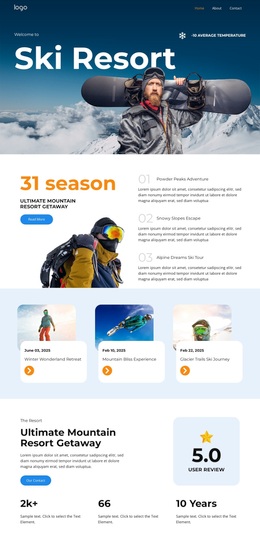
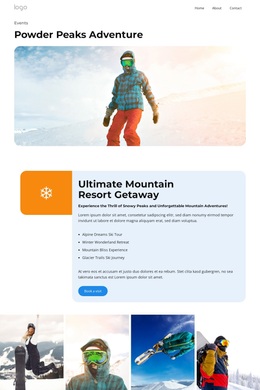
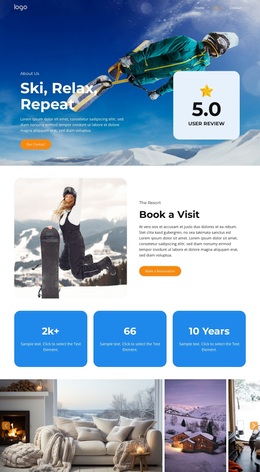
Six Visual Offers Turn Resort Pricing Into a Clear Design Choice
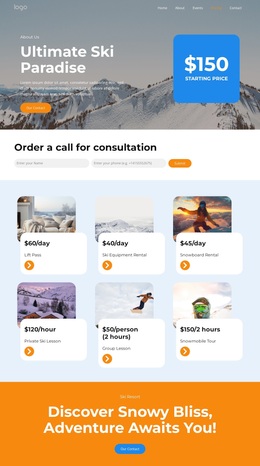
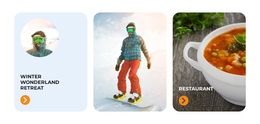
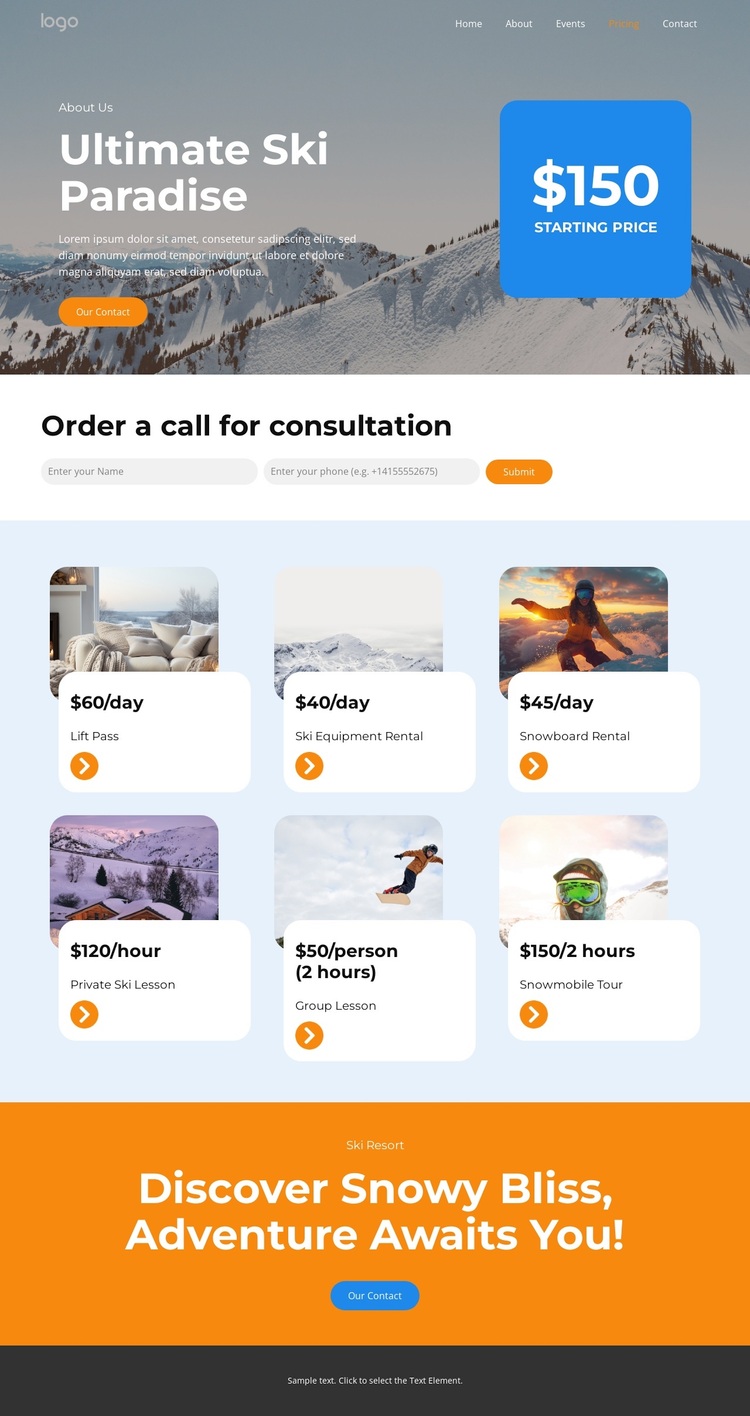
The strongest choice signal in this design is the relationship between visual service presentation and direct pricing information. Six image-led cards cover different parts of the ski resort offer, from lift access and equipment rental to snowboard rental, private and group lessons, and a snowmobile tour. This gives the page broader content coverage than a layout built around one activity alone. The displayed rates also use daily, hourly, per-person, and two-hour formats, showing that the design can present different kinds of service information within one repeated card system.
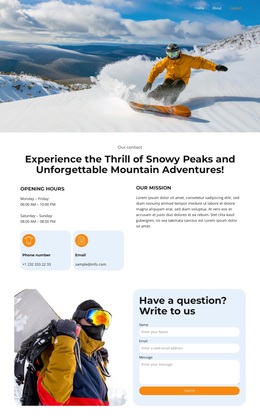
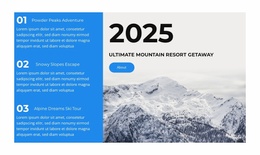
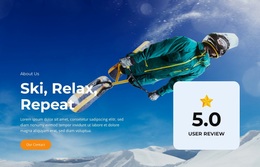
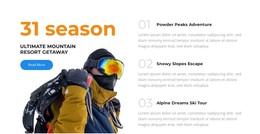
The visual direction supports that content without relying on dense explanatory text. Snowy mountain imagery establishes the winter recreation setting, while the cool blue and white palette is balanced by orange emphasis areas and high-contrast pricing callouts. Rounded cards create separation between offers, and the spacious gaps keep the six items readable across two rows. A consultation form requesting name and phone information adds a practical response point, while the final orange contact section reinforces the resort message after the pricing content. Navigation for Home, About, Events, Pricing, and Contact rounds out the page context. Together, these facts make the design worth considering when a project needs a visual resort presentation that compares several activities and still leaves room for a clear consultation direction.
Customize with Nicepage
Open this ready-made template in the Template Builder and customize it visually in the Nicepage editor. Replace demo content, edit page sections, and adapt the design to your project without rebuilding the template from scratch.
Start With a Ready-Made Template
Choose a Design for a New Page
Use a ready-made template as a starting point instead of creating every page from a blank canvas. When adding a new page in Nicepage, browse available designs, compare different layouts, and choose an option that already fits the general purpose and visual direction of your project.
Browse Different Page Designs
Explore Page Designs using search, thematic categories, Design Sets, and full-page previews. The collection includes layouts for different subjects and page purposes, making it easier to compare alternatives before selecting a design to customize.
Customize the Selected Template
After choosing a design, create the page and continue editing it visually in Nicepage. Replace the demo content, adjust images, typography, colors, sections, and other elements, and adapt the ready-made layout to your own content instead of rebuilding the design from the beginning.
Explore More Design Directions
If the first option does not match your project closely enough, return to the design collection and compare other templates before committing to a layout. This makes the template library useful not only for faster page creation, but also for exploring different visual approaches and finding a suitable starting point for a new project.
This workflow gives you access to a broad collection of ready-made designs that can be selected, compared, and customized according to the needs of each new page or project.