Mountain Bliss Experience Template


Edit Template Offline
2. Create new page and search for id 6423493
Edit Template Online
Create Awesome Websites


Free Nicepage Builder
Keywords
Mountain Imagery Meets Resort Benefits, Activities, and Dining
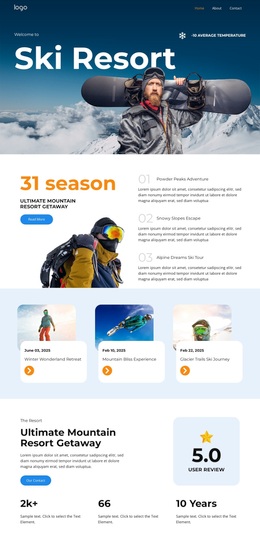
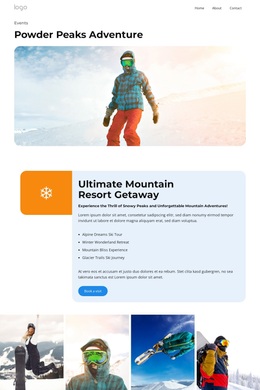
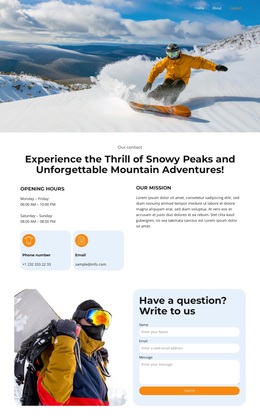
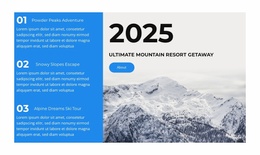
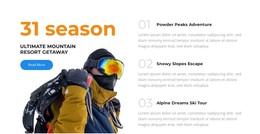
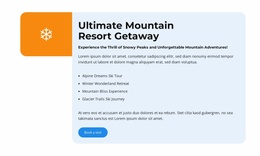
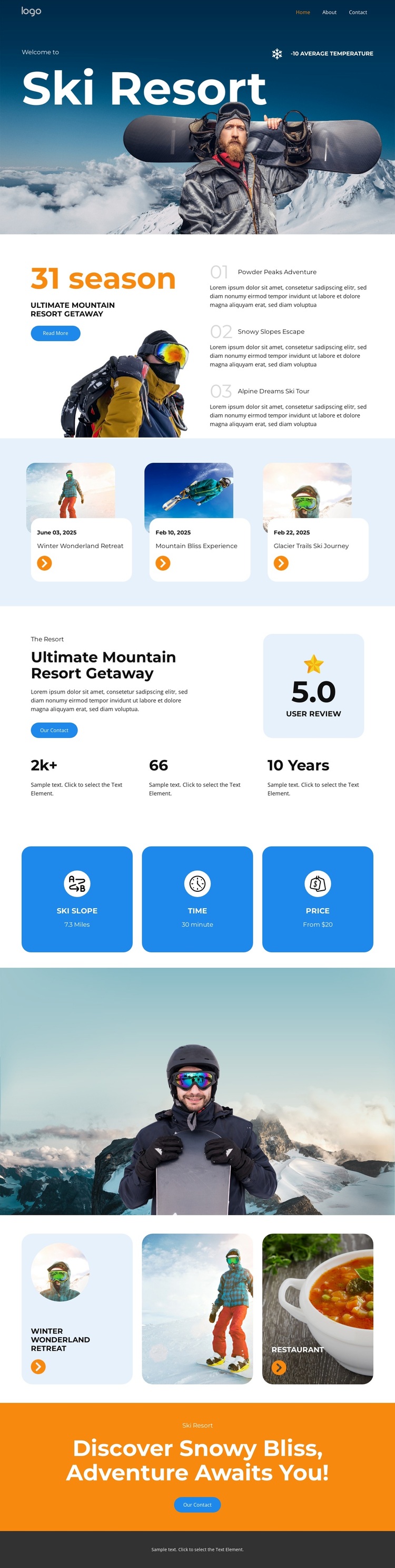
Large mountain photography gives this design a clear visual starting point, but the page earns its place among ready-made options through the way that imagery is connected to useful resort content. The hero introduces the ski setting, then the overview combines seasonal messaging, a skier image, and three experience cards. This makes the design suitable for projects that need to present both atmosphere and several reasons to explore a mountain destination.
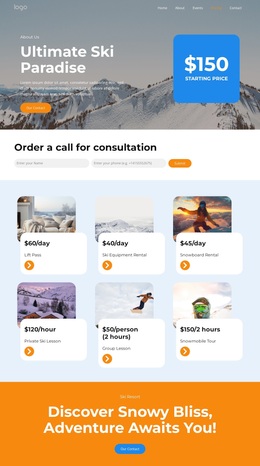
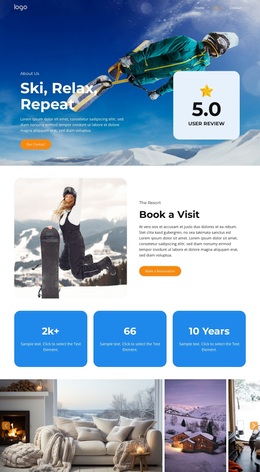
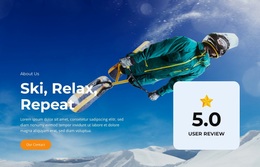
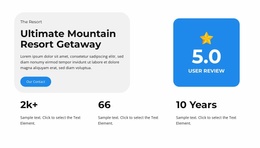
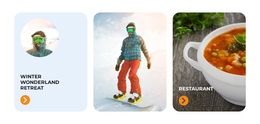
The resort summary adds another layer through descriptive content, a visible review rating, and supporting statistics. Three blue benefit panels then organize practical subjects around slope, time, and price, creating a concise counterpoint to the more emotional photography. Later, three activity cards broaden the page beyond a single ski offer by including winter retreat, mountain activity, and restaurant-oriented material.
The closing orange band gives the design a recognizable finishing device: a strong promotional statement and button appear after the visitor has encountered the setting, benefits, proof, and activity choices. That combination makes the template a useful choice for a resort or winter travel project that wants visual storytelling supported by scannable content. It is more specific than a generic hospitality layout because the mountain, snow, activity, and dining relationships remain visible throughout the page.
Customize with Nicepage
Open this ready-made template in the Template Builder and customize it visually in the Nicepage editor. Replace demo content, edit page sections, and adapt the design to your project without rebuilding the template from scratch.
Start With a Ready-Made Template
Choose a Design for a New Page
Use a ready-made template as a starting point instead of creating every page from a blank canvas. When adding a new page in Nicepage, browse available designs, compare different layouts, and choose an option that already fits the general purpose and visual direction of your project.
Browse Different Page Designs
Explore Page Designs using search, thematic categories, Design Sets, and full-page previews. The collection includes layouts for different subjects and page purposes, making it easier to compare alternatives before selecting a design to customize.
Customize the Selected Template
After choosing a design, create the page and continue editing it visually in Nicepage. Replace the demo content, adjust images, typography, colors, sections, and other elements, and adapt the ready-made layout to your own content instead of rebuilding the design from the beginning.
Explore More Design Directions
If the first option does not match your project closely enough, return to the design collection and compare other templates before committing to a layout. This makes the template library useful not only for faster page creation, but also for exploring different visual approaches and finding a suitable starting point for a new project.
This workflow gives you access to a broad collection of ready-made designs that can be selected, compared, and customized according to the needs of each new page or project.