Group travel for all ages Template



Edit Template Offline
2. Create new page and search for id 2481427
Edit Template Online
Create Awesome Websites


Free Nicepage Builder
Keywords
Six travel categories give this design a distinct starting direction
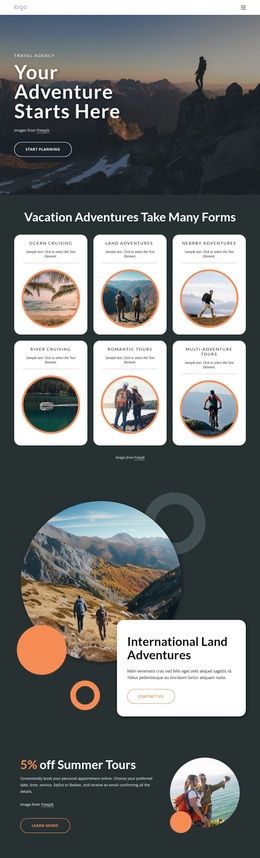
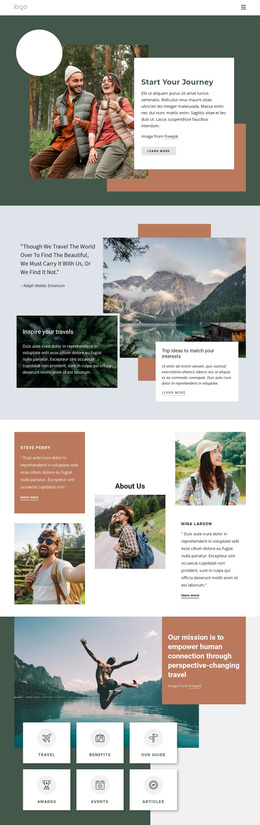
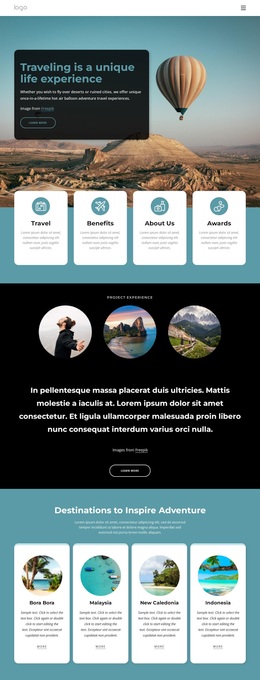
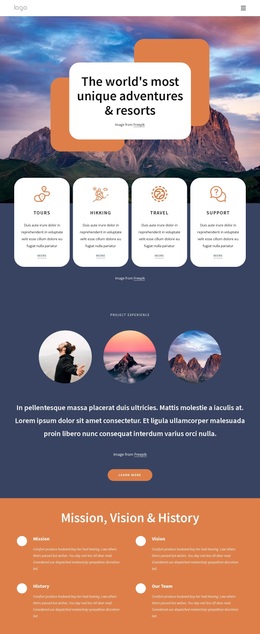
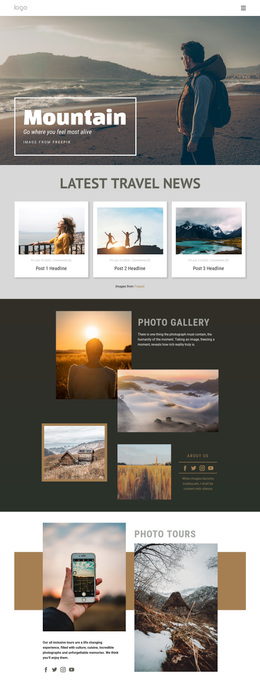
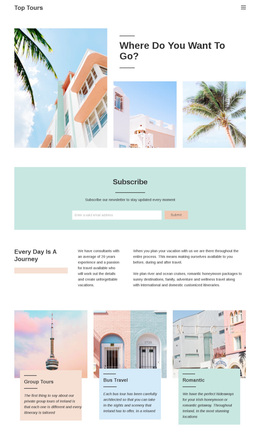
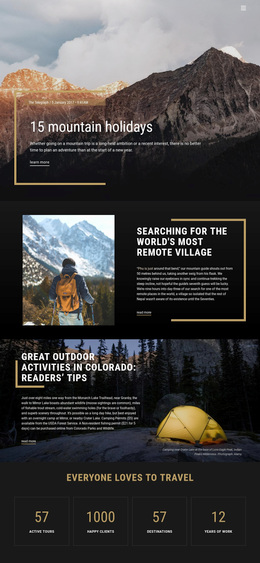
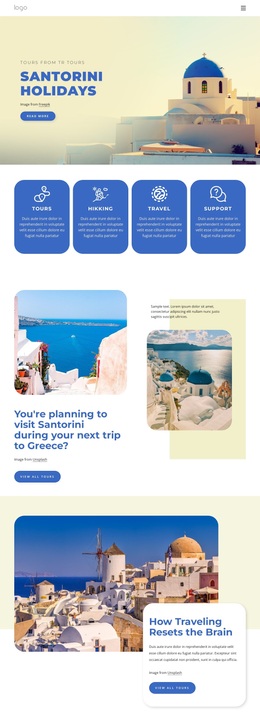
Large travel photographs do much of the explanatory work in this design, making it a useful option for projects that need destinations and experiences to be understood visually. The opening mountain image establishes an immediate sense of place, while the planning and nature sections use overlapping photographs around rounded information cards. This combination gives the page more range than a layout based only on text and service lists.
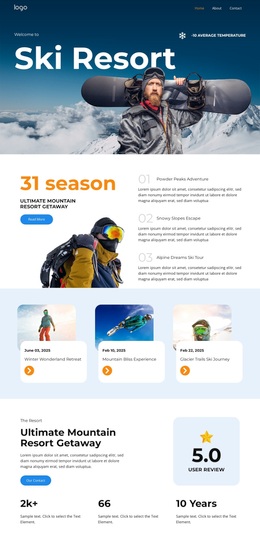
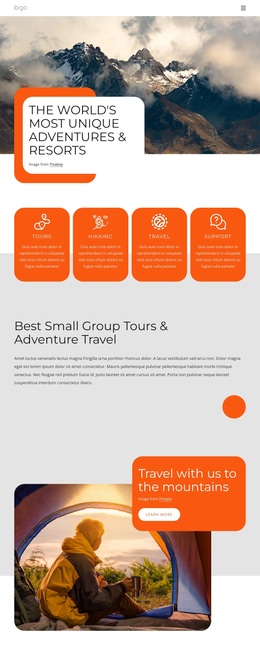
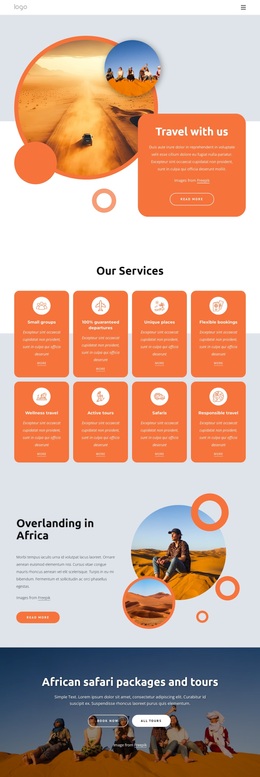
The content coverage is another reason to choose this design. Four service cards introduce Tours, Hikking, Travel, and Support, then the six-card experience catalogue expands the direction through African Safari, Planning, City Tours, Trekking, Romantic tours, and Active Tours. These named categories show how the template can support both broad agency services and more specific travel offers. The resort feature adds a separate promotional emphasis without changing the overall photography-led character.
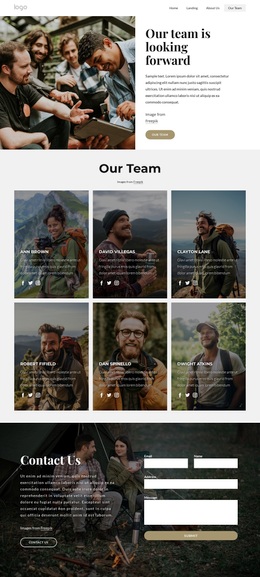
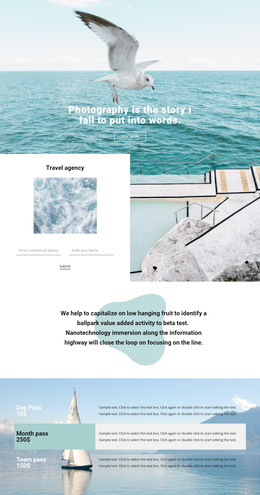
The page also includes a practical path toward contact. A hero Contact Us action appears before the visitor has explored the full content, and the final section provides name, email, and message fields beside a travel image. That balance between visual inspiration, service coverage, experience choices, and inquiry capture makes the design worth considering for a travel project that needs a rich presentation rather than a dense, text-first layout. Sample metrics and placeholder copy should be replaced with verified project information.
Customize with Nicepage
Open this ready-made template in the Template Builder and customize it visually in the Nicepage editor. Replace demo content, edit page sections, and adapt the design to your project without rebuilding the template from scratch.
Start With a Ready-Made Template
Choose a Design for a New Page
Use a ready-made template as a starting point instead of creating every page from a blank canvas. When adding a new page in Nicepage, browse available designs, compare different layouts, and choose an option that already fits the general purpose and visual direction of your project.
Browse Different Page Designs
Explore Page Designs using search, thematic categories, Design Sets, and full-page previews. The collection includes layouts for different subjects and page purposes, making it easier to compare alternatives before selecting a design to customize.
Customize the Selected Template
After choosing a design, create the page and continue editing it visually in Nicepage. Replace the demo content, adjust images, typography, colors, sections, and other elements, and adapt the ready-made layout to your own content instead of rebuilding the design from the beginning.
Explore More Design Directions
If the first option does not match your project closely enough, return to the design collection and compare other templates before committing to a layout. This makes the template library useful not only for faster page creation, but also for exploring different visual approaches and finding a suitable starting point for a new project.
This workflow gives you access to a broad collection of ready-made designs that can be selected, compared, and customized according to the needs of each new page or project.