Skiers’ Paradise Awaits Template


Edit Template Offline
2. Create new page and search for id 6425958
Edit Template Online
Create Awesome Websites


Free Nicepage Builder
Keywords
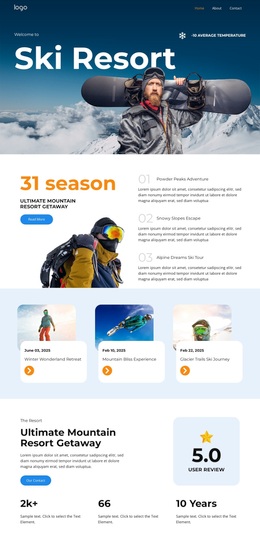
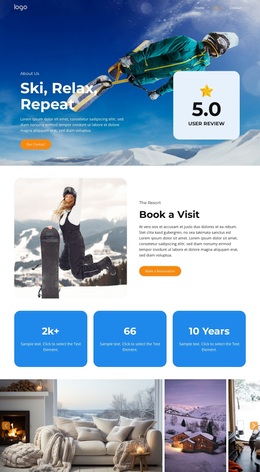
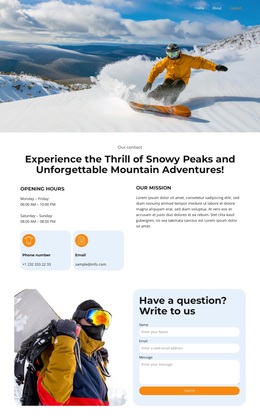
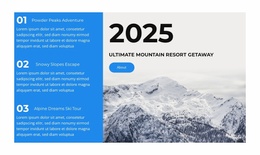
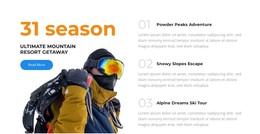
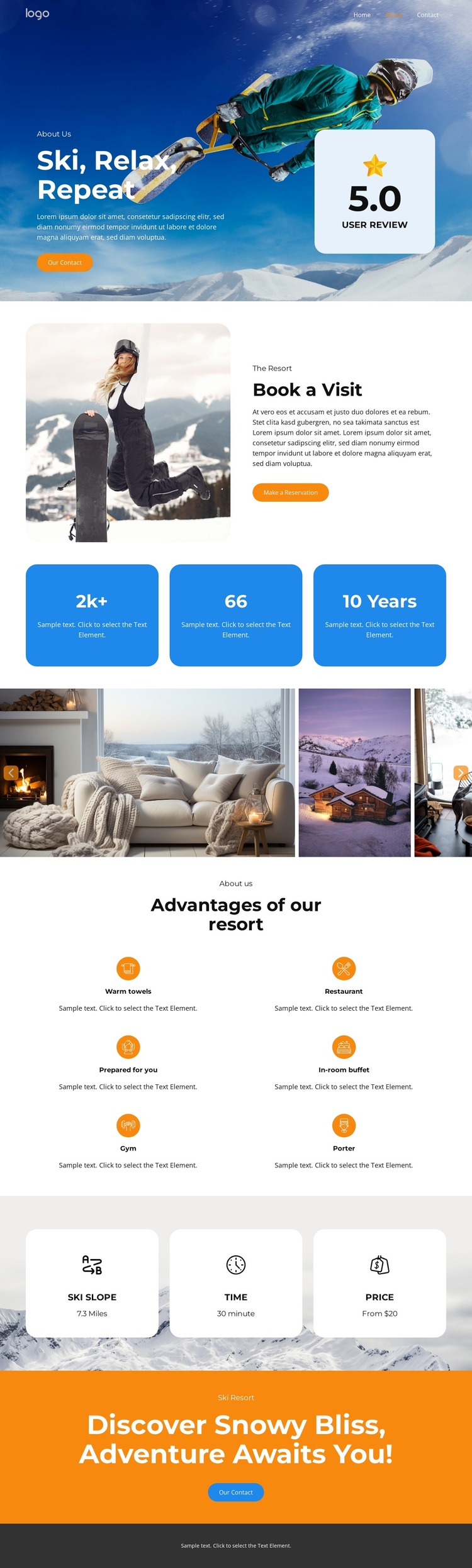
A six-image winter gallery anchors the resort choice
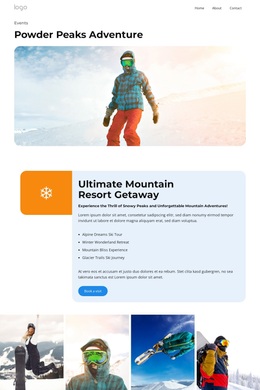
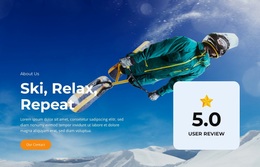
The six-image gallery gives this design its clearest point of distinction: winter interiors, resort views, and mountain scenes carry much of the atmosphere before visitors reach the practical information. That visual emphasis is supported by the opening “Ski, Relax, Repeat” hero, where snowy mountain imagery sits behind resort messaging, a contact action, and a review card. The result is a layout that presents the destination through both visual context and concise hospitality content.
The design also covers the questions a resort visitor is likely to consider. “Reserve a Visit” pairs a large resort image with explanatory text and a reservation button, while three information cards identify ski slope access, travel time, and price information. These labels are presented as page content rather than treated as independently verified commercial claims, but they show how the template accommodates practical trip details beside the broader resort introduction.
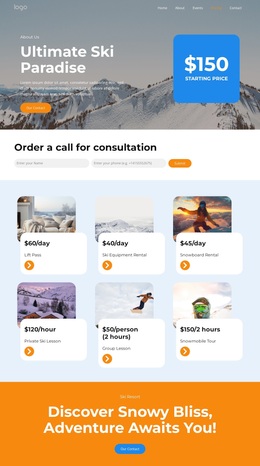
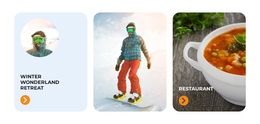
Six amenity cards add another layer of coverage without changing the visual focus. Warm towels, a restaurant, in-room buffet, gym, porter, and guest preparation are presented as repeated advantages, giving the page a compact way to communicate the stay experience. Navigation, a closing orange contact panel, and the repeated reservation emphasis make the design a useful option for ski resorts or hospitality projects that need imagery, amenities, and response-oriented content in the same page.
Customize with Nicepage
Open this ready-made template in the Template Builder and customize it visually in the Nicepage editor. Replace demo content, edit page sections, and adapt the design to your project without rebuilding the template from scratch.
Start With a Ready-Made Template
Choose a Design for a New Page
Use a ready-made template as a starting point instead of creating every page from a blank canvas. When adding a new page in Nicepage, browse available designs, compare different layouts, and choose an option that already fits the general purpose and visual direction of your project.
Browse Different Page Designs
Explore Page Designs using search, thematic categories, Design Sets, and full-page previews. The collection includes layouts for different subjects and page purposes, making it easier to compare alternatives before selecting a design to customize.
Customize the Selected Template
After choosing a design, create the page and continue editing it visually in Nicepage. Replace the demo content, adjust images, typography, colors, sections, and other elements, and adapt the ready-made layout to your own content instead of rebuilding the design from the beginning.
Explore More Design Directions
If the first option does not match your project closely enough, return to the design collection and compare other templates before committing to a layout. This makes the template library useful not only for faster page creation, but also for exploring different visual approaches and finding a suitable starting point for a new project.
This workflow gives you access to a broad collection of ready-made designs that can be selected, compared, and customized according to the needs of each new page or project.