Luxury small-group travel experience Template


Edit Template Offline
2. Create new page and search for id 5894829
Edit Template Online
Create Awesome Websites


Free Nicepage Builder
Keywords
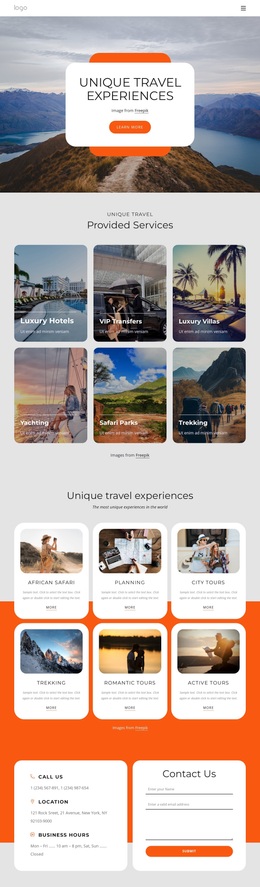
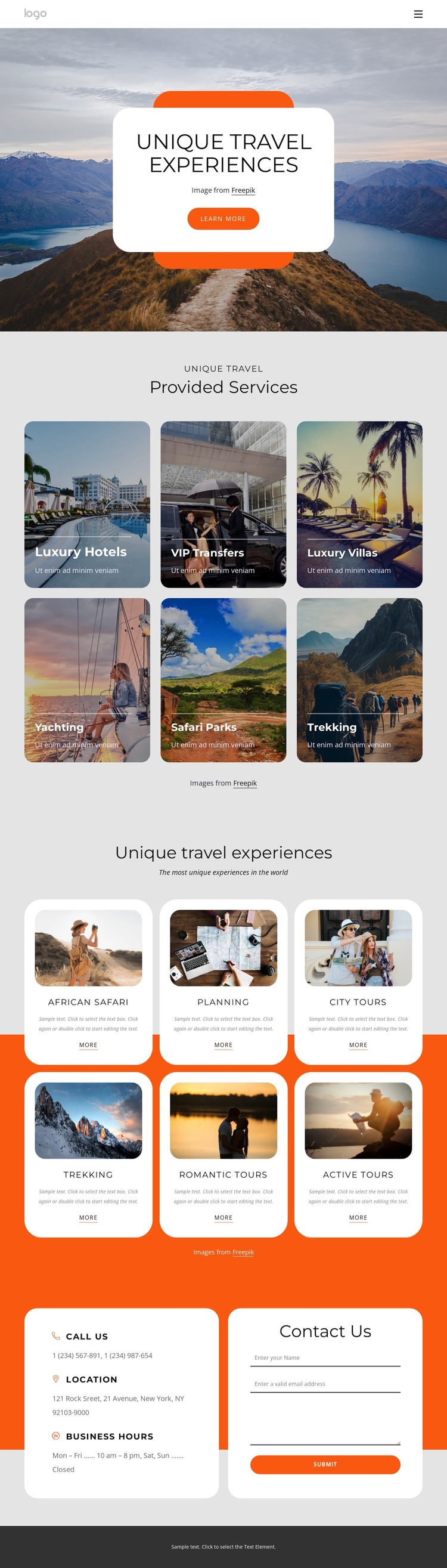
Six service tiles and six experience cards make travel choices visible
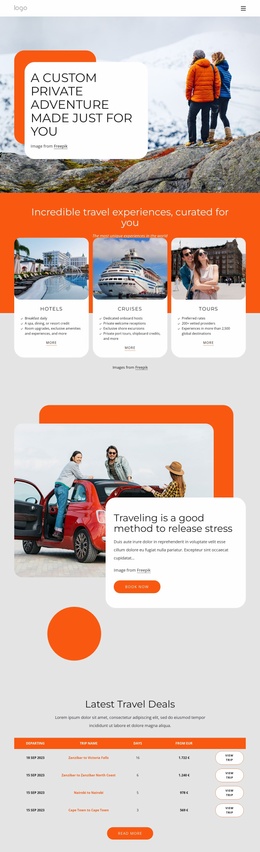
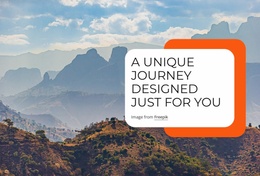
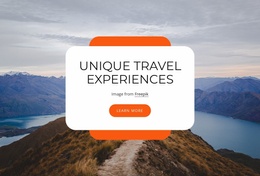
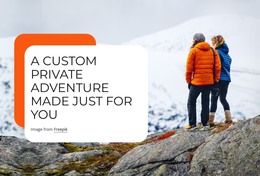
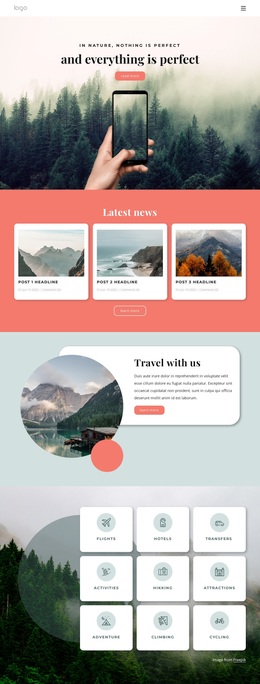
Large travel photography carries the first message of the design, while the centered rounded card gives that image a clear editorial focal point. This combination makes the page a useful option for projects that need an aspirational introduction before presenting practical travel information. The vivid orange accent adds an energetic point of emphasis without replacing the photographs as the main carrier of the subject.
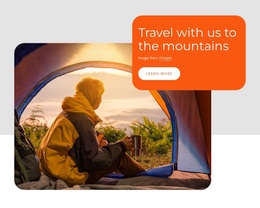
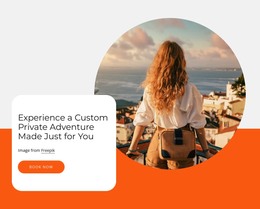
The content coverage is a particularly clear reason to choose this design. Six Provided Services tiles make the offer immediately scannable through Luxury Hotels, VIP Transfers, Luxury Villas, Yachting, Safari Parks, and Trekking. The following six experience cards add a more descriptive layer through images, titles, text, and action links for African Safari, Planning, City Tours, Trekking, Romantic tours, and Active Tours. The two groups work together: one explains service categories, while the other suggests specific ways a visitor might experience them.
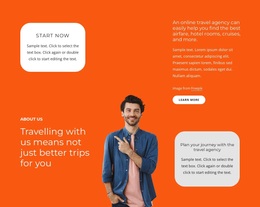
The final contact region keeps the design practical. Phone, location, and business-hours information appear beside a form with name, email, and message inputs, giving visitors a direct way to continue the conversation. For a travel project seeking a ready-made visual direction with broad service coverage and a defined inquiry endpoint, this combination is more distinctive than a page built around only a hero image or a simple service list.
Customize with Nicepage
Open this ready-made template in the Template Builder and customize it visually in the Nicepage editor. Replace demo content, edit page sections, and adapt the design to your project without rebuilding the template from scratch.
Start With a Ready-Made Template
Choose a Design for a New Page
Use a ready-made template as a starting point instead of creating every page from a blank canvas. When adding a new page in Nicepage, browse available designs, compare different layouts, and choose an option that already fits the general purpose and visual direction of your project.
Browse Different Page Designs
Explore Page Designs using search, thematic categories, Design Sets, and full-page previews. The collection includes layouts for different subjects and page purposes, making it easier to compare alternatives before selecting a design to customize.
Customize the Selected Template
After choosing a design, create the page and continue editing it visually in Nicepage. Replace the demo content, adjust images, typography, colors, sections, and other elements, and adapt the ready-made layout to your own content instead of rebuilding the design from the beginning.
Explore More Design Directions
If the first option does not match your project closely enough, return to the design collection and compare other templates before committing to a layout. This makes the template library useful not only for faster page creation, but also for exploring different visual approaches and finding a suitable starting point for a new project.
This workflow gives you access to a broad collection of ready-made designs that can be selected, compared, and customized according to the needs of each new page or project.

Design Set (21)
-

-
-
-
-
-
-
-
-
-
-
-
-
-
-
-
-
Free Website Builder SoftwareDownload
-