Adventure tours and vacations Template


Edit Template Offline
2. Create new page and search for id 6202740
Edit Template Online
Create Awesome Websites


Free Nicepage Builder
Keywords
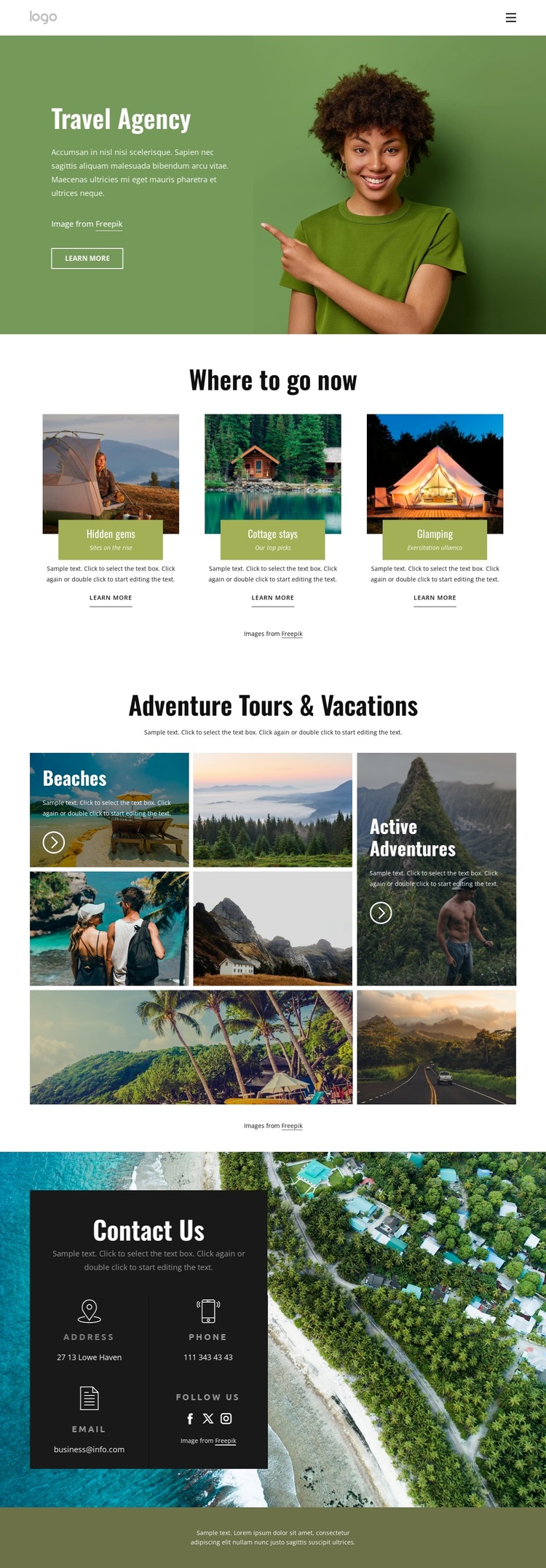
Three Travel Directions Lead Into a Rich Destination Story
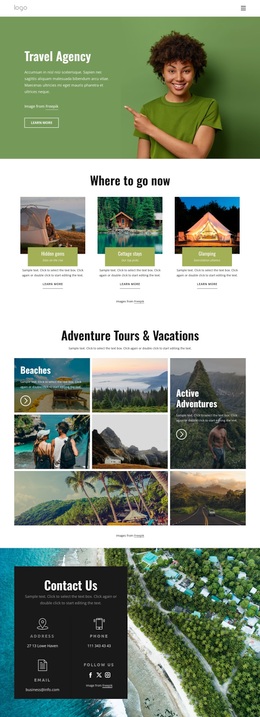
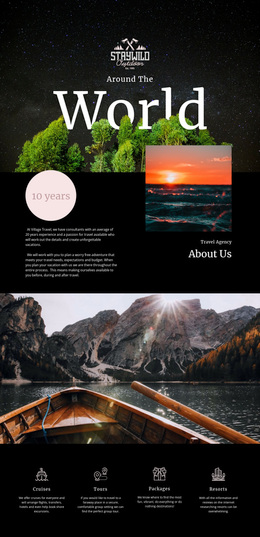
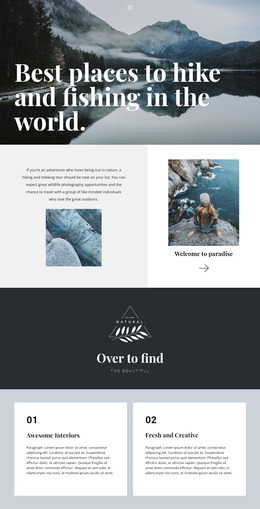
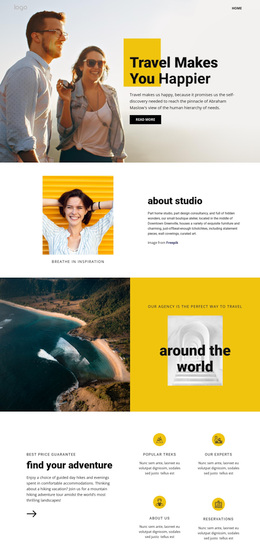
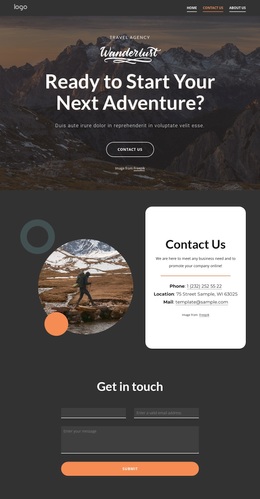
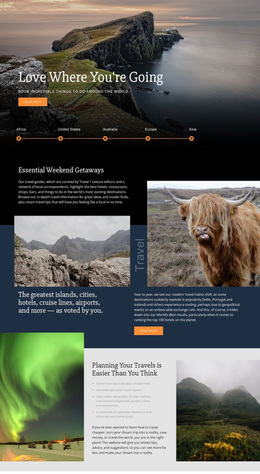
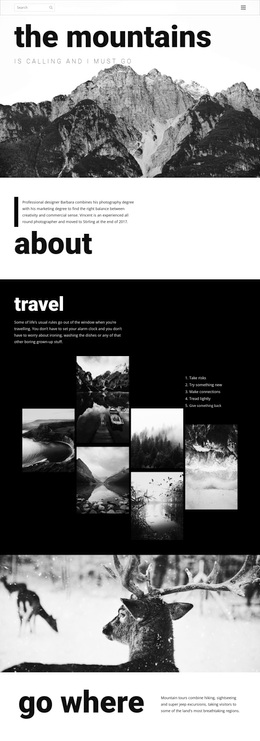
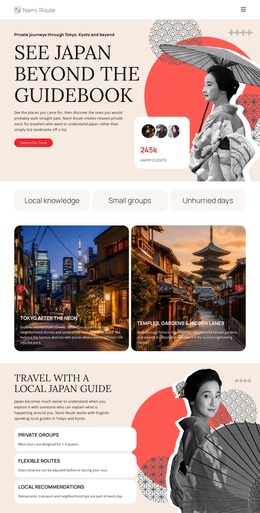
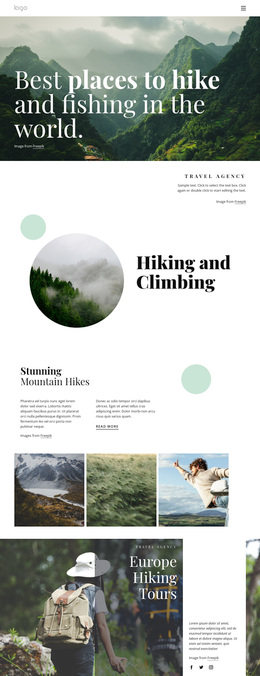
Three featured cards make this design distinctive as a travel-focused option. Hidden gems, cottage stays, and glamping are not treated as interchangeable labels; they give the page three different discovery directions that can be matched to varied leisure interests. The opening Travel Agency section prepares visitors for that choice with a large destination photograph, editorial heading, introductory copy, and Learn more action. This creates an immediate connection between visual atmosphere and practical exploration.
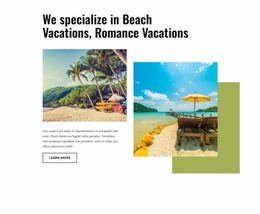
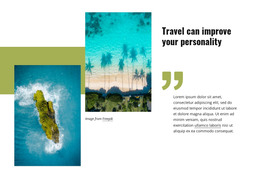
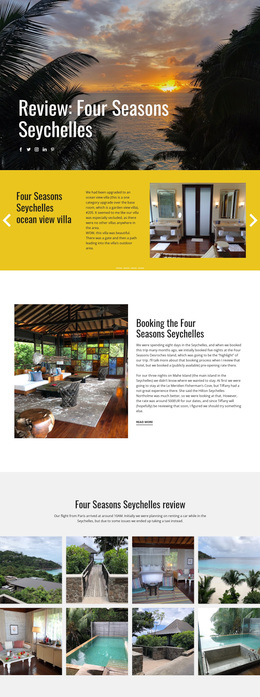
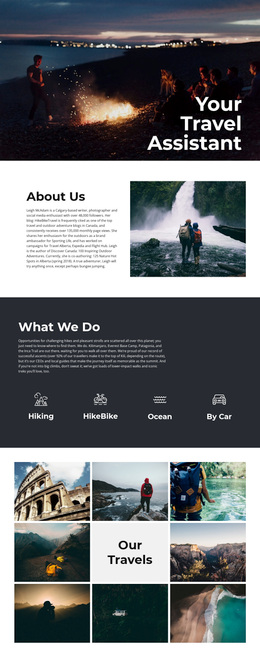
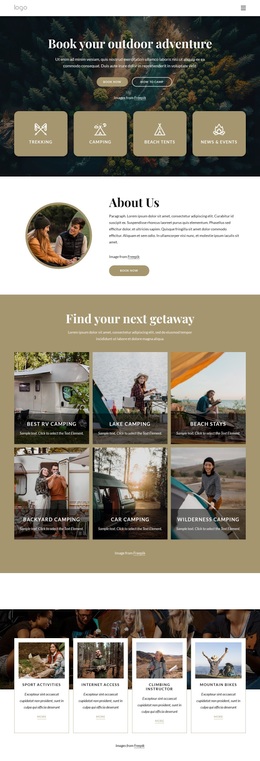
The Adventure Tours & Vacations mosaic strengthens the design’s image-led character. Its asymmetrical arrangement brings beaches and active adventures into the same presentation, giving the page more visual variety than a layout built only from uniform service cards. The contrast between the orderly three-card row and the freer photographic mosaic helps the design work for projects where destinations and experiences should carry much of the message.
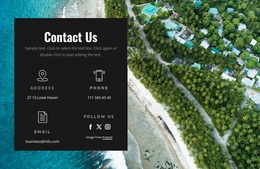
The closing Contact Us panel adds useful coverage without changing the page’s travel emphasis. Address, phone, email, and social-link categories are placed over a large aerial image, while Facebook, Twitter, and Instagram links extend the agency’s visible points of connection. Together, the recommendation cards, adventure imagery, and contact area make this template a strong choice when a project needs to balance destination inspiration with a clear path to agency communication.
Customize with Nicepage
Open this ready-made template in the Template Builder and customize it visually in the Nicepage editor. Replace demo content, edit page sections, and adapt the design to your project without rebuilding the template from scratch.
Start With a Ready-Made Template
Choose a Design for a New Page
Use a ready-made template as a starting point instead of creating every page from a blank canvas. When adding a new page in Nicepage, browse available designs, compare different layouts, and choose an option that already fits the general purpose and visual direction of your project.
Browse Different Page Designs
Explore Page Designs using search, thematic categories, Design Sets, and full-page previews. The collection includes layouts for different subjects and page purposes, making it easier to compare alternatives before selecting a design to customize.
Customize the Selected Template
After choosing a design, create the page and continue editing it visually in Nicepage. Replace the demo content, adjust images, typography, colors, sections, and other elements, and adapt the ready-made layout to your own content instead of rebuilding the design from the beginning.
Explore More Design Directions
If the first option does not match your project closely enough, return to the design collection and compare other templates before committing to a layout. This makes the template library useful not only for faster page creation, but also for exploring different visual approaches and finding a suitable starting point for a new project.
This workflow gives you access to a broad collection of ready-made designs that can be selected, compared, and customized according to the needs of each new page or project.